
Practical overview
When it fits
Use Guardana during artifact review, live-system testing, or regression checks. For evaluating an existing application run without making new calls, use its recorded-answer or trace workflows.
Who it is for
- Development teams checking model or code artifacts before release.
- Teams assessing live AI endpoints, agents or MCP servers.
- Teams evaluating recorded answers or traces and tracking security regressions.
Documented uses
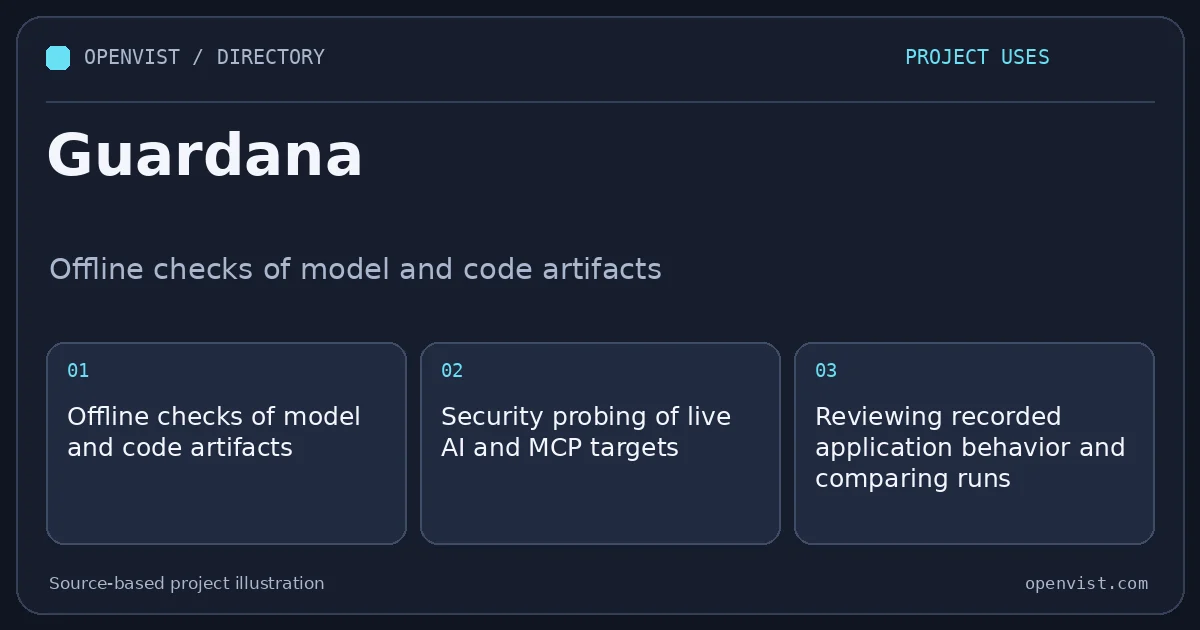
- Scan files for security issues without a model or network.
- Run graded security checks against a live target.
- Evaluate answers or traces already recorded by an application.
- Compare security runs and use configured results as CI release gates.
Requirements & limits
Guardana needs no account. Its documentation describes running the CLI with uvx without installing it and an offline starter run that requires no account, key or model.
- Artifact checks and live probes are distinct: the rule explorer lists offline, no-network rules alongside checks that question a live system or a run it already performed.
- Recorded-answer evaluation can assess answers an application already produced without calling the application.
- Results distinguish findings, inconclusive checks, errors and skipped checks; an inconclusive result is not a passing result.
- The documentation directs users to safe-testing guidance, target capability checks, redaction controls and the threat model.
Check current requirements in the official documentation. Source-based guidance does not mean OpenViST has run or independently tested this project.
Run Guardana’s offline starter
Use the documented offline starter to see a failure, its fix, saved evidence, and a check you edit.
Before you start
- Guardana documentation directs users to start with the root README.
- No account, key, or model is needed for the offline starter.
Steps
Start with the root README.
Open the install guide and install the CLI, or run it without installing using the documented
uvx --from guardana-cli guardanainvocation.Follow the offline starter to see a failure, its fix, saved evidence, and one check you edit.
Read the result using the documentation’s result table.
Expected outcome
An offline starter run demonstrates a failure, its fix, saved evidence, and an edited check; the result table explains its outcome.
Guide limitations
- This is an offline starter, not a guide to scanning a project or probing a live application.
- The documentation says to read Product status, Safe testing, and the Threat model before production use.
Sources & review
Source record details
- Source availability
- Active
- Sources checked
- 15 November 2026
- Original website title
- Guardana | Open-source AI security verification · Official homepage title · retained in its source language