
Practical overview
When it fits
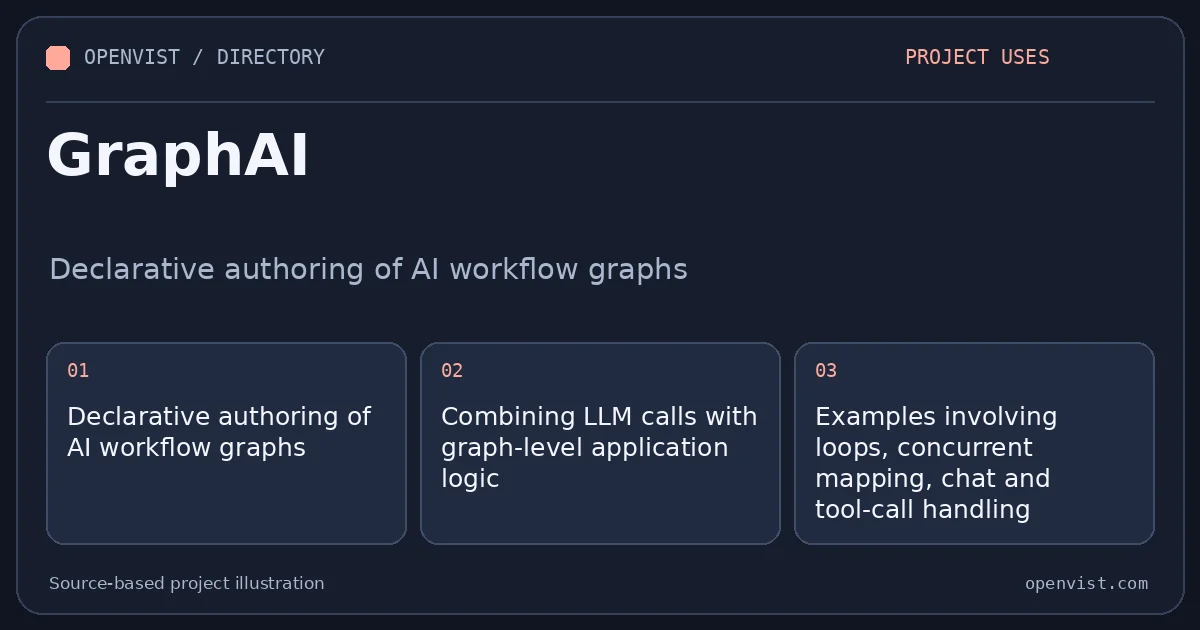
Use GraphAI when you want an AI application’s data dependencies and control flow represented as YAML or JSON, especially for workflows involving model calls, loops, conditionals, nested graphs or collection mapping.
Who it is for
- Developers building AI applications with visible, graph-defined data flow.
- Teams coordinating model calls and other agent tasks across multi-step workflows.
- People exploring declarative patterns for chat, collection processing or tool-mediated tasks.
Documented uses
- Define an LLM prompt-and-response workflow as connected nodes.
- Repeat workflow steps with loop control or process collection items through mapping.
- Build an interactive chat loop that maintains messages and stops on a chosen input.
- Connect an LLM function call to a nested graph that fetches and returns external data.
Requirements & limits
The tutorial documents installing the GraphAI client globally with npm and using it from a local command line. Its OpenAI example requires an OPENAI_API_KEY in a local .env file.
- The documented setup is command-line based and requires npm.
- The Hello World workflow uses an OpenAI agent and GPT-4o; other provider setups are not covered in the provided tutorial.
- The tutorial distinguishes sequential loop processing from concurrent mapping across collection items.
Check current requirements in the official documentation. Source-based guidance does not mean OpenViST has run or independently tested this project.
Set up and run the tutorial’s YAML Hello World
Install the GraphAI client and run a YAML workflow that sends a prompt to an OpenAI chat-completion agent and prints its response.
Before you start
- Node.js with npm
- An OpenAI API key
- A YAML workflow file
Steps
Install the client with the command below.
npm i -g @receptron/graphai_cliCreate a
.envfile in the current directory and setOPENAI_API_KEYto your key.Prepare a YAML file such as
hello.yamlusing the tutorial’s two-node LLM and console-output example.Run
graphai hello.yaml.
Expected outcome
The workflow sends the prompt to the configured OpenAI model and prints the returned text to the console.
Guide limitations
- The example uses the OpenAI chat-completion agent and specifies GPT-4o.
- The guide documents a local command-line example, not production deployment.
Sources & review
Source record details
- Source availability
- Active
- Sources checked
- 11 November 2026
- Original website title
- GraphAI - Declarative AI Workflow Engine - GraphAI · Official homepage title · retained in its source language