
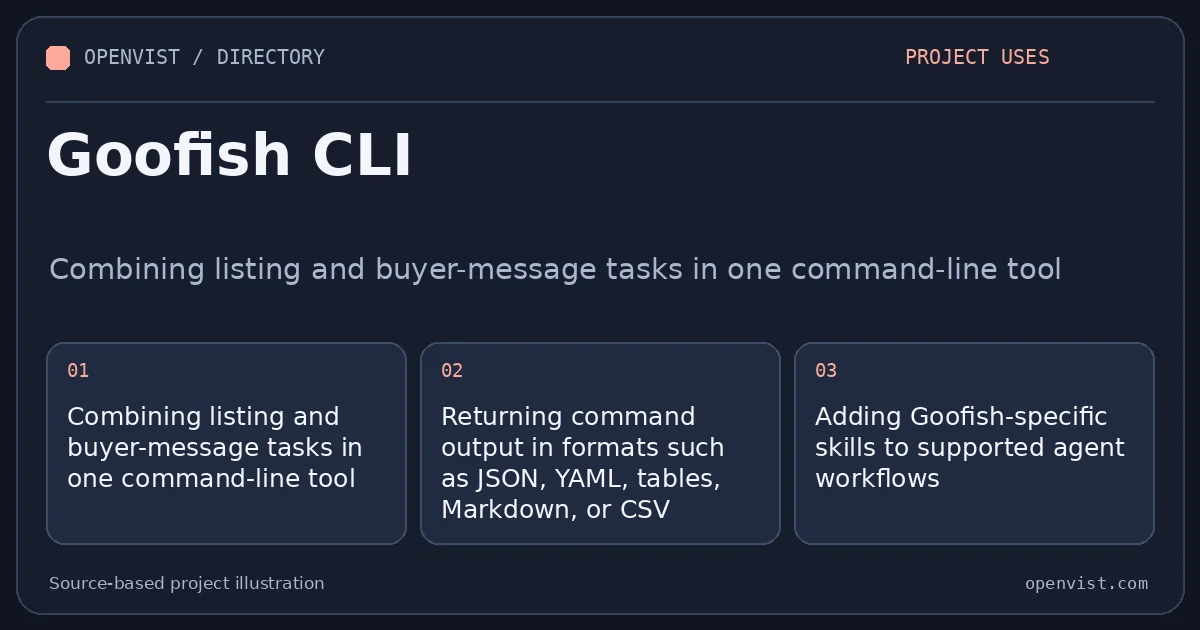
Practical overview
When it fits
Use it when a Goofish marketplace task needs to be handled through structured terminal commands or exposed to an MCP-compatible agent, rather than through a purpose-built graphical marketplace client.
Who it is for
- People who want to manage Goofish tasks from a terminal.
- Developers connecting Goofish operations to MCP-compatible AI clients.
- Users of the included Claude Skills or the documented OpenClaw bundle.
Documented uses
- Find items and inspect listing details.
- Publish or remove listings, upload images, and retrieve a default publishing location.
- Review buyer conversations, retrieve message history, send text or images, and watch for incoming messages.
- Provide marketplace commands to an MCP-compatible agent.
Requirements & limits
The repository is public and identifies the project as open source under Apache-2.0. The documented workflow imports Goofish login cookies; MCP server use requires `uv` on PATH. Optional sandbox mode requires a running local Docker Engine or Docker Desktop.
- The tool performs both read operations and write operations such as publishing, deleting, and sending messages.
- The README describes rate limits and an automatic circuit breaker; these controls affect operational workflows.
- Sandbox browser verification requires a person to complete the platform's verification step.
- MCP and CLI access share the same command registry, while skills and the OpenClaw bundle add workflow-specific guidance.
Check current requirements in the official documentation. Source-based guidance does not mean OpenViST has run or independently tested this project.
Install and configure Goofish CLI login
Install the command-line tool, import existing Goofish cookies, and check login status.
Before you start
- Python package installation via pip or uv
- Goofish cookies exported from browser DevTools as a JSON file, or a cookie string
Steps
Install with the command below or the command below.
pip install goofish-cliuv pip install goofish-cliImport cookies with
goofish auth loginfollowed by the JSON file path.Check the session with
goofish auth status.
Expected outcome
The CLI reports whether the imported login state is valid.
Guide limitations
- The guide depends on the user supplying exported cookies.
- This covers login setup and status checking, not a particular marketplace operation.
Install the Goofish Claude Skills
Copy the tool's included skills into the default Claude skills directory or a chosen destination.
Before you start
- Goofish CLI installed and available as the
goofishcommand
Steps
Run
goofish skills installto install to the default~/.claude/skills/directory.Use
goofish skills install --listto list skills without copying them, or--dest ./skillsto choose a destination.Add
--forcewhen installing to a destination that already contains files to be overwritten.
Expected outcome
The included skills are listed or copied to the selected directory.
Guide limitations
- This guide covers skill installation; it does not configure a specific agent client or execute marketplace tasks.
Sources & review
Source record details
- Source availability
- Active
- Sources checked
- 19 November 2026
- Original website title
- fancyboi999/goofish-cli · Official homepage title · retained in its source language