
Practical overview
When it fits
Use Gokart when building Python-based ML batch workflows where reproducibility, task dependencies and persisted intermediate outputs matter.
Who it is for
- Python developers building machine-learning batch pipelines.
- Teams that want task dependencies and pipeline outputs organized in maintainable code.
Documented uses
- Define a workflow as tasks and specify which tasks depend on others.
- Store intermediate task outputs and metadata for later pipeline runs.
- Rerun pipeline work when task parameters change.
- Use S3 or GCS as storage for intermediate task results.
Requirements & limits
The project is open source under the MIT license. Installation is documented through pip in an activated Python environment.
- Gokart stores task outputs and metadata in hashed pickle files, including module versions, processing time, random seed, logs and task parameters.
- S3 and GCS support is installed through separate extras; an extra is also documented for installing both.
- DataFrame type and column checks are available during I/O, and NumPy and Python random seeds are fixed automatically.
- Tasks are locked through Redis when they run in parallel.
- The project does not include task visualization or experiment-result management; it identifies I/O and storage capacity as potential bottlenecks.
Check current requirements in the official documentation. Source-based guidance does not mean OpenViST has run or independently tested this project.
Install Gokart in a Python environment
Install the framework and, if needed, its documented S3 or GCS storage extras.
Before you start
- An activated Python environment.
Steps
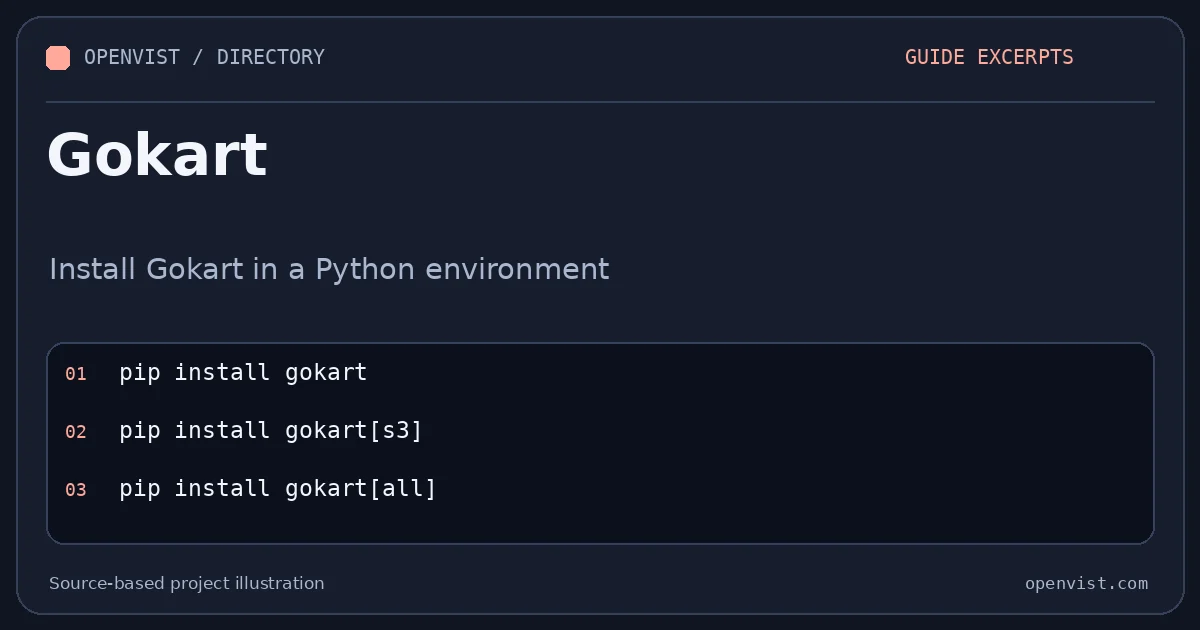
Run the command below to install the framework.
pip install gokartFor Amazon S3 support, install the command below; for Google Cloud Storage, install the command below.
pip install gokart[s3]pip install gokart[gcs]To install both documented storage extras, use the command below.
pip install gokart[all]
Expected outcome
Gokart is installed in the active Python environment, with the selected documented storage extras.
Guide limitations
- This guide covers installation only; it does not configure cloud credentials or storage.
Sources & review
Source record details
- Source availability
- Active
- Sources checked
- 23 October 2026
- Original website title
- m3dev/gokart · Official homepage title · retained in its source language
Related options
Luigi — Gokart is described by its project as a wrapper for Luigi.