
Practical overview
When it fits
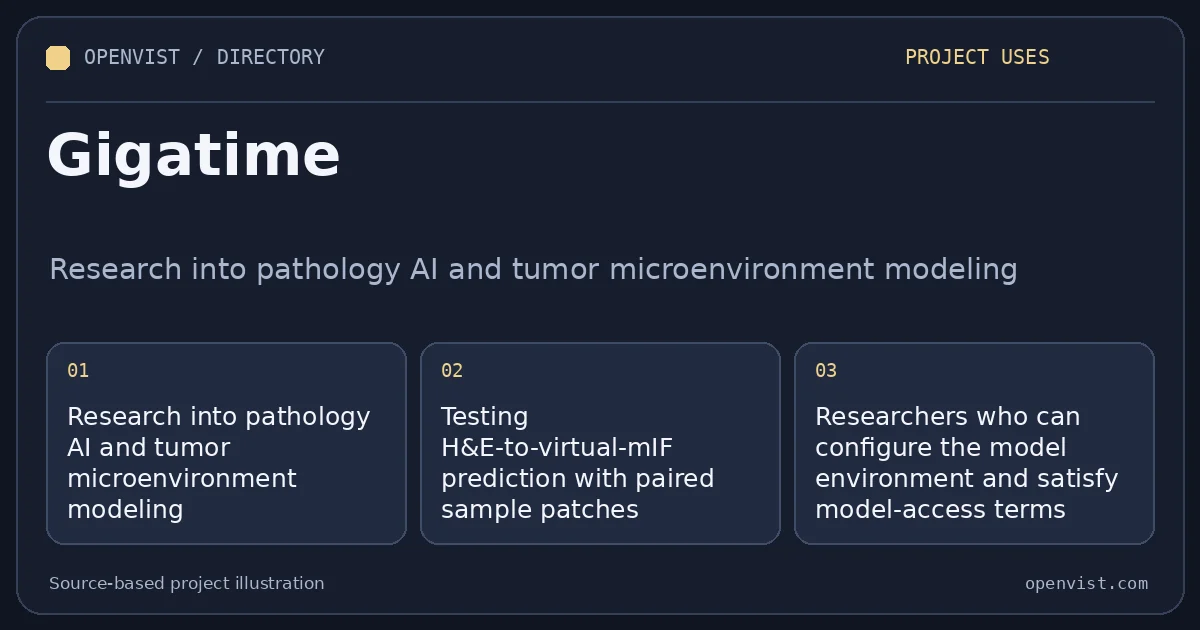
Use GigaTIME for research and reproducibility work involving spatial protein-profile prediction from H&E pathology images. The repository provides patch-level inference and training tutorials; GigaTIME-Flash documents a whole-slide inference workflow.
Who it is for
- Pathology AI researchers reproducing or extending the project
- Oncology and computational pathology teams exploring virtual mIF prediction from H&E images
- Researchers evaluating model inference or training workflows on pathology patches
Documented uses
- Explore virtual mIF prediction from H&E pathology patches
- Evaluate predictions using the supplied set of 50 paired H&E and mIF patches
- Study the model's training workflow through a one-epoch demonstration
- Use GigaTIME-Flash's documented workflow to create a slide-level virtual mIF map from tiled TCGA whole-slide images
Requirements & limits
The code repository is public and lists an Apache-2.0 license. Access to pretrained Hugging Face model files requires agreeing to the model terms and configuring a read-only token; the model is also listed in Azure AI Foundry.
- The repository recommends Conda, identifies Python 3.11 and A100 GPUs as its tested setup, and advises matching PyTorch to the GPU and CUDA driver.
- The supplied evaluation set contains 50 paired H&E and mIF patches.
- Inference and training are documented in separate notebooks; the training tutorial is a one-epoch demonstration.
- The project states that its data, code and checkpoints are for research and reproducibility, not clinical care or clinical decision-making.
- GigaTIME-Flash has separate inference notebooks, including one for whole-slide TCGA tiling and virtual mIF map stitching.
Check current requirements in the official documentation. Source-based guidance does not mean OpenViST has run or independently tested this project.
Prepare the GigaTIME environment and sample data
Set up the documented Conda environment and place the evaluation patches in the expected data directory.
Before you start
- A local copy of the GigaTIME repository
- Conda
- Python 3.11 is the repository's tested version
- Check that the PyTorch version in environment.yml matches the GPU and CUDA driver setup
Steps
Create the environment with
conda env create -f environment.yml.Activate it with
conda activate gigatime.Download the 50 paired H&E and mIF test patches from the repository's linked Dropbox file.
Unzip the archive into the repository's data directory with
unzip sample_test_data.zip -d ./data/.
Expected outcome
The Conda environment is created and the sample evaluation patches are placed under ./data/.
Guide limitations
- These steps prepare the environment and data; inference is covered separately in the repository's testing notebook.
- The repository recommends A100 GPUs for optimal reproducibility and calls out GPU/CUDA matching for PyTorch.
Sources & review
Source record details
- Source availability
- Active
- Sources checked
- 15 November 2026
- Original website title
- prov-gigatime/GigaTIME · Official homepage title · retained in its source language