
Practical overview
When it fits
Use it when you can work with the repository’s Python environment and BVH-based workflows and want to synthesize, adapt or condition character motion from examples.
Who it is for
- Animation and computer-graphics practitioners working with character motion.
- Researchers or developers experimenting with example-based motion synthesis.
- Users preparing BVH animation sequences for training or generation.
Documented uses
- Generate new character motion using a provided pretrained model.
- Train on one or more motion sequences to synthesize or mix motion.
- Edit generated motion using BVH key frames.
- Transfer motion style between compatible content examples.
- Generate motion constrained by the motion of one or more joints.
Requirements & limits
- The repository identifies Python 3.8+ and PyTorch 1.10+; its environment instructions target Ubuntu 20.04.
- Pretrained models must be downloaded separately and placed in the repository’s
pre-traineddirectory. - Training with custom BVH data requires configuring joint and contact names in the skeleton database.
- Conditional-generator training requires a regular generator trained on the same sequence first.
- Evaluation requires a separate module linked from the repository README.
Check current requirements in the official documentation. Source-based guidance does not mean OpenViST has run or independently tested this project.
Generate motion with a pretrained model
Set up Ganimator and produce a motion result from one of its pretrained character models.
Before you start
- Ubuntu 20.04 is the environment identified in the README as tested.
- Anaconda and the repository’s environment.yaml file.
- A pretrained model downloaded from the Google Drive link in the README.
- Python 3.8 or later and PyTorch 1.10 or later are listed by the repository.
Steps
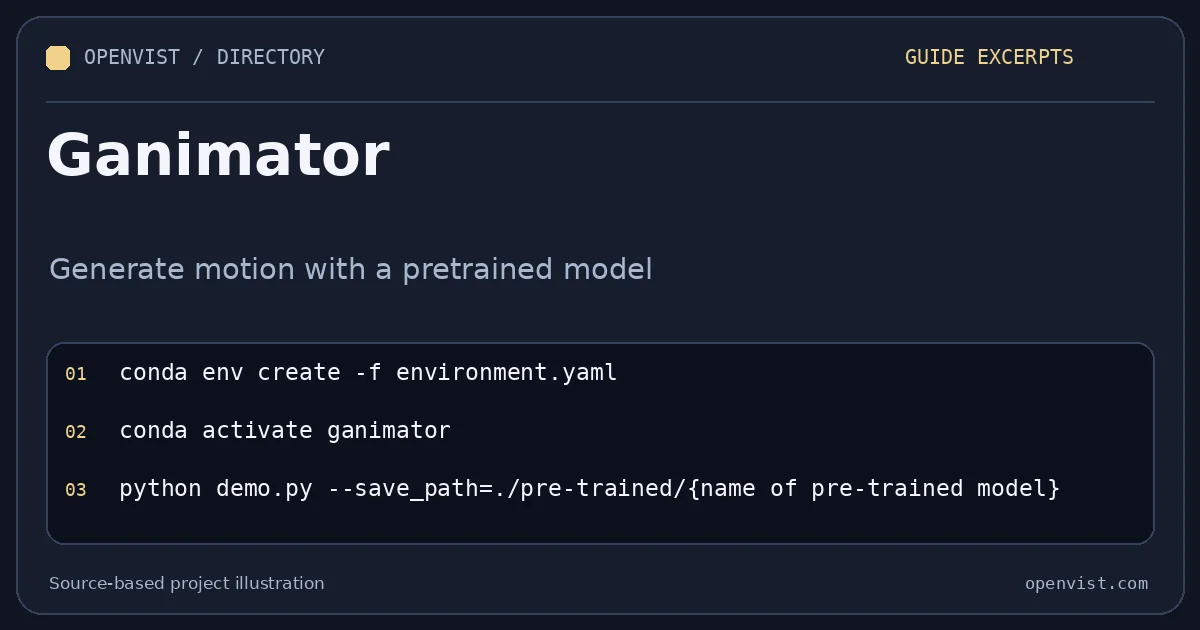
Create the Anaconda environment with
conda env create -f environment.yaml.Activate it with
conda activate ganimator.Extract the downloaded pretrained model and place the
pre-traineddirectory at the repository root.Run
demo.sh, or run the command below for a selected pretrained model.python demo.py --save_path=./pre-trained/{name of pre-trained model}
Expected outcome
The README says the demo saves BVH motion results under `./results/pre-trained/{name}/bvh`; it also describes a `result_fixed.bvh` output after foot-contact fixing.
Guide limitations
- The documented demo output examples are for Salsa and Crab Dance.
- The README notes a possible GLIBCXX-3.4.29 issue and gives a library-linking workaround.
- Blender is suggested for visualizing generated BVH files; it is not part of the generation steps.
Sources & review
Source record details
- Source availability
- Active
- Sources checked
- 15 November 2026
- Original website title
- PeizhuoLi/ganimator · Official homepage title · retained in its source language