
Practical overview
When it fits
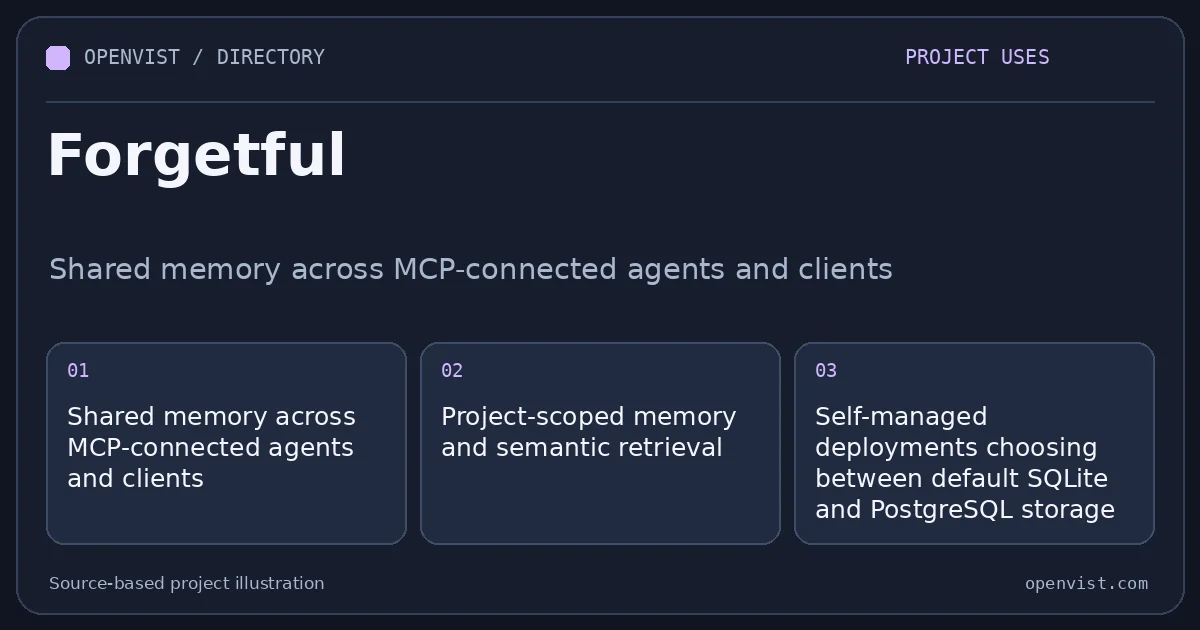
Use Forgetful when connected MCP clients need to save and retrieve information from the same knowledge base across sessions or workflows.
Who it is for
- People connecting multiple MCP clients that need to share saved context.
- Developers adding persistent memory retrieval to coding agents or custom AI agents.
- Teams structuring agent knowledge around projects, entities, skills, or coordinated tasks.
Documented uses
- Save decisions, notes, and other agent context for later retrieval from another connected client.
- Search stored memories with natural-language queries and project scope.
- Link related memories automatically to build a connected knowledge graph.
- Organize knowledge with projects and entities, and store procedural skills or plans with tasks.
Requirements & limits
- The server supports both STDIO and HTTP transports; STDIO is the documented default.
- SQLite is the zero-configuration default, while PostgreSQL is documented for scale and production deployments.
- The repository calls for Python 3.12 or later and documents uv-based quick-start and source workflows, as well as Docker options.
- The atomic-memory approach asks clients to capture one concept per note with context and metadata.
- The repository identifies the project as MIT-licensed open source.
Check current requirements in the official documentation. Source-based guidance does not mean OpenViST has run or independently tested this project.
Run Forgetful with uvx using the default STDIO transport
Start the MCP server with its documented default transport for connection to an MCP client.
Before you start
- Python 3.12 or later, as specified by the repository.
- uvx, used in the README quick-start command.
- An MCP client; the README links to client-specific connection instructions.
Steps
Run
uvx forgetful-ai.Use the relevant client instructions in the connectivity guide to connect an MCP client.
Expected outcome
Forgetful starts using STDIO transport and is ready for an MCP client connection.
Guide limitations
- This guide covers startup and points to client-specific connection instructions; it does not reproduce those instructions.
Run Forgetful over HTTP with uvx
Start the server using the documented HTTP transport option.
Before you start
- Python 3.12 or later, as specified by the repository.
- uvx, used in the README quick-start command.
Steps
Run
uvx forgetful-ai --transport http --port 8020.Use the connectivity guide to configure a compatible MCP client for the server.
Expected outcome
The README specifies HTTP transport on port 8020; client connection details are in the connectivity guide.
Guide limitations
- The documented command is setup guidance, not a report of an independently verified run.
Sources & review
Source record details
- Source availability
- Active
- Sources checked
- 19 November 2026
- Original website title
- ScottRBK/forgetful · Official homepage title · retained in its source language