
Practical overview
When it fits
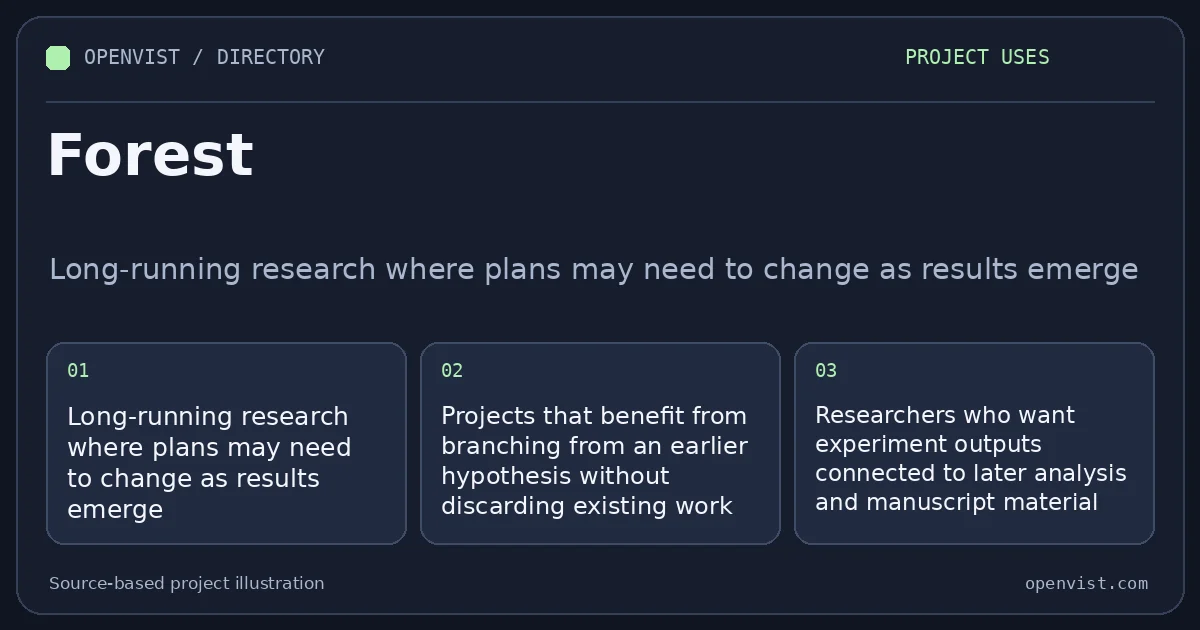
Use FOREST when a scientific project needs a persistent, revisable path from a research question through literature, experiments and evidence-based writing.
Who it is for
- Researchers exploring a scientific question or unfinished idea.
- Teams that want to connect experimental runs and evidence to figures, tables and manuscript claims.
- Developers building research workflows that use an agent to plan and execute experiments on user compute.
Documented uses
- Explore research directions and check promising ideas against literature.
- Translate a hypothesis into experiments with baselines, controls, metrics and ablations.
- Run research code and retain logs, metrics and artifacts with the research path.
- Compare results and revise, branch or abandon a direction.
- Prepare figures, tables and a manuscript tied to supporting evidence.
Requirements & limits
The repository is public and licensed under Apache-2.0. The documented Web workspace requires Python 3.11+ and Node.js 22+; headless CLI installation does not require Node.js or the Web build.
- The editable research graph preserves connections among hypotheses, experiments, results and decisions.
- Experiments run real code on the user’s compute, so execution is subject to compute limits, permissions, spending and unresolved blockers.
- Web setup includes configuring a model provider and setting an explicit project spending budget.
- Headless CLI and Web workspace share research state, while headless installation omits the Node.js and Web build requirements.
- The README describes checkpointed continuation across work rounds, with resource accounting shared across rounds and branches.
Check current requirements in the official documentation. Source-based guidance does not mean OpenViST has run or independently tested this project.
Set up the Web workspace on macOS or Linux
Install and start the local Web workspace, then create a research project.
Before you start
- Python 3.11 or later
- Node.js 22 or later for the Web workspace
- A configured model provider
- A research goal and an explicit spending budget
Steps
Clone the repository and change into its directory.
Run the command below.
python3.11 scripts/install.pyStart the service with
.venv/bin/forest serve.Open
http://127.0.0.1:8000/, configure a model provider in Settings, and create a project with a research goal and explicit spending budget.
Expected outcome
A locally served Web workspace with a project configured around a research goal.
Guide limitations
- The documented Web setup is for macOS and Linux.
- This setup procedure does not itself describe executing a research experiment.
Set up FOREST in headless CLI mode
Install and start the headless service, then initialize and inspect a project.
Before you start
- Python 3.11 or later
- A shell and access to the repository root
Steps
Clone the repository and change into its directory.
Run the command below.
python3.11 scripts/install.py --headlessStart the service with
.venv/bin/forest serve --headless --data-dir ./varand keep it running.In another terminal from the repository root, run
.venv/bin/forest init --name "My research" --goal "Your research question"and then.venv/bin/forest status.
Expected outcome
A headless FOREST service with an initialized project whose status can be inspected.
Guide limitations
- The CLI commands must be run from the repository root.
- This setup recipe does not cover executing experiments or configuring a model provider.
Sources & review
Source record details
- Source availability
- Active
- Sources checked
- 20 November 2026
- Original website title
- mikamikasuki/forest · Official homepage title · retained in its source language