
Practical overview
When it fits
Use MCP-1C when an MCP-compatible assistant needs to work with 1C code or data, or when a team wants gateway controls over assistant access to 1C databases.
Who it is for
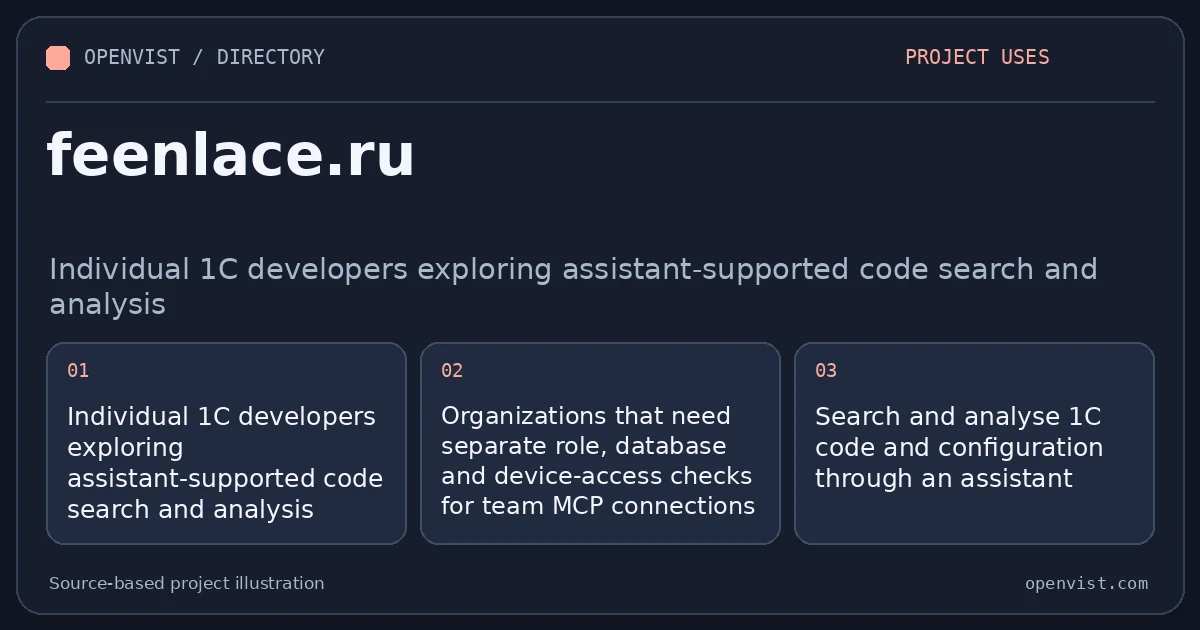
- 1C developers using an MCP-compatible AI assistant to search or analyse code and configuration.
- Teams that need a gateway to manage access to connected 1C databases.
Documented uses
- Search and analyse 1C code and configuration through an assistant.
- Use edition-dependent tools for BSL linting, query optimization, reports or document output.
- Manage team roles, database permissions and MCP-device access through the corporate gateway.
- Review assistant access using the gateway's documented audit and observability functions.
Requirements & limits
- Available tools vary by edition; consult the documentation's separate tool references.
- Gateway permissions are checked across user role, database rights and MCP-device access; one does not replace the others.
- MCP clients use Bearer tokens, while the web console uses session cookies.
- The documentation lists Windows, macOS and Linux among the supported platform tags.
Check current requirements in the official documentation. Source-based guidance does not mean OpenViST has run or independently tested this project.
Assign an employee a role, base permissions, and an MCP connection
Configure an employee’s account and access prerequisites for using an available MCP connection.
Before you start
- An administrator who can create employee accounts and assign roles, seats, and base permissions.
- An available MCP connection and any applicable device-binding policy.
Steps
Create an employee account and select a role.
Assign the required seat and permissions for the relevant bases.
Have the employee issue their own API token and select an available connection at /web/connections.
Check that the requested action is permitted by the role, MCP surface, installation settings, selected-base access, and operation restrictions.
Expected outcome
The employee has an assigned role, seat, base permissions, and a selected MCP connection, subject to the installation’s authorization checks.
Guide limitations
- A role, seat, base permission, or device binding does not replace the other checks; permission at one level cannot override a denial at another.
- Write permission does not bypass safe mode or protected-environment confirmations.
- MCP clients authenticate with Bearer tokens issued through the web interface; device-controlled MCP access requires an active seat and a valid session binding.
- The documented procedure covers access setup, not execution of an MCP operation.
Sources & review
Source record details
- Source availability
- Active
- Sources checked
- 16 November 2026
- Original website title
- ИИ для кода и данных 1С — MCP-1C от Feenlace · Official homepage title · retained in its source language