
Practical overview
When it fits
Use it when you need a Python codebase for a local face enrollment and matching workflow and can work with its documented scripts and model choices.
Who it is for
- Developers building a local face enrollment and recognition workflow.
- Practitioners exploring neural-network-based face detection, alignment, embeddings, and matching.
Documented uses
- Enroll a person from camera-captured face images.
- Associate imported face images with a person identifier.
- Detect, align, and extract face features for comparison with registered identities.
Requirements & limits
- The README documents TensorFlow 2.0, OpenCV affine alignment, MTCNN detection, and MobileFaceNet or IResNet feature extraction.
- The master branch uses a TensorFlow implementation of MobileFaceNet with converted MXNet-format weights; the README also points to a separate MXNet branch.
- The project publishes benchmark and CPU timing figures, which should be treated as the repository's reported results.
Check current requirements in the official documentation. Source-based guidance does not mean OpenViST has run or independently tested this project.
Enroll an identity from camera images
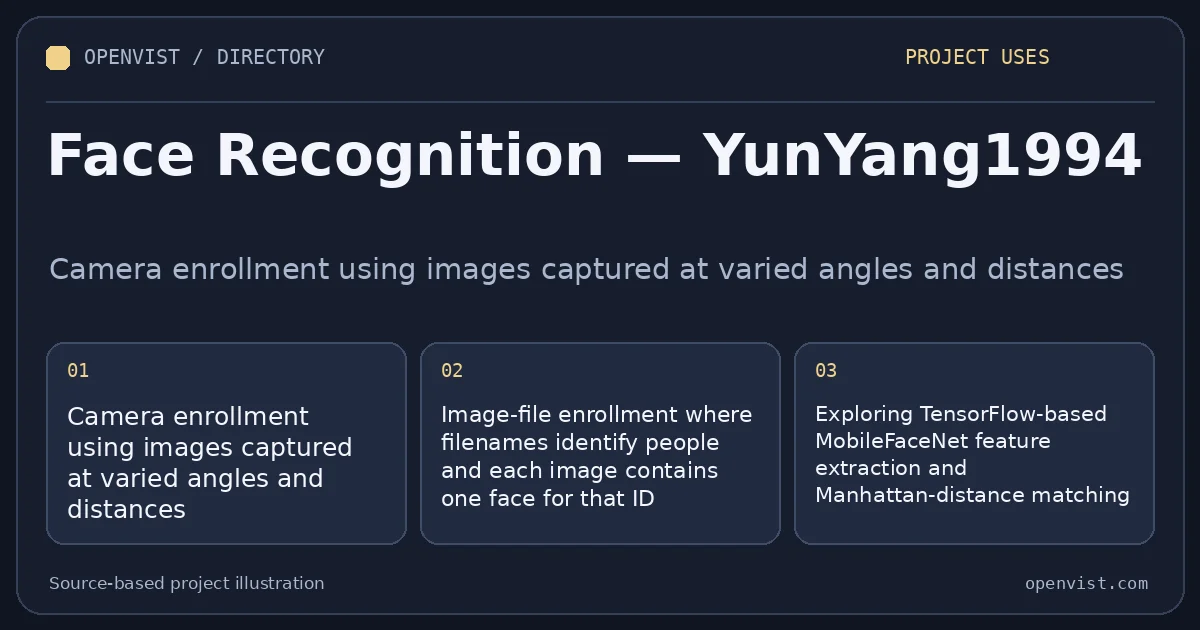
Register a person by capturing multiple face images at different angles and distances.
Before you start
- Python project checkout
- Camera
- Ten images captured at varied distances and angles
Steps
Run the command below, replacing
Samwith the person identifier.python register_face.py -person Sam -cameraPress
sto save images while capturing the face from different angles and distances.Capture 10 images, or press
qto exit.
Expected outcome
The project has a camera-based enrollment workflow for the named person.
Guide limitations
- The README documents enrollment steps but does not detail camera setup or environment installation.
Enroll an identity from image files
Register a person using imported face images.
Before you start
- Python project checkout
- Image files named to match the registered person
- Each image must contain only one face for that identity
Steps
Prepare images whose filenames match the person identifier.
Run the command below, replacing
Jaywith the intended identifier.python register_face.py -person Jay
Expected outcome
The project has an image-import enrollment workflow for the named person.
Guide limitations
- The README specifies one face per image for the registered ID and does not document image-format requirements.
Sources & review
Source record details
- Source availability
- Active
- Sources checked
- 16 November 2026
- Original website title
- YunYang1994/face_recognition · Official homepage title · retained in its source language