
Practical overview
When it fits
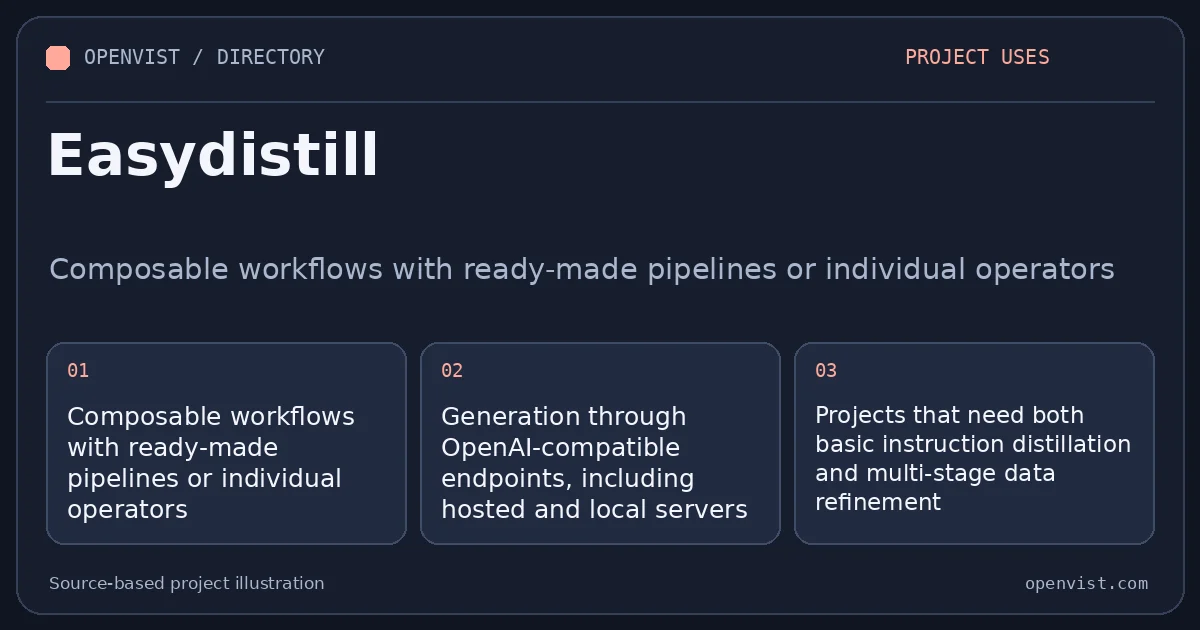
Use Easydistill when you need configurable pipelines to turn teacher-model outputs and seed data into fine-tuning, preference or multimodal training datasets.
Who it is for
- Developers preparing supervised fine-tuning data from teacher-model responses.
- Teams creating chosen/rejected preference pairs for DPO alignment.
- Practitioners assembling text, vision-language or other documented multimodal training examples.
Documented uses
- Generate responses or reasoning traces for seed instructions.
- Expand, refine, evaluate, filter, rewrite or balance examples in configurable pipelines.
- Score preferences and create DPO pairs.
- Prepare training datasets for use with LLaMA-Factory or ms-swift.
Requirements & limits
The repository is public and identifies its license as Apache-2.0. Installation is documented as a local editable pip install; PAI-Token and PAI-EAS use additionally requires the `openai` package and backend credentials.
- The toolkit is driven by configuration files; the
job_typefield selects the workflow. - Backend support includes OpenAI-compatible endpoints, while PAI-Token and PAI-EAS have an additional
openaipackage requirement. - Version 2 is not backward compatible with version 1.0 configurations or APIs.
- The documented exported formats work with LLaMA-Factory and ms-swift.
Check current requirements in the official documentation. Source-based guidance does not mean OpenViST has run or independently tested this project.
Install Easydistill and prepare a PAI-Token workflow
Install the toolkit, configure PAI-Token credentials and start a documented instruction-distillation job.
Before you start
- Python environment capable of installing the repository with pip.
- PAI-Token API key and a PAI-Token endpoint; the base URL is documented as optional.
- The repository's instruction-distillation configuration at configs/basic/instruct_distill_pai_token.yaml.
Steps
Install the repository with the command below.
pip install -e .Install the
openaipackage for the PAI-Token backend.Set
PAI_TOKEN_API_KEY; setPAI_TOKEN_BASE_URLif needed for the endpoint.Run
easydistill --config configs/basic/instruct_distill_pai_token.yaml.
Expected outcome
Starts the basic instruction-distillation workflow, which generates teacher responses for seed instructions and builds an SFT dataset.
Guide limitations
- The guide describes the documented setup and command, not a verified execution or successful output.
- The selected configuration and backend credentials are required; workflow options and data formats are covered in the linked project documentation.
Sources & review
Source record details
- Source availability
- Active
- Sources checked
- 12 November 2026
- Original website title
- modelscope/easydistill · Official homepage title · retained in its source language