
Practical overview
When it fits
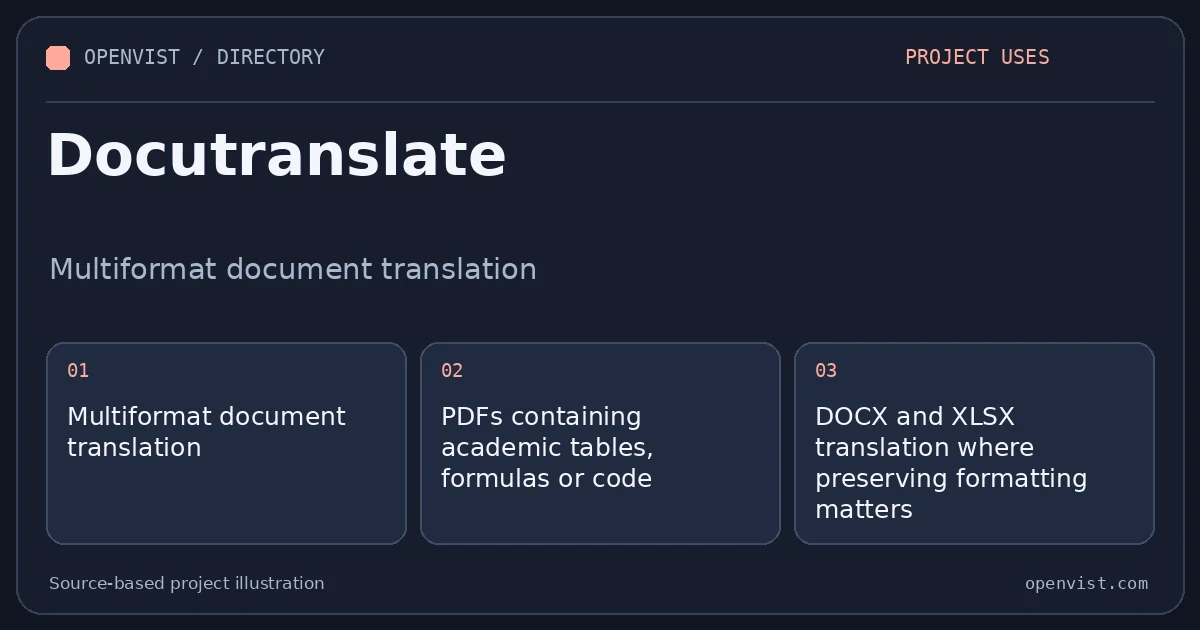
Use it when you want to translate files through a locally run application and can connect an AI platform. For PDFs, account for conversion to Markdown and loss of original layout; use the MinerU parsing option when extracting tables, formulas or code is important.
Who it is for
- Readers translating novels, papers, subtitles or other supported files.
- Teams seeking terminology consistency through generated glossaries.
- Developers who want a local translation service with REST API or MCP access.
Documented uses
- Translate PDFs, DOCX, XLSX, Markdown, TXT, JSON, EPUB, SRT and ASS files.
- Select JSON values for translation with JSONPath-style paths.
- Use glossary generation and custom prompts to support consistent terminology.
- Parse PDF tables, formulas and code through MinerU.
Requirements & limits
The project is open source under the MPL-2.0 license. Python 3.11 or later is indicated. Translation configuration requires an AI platform API key, base URL and model ID.
- PDF translation converts files to Markdown and does not preserve original layout.
- DOCX and XLSX formatting is preserved; legacy DOC and XLS formats are not supported.
- PDF parsing uses MinerU, which the project describes as available online or locally deployed.
- The project documents REST API and MCP server modes alongside its web interface.
Check current requirements in the official documentation. Source-based guidance does not mean OpenViST has run or independently tested this project.
Install DocuTranslate and open its local web interface
Install DocuTranslate with pip, start its web interface, and open the local page.
Before you start
- Python 3.11 or newer.
- Access to a terminal and pip.
Steps
Install the package with the command below.
pip install docutranslateStart the interface with
docutranslate -i.Open
http://127.0.0.1:8010in a browser.
Expected outcome
The DocuTranslate web interface is available locally; API documentation is listed at `http://127.0.0.1:8010/docs`.
Guide limitations
- The README documents local access by default; access from other devices requires the separate
--host 0.0.0.0option. - This setup does not configure an AI platform or perform a translation.
Configure and start DocuTranslate as an MCP server
Install the MCP extension and start DocuTranslate in MCP stdio mode.
Before you start
- Python 3.11 or newer.
- An AI platform API key, base URL, and model ID; the README marks these settings as required.
Steps
Install the MCP extension with the command below.
pip install 'docutranslate[mcp]'Set
DOCUTRANSLATE_API_KEY,DOCUTRANSLATE_BASE_URL, andDOCUTRANSLATE_MODEL_IDto the values for the AI platform.Start MCP stdio mode with
docutranslate --mcp.
Expected outcome
DocuTranslate starts in MCP stdio mode using the configured AI platform settings.
Guide limitations
- This recipe covers stdio mode only; the README also lists SSE and Streamable HTTP modes with different startup options.
- The README points to separate MCP documentation for detailed MCP configuration.
Sources & review
Source record details
- Source availability
- Active
- Sources checked
- 3 November 2026
- Original website title
- xunbu/docutranslate · Official homepage title · retained in its source language