
Practical overview
When it fits
Use Docdiff when you need a code-based document enhancement model and can configure a Python, PyTorch and torchvision environment. Its supplied pretrained weights are for document deblurring.
Who it is for
- Researchers reproducing or adapting document-enhancement methods.
- Developers building document image-restoration workflows.
- Teams preparing scanned documents for downstream OCR.
Documented uses
- Deblur or denoise document images.
- Binarize document images.
- Explore watermark or stamp removal workflows.
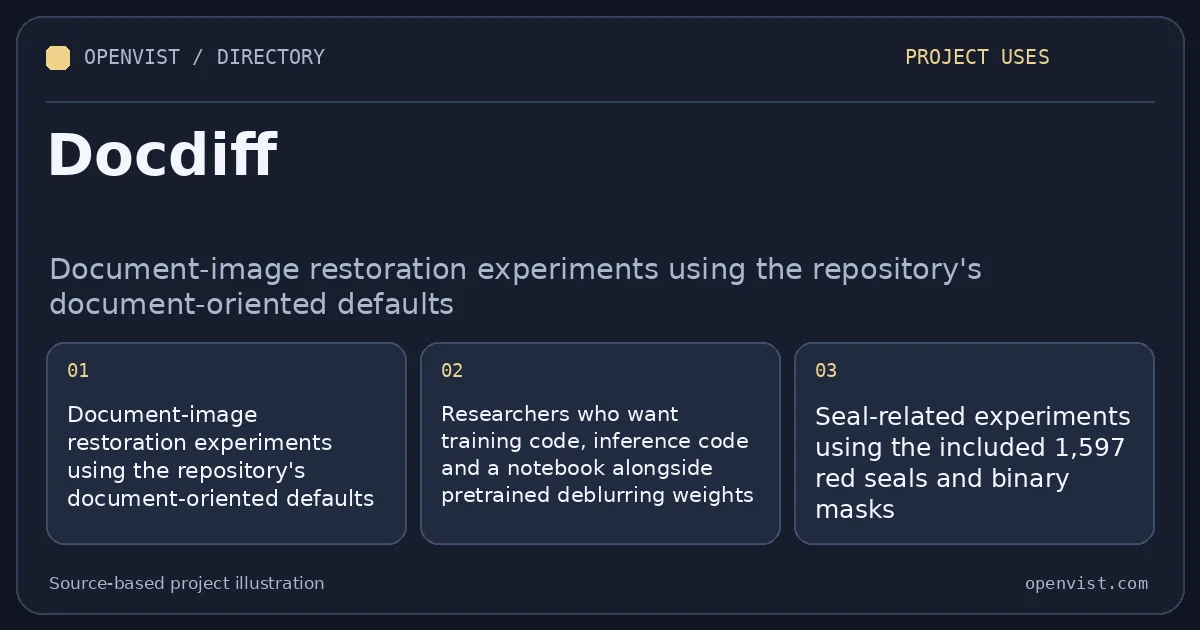
- Use red-seal images and masks for seal compositing or removal research.
Requirements & limits
The repository is public and released under the MIT license.
- Python 3.7+, PyTorch 1.7.0+ and torchvision 0.8.0+ are listed prerequisites.
- Input dimensions must be multiples of eight; the instructions recommend padding or cropping instead of resizing.
- The pretrained weights identified in the repository are for document deblurring.
- Watermark synthesis requires OpenCV and user-provided document backgrounds.
- Natural-image applications require changes to parameters and training and inference strategies; some sampling configurations require code changes.
Check current requirements in the official documentation. Source-based guidance does not mean OpenViST has run or independently tested this project.
Prepare document images for Docdiff inference
Set up the documented inference configuration and prepare inputs for the model.
Before you start
- Python 3.7 or later
- PyTorch 1.7.0 or later
- torchvision 0.8.0 or later
- Docdiff repository and an input document image
Steps
Modify the parameters in conf.yml for the intended inference task.
Set MODE=0 for inference.
Ensure the input image width and height are multiples of eight; pad or crop dimensions that do not meet this requirement rather than resizing.
Run main.py.
Expected outcome
The repository's inference process is configured to operate on a dimension-adjusted document image; pretrained document-deblurring weights are provided in checksave/.
Guide limitations
- The instructions specify the dimension constraint but do not detail image-format or output-handling steps.
- The default settings are intended for document images, not natural scenes.
Prepare watermark-synthesis resources
Gather the documented resources needed to use the repository's watermark-synthesis code.
Before you start
- Python environment and OpenCV
- Document background images supplied by the user
Steps
Install OpenCV.
Provide document background images, which are not included with the code.
Use the repository's watermark-synthesis code at utils/marker.py.
Expected outcome
The required code, dependency and background-image inputs for watermark synthesis are assembled.
Guide limitations
- The repository notes that its background images are internal and not provided.
- These steps cover resource preparation, not running the synthesis code.
Sources & review
Source record details
- Source availability
- Active
- Sources checked
- 16 November 2026
- Original website title
- Royalvice/DocDiff · Official homepage title · retained in its source language