
Practical overview
When it fits
Use it when you need research code and documented model resources for experimenting with indoor scene synthesis, rather than a hosted design interface.
Who it is for
- Researchers exploring diffusion-based indoor scene synthesis.
- Developers prototyping scene completion, object arrangement, or text-conditioned scene generation.
Documented uses
- Generate diverse indoor scenes with a diffusion model.
- Investigate completion of a scene from a partial layout.
- Explore arrangements of specified objects.
- Prototype text-conditioned generation from a description of a partial scene configuration.
Requirements & limits
The project is presented as a public source-code repository. Pretrained models and data resources are linked through Google Drive. The repository does not specify a software license in the supplied project details.
- The repository documents a Conda-based Python setup that requires compiling extension modules and installing ChamferDistancePytorch.
- Training and evaluation are based on 3D-FRONT and 3D-FUTURE; the repository also links preprocessed versions of those datasets.
- Pretrained DiffuScene models are listed for unconditional generation, text conditioning, and scene rearrangement.
- The repository provides setup and data-preparation instructions, while the listed model and dataset downloads are separate resources.
Check current requirements in the official documentation. Source-based guidance does not mean OpenViST has run or independently tested this project.
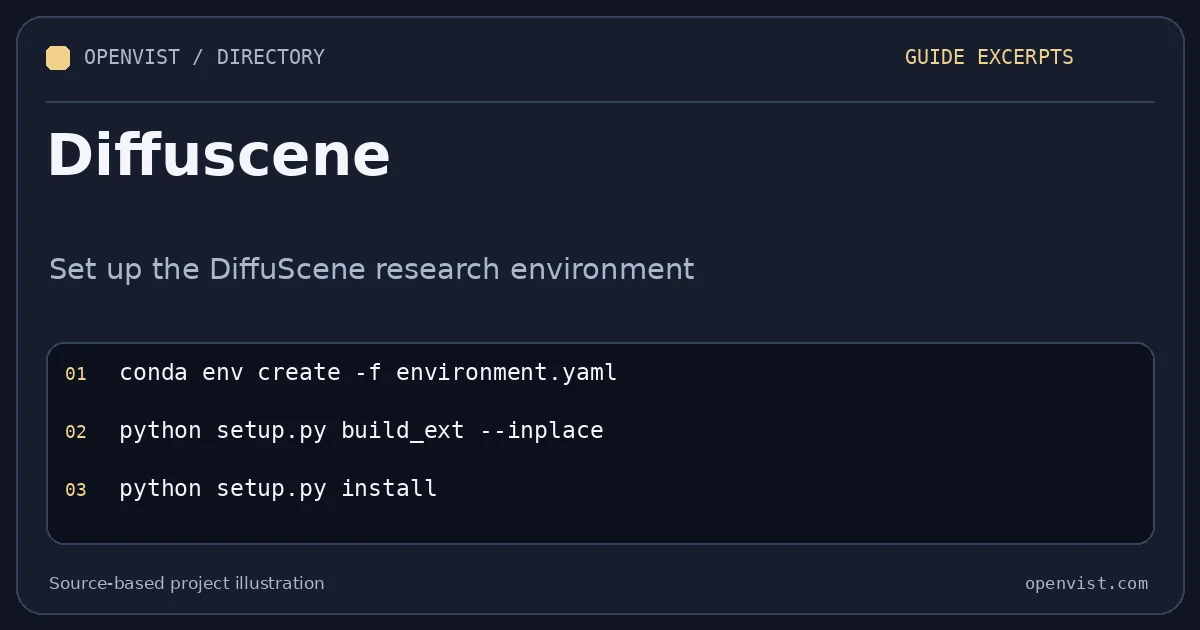
Set up the DiffuScene research environment
Create the documented Conda environment and install the repository's compiled extensions and ChamferDistancePytorch dependency.
Before you start
- The DiffuScene repository
- Conda
- The repository's environment.yaml and source files
Steps
Create the environment with
conda env create -f environment.yamland activate it withconda activate diffuscene.Compile the extension modules and install the project using the command below followed by the command below.
python setup.py build_ext --inplacepip install -e .Install ChamferDistancePytorch by entering
ChamferDistancePytorch/chamfer3Dand running the command below.python setup.py install
Expected outcome
The repository's documented software environment and dependencies are installed.
Guide limitations
- These steps cover setup only; they do not establish that a model run succeeds.
- The README does not specify hardware requirements or guarantee compatibility.
Prepare the documented scene datasets
Use the repository's scripts to pickle 3D-FUTURE scene data and sampled object point clouds for a selected room type.
Before you start
- The DiffuScene repository and its Python environment
- The 3D-FRONT and 3D-FUTURE datasets and model information file
- An output directory and room-type filtering arguments
Steps
Obtain the 3D-FRONT and 3D-FUTURE data using the dataset instructions referenced by the repository.
Run
pickle_threed_future_dataset.pywith output, dataset, model-info, and--dataset_filteringarguments.Run
pickle_threed_future_pointcloud.pywith the corresponding paths and room-type filtering arguments.
Expected outcome
The documented preprocessing scripts produce a pickled scene dataset and sampled object point clouds for the selected room type.
Guide limitations
- The README says the scripts must be run separately for different room types, with the corresponding filtering and annotation-file options.
- This recipe covers the two described pickling stages, not the full training or evaluation workflow.
Sources & review
Source record details
- Source availability
- Active
- Sources checked
- 16 November 2026
- Original website title
- tangjiapeng/DiffuScene · Official homepage title · retained in its source language