
Practical overview
When it fits
Use Datasetgpt when you want to generate or process dataset examples through an LLM using a CLI or Python workflow, with configurable prompts and file output.
Who it is for
- AI developers assembling synthetic text corpora for detector training or fine-tuning.
- Researchers collecting LLM-generated conversations for analysis.
- Developers applying an LLM task across batches of input text.
Documented uses
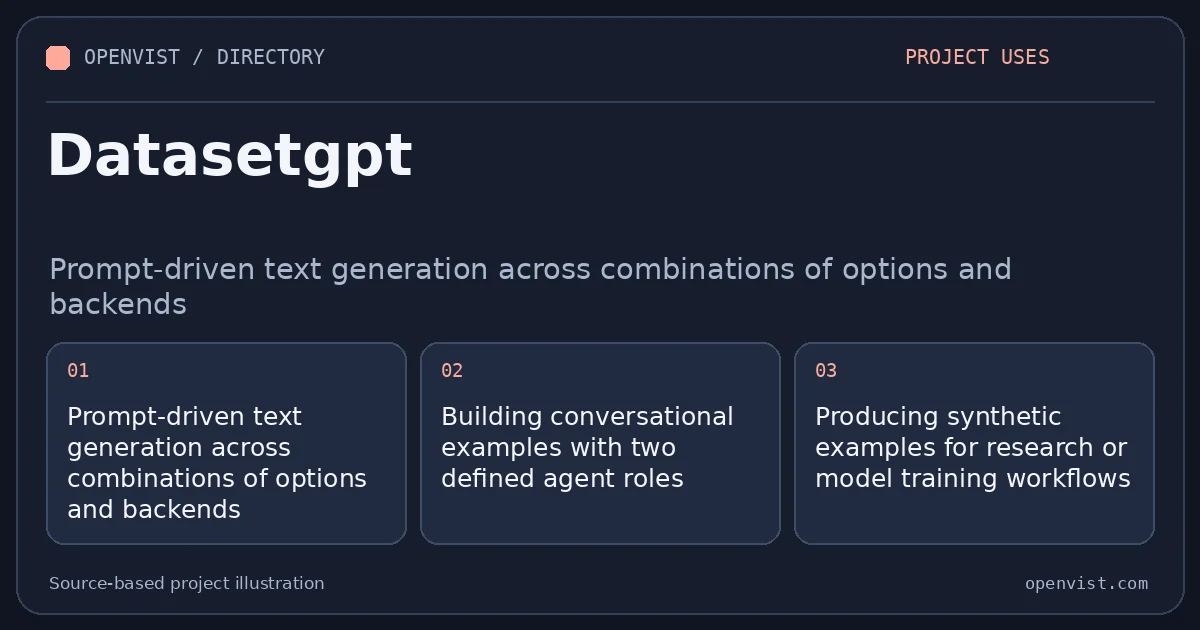
- Generate text examples by combining prompt templates with multiple options and backend models.
- Create conversation datasets using configurable agent roles, dialogue lengths and temperatures.
- Batch-process input text with an LLM task such as summarization.
Requirements & limits
- It is a developer-facing CLI and Python library, not a hosted dataset-generation interface.
- Most generation features depend on third-party APIs; backend packages and credentials are needed for the selected providers.
- The CLI examples describe JSON dataset files, either as a single file or as files in a directory.
Check current requirements in the official documentation. Source-based guidance does not mean OpenViST has run or independently tested this project.
Generate a text dataset with the CLI
Use the documented texts workflow to create text outputs from prompt variations and configured LLM backends.
Before you start
- Install datasetGPT with pip.
- Install the package for each selected backend; the README lists openai, cohere and petals.
- Set credentials for the selected backend APIs.
Steps
Prepare a prompt with placeholders for values you want to vary.
Choose one or more backend identifiers and set generation parameters such as temperature, maximum length and sample count.
Provide values for the prompt placeholders using options.
Run the datasetGPT texts command and select single-file output if desired.
Expected outcome
A dataset file containing generated text records and associated prompt, backend, option and generation-parameter fields.
Guide limitations
- Generation relies on third-party APIs and their terms of use.
- The README’s backend identifiers and model examples are examples from its documentation, not a guarantee of present-day backend availability.
Set up conversational dataset generation in Python
Configure the documented Python conversation-generation components.
Before you start
- Install datasetGPT with pip.
- Install and configure the package and credentials for the selected LLM backend.
Steps
Import ConversationsGenerator, ConversationsGeneratorConfig and DatasetWriter from datasetGPT.
Create a DatasetWriter, specifying single-file output if wanted.
Configure the two agent prompts, sample count, interruption behavior, conversation lengths and temperatures.
Expected outcome
A configured Python workflow for generating conversational dataset examples and writing them through DatasetWriter.
Guide limitations
- Backend API terms of use apply.
Sources & review
Source record details
- Source availability
- Active
- Sources checked
- 20 November 2026
- Original website title
- radi-cho/datasetGPT · Official homepage title · retained in its source language