
Practical overview
When it fits
Use Daiso MCP when an AI tool needs a supported retail or everyday-information lookup and can access the remote MCP server, the web-query pages or the CLI.
Who it is for
- AI assistant users who want to ask about retail products, stores or stock.
- Agent builders looking for a remote MCP server or a CLI/Skill route to supported retail and local-information queries.
- Web-reading agents that can follow HTML links and GET pages but do not use an MCP connection.
Documented uses
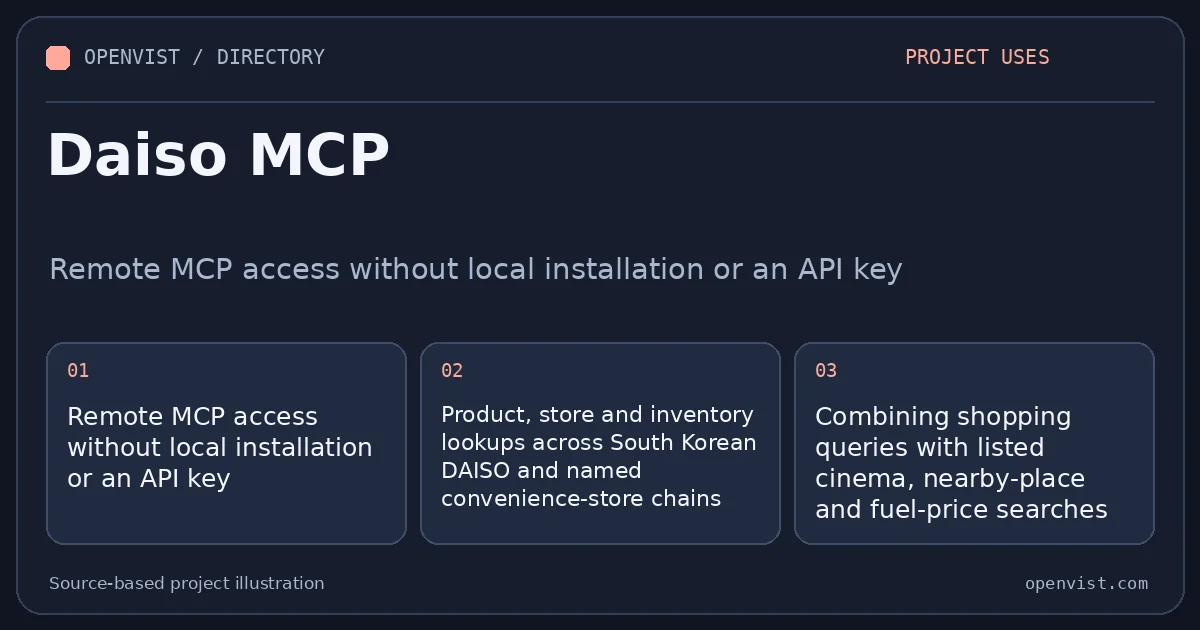
- Search for products and check stores or inventory at supported South Korean retailers.
- Look up Japanese DAISO online products, yen prices and store locations.
- Retrieve cinema schedules and remaining seats, nearby places or fuel prices.
Requirements & limits
The repository describes the public remote MCP as requiring no installation or API key and documents an unauthenticated Streamable HTTP connection. The CLI route requires Node.js.
- Japanese DAISO coverage is limited to online products, yen prices and stores; store inventory is not supported.
- The project documents different routes for remote MCP, web-link queries and CLI use; the CLI requires Node.js.
- Inventory responses can remain pending, and the project cautions against treating older crawled pages as current stock.
Check current requirements in the official documentation. Source-based guidance does not mean OpenViST has run or independently tested this project.
Connect an AI app to the remote MCP server
Add Daiso MCP to an AI app that supports remote MCP and make a product lookup request.
Before you start
- An AI app that supports remote MCP servers.
Steps
Open the app’s remote MCP server settings.
Enter https://mcp.aka.page and choose HTTP / Streamable HTTP if the app asks for a transport.
Enable the tools and request a product search, such as a search for a storage box.
Expected outcome
The AI app can use Daiso MCP tools for supported queries.
Guide limitations
- The guide applies to apps with remote MCP support.
- A pending DAISO response means the request has been accepted; follow its result links and treat unresolved results as unconfirmed.
Sources & review
Source record details
- Source availability
- Active
- Sources checked
- 17 November 2026
- Original website title
- hmmhmmhm/daiso-mcp · Official homepage title · retained in its source language