
Practical overview
When it fits
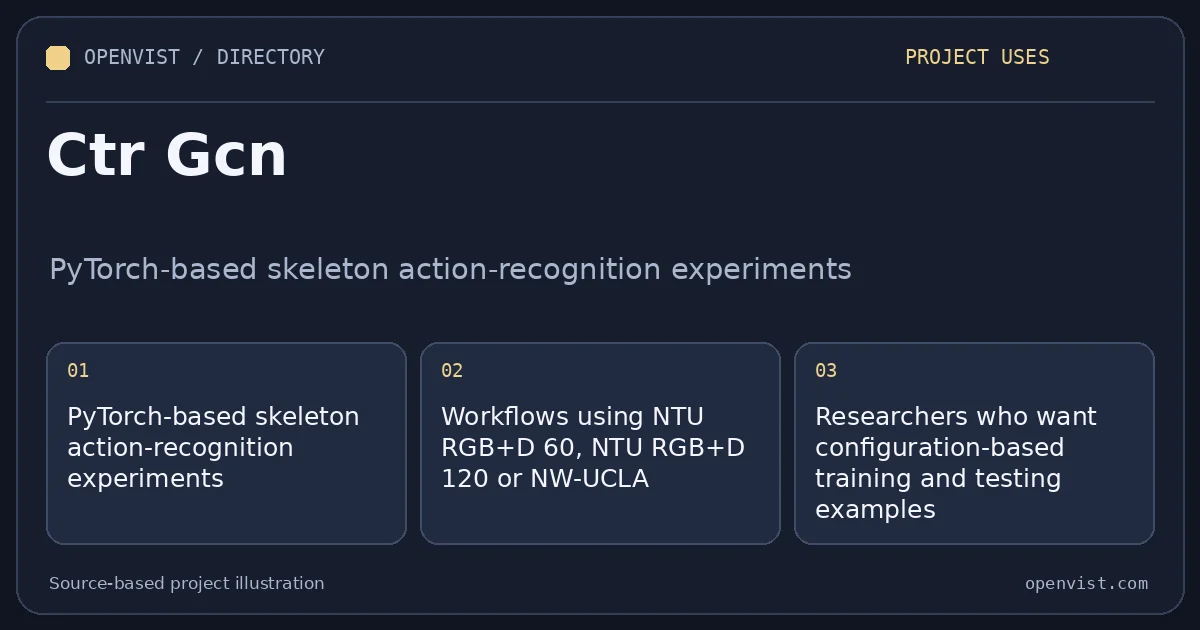
Use the repository when you have skeleton data and want research code for preparing it, training a graph-convolution action-recognition model, or comparing against the included baseline.
Who it is for
- Researchers prototyping skeleton-based action recognition.
- Developers comparing CTR-GCN with the included baseline on supported skeleton datasets.
- Users adapting the training workflow to experiment with their own model files.
Documented uses
- Prepare NTU RGB+D skeleton data for model workflows.
- Train CTR-GCN or the provided baseline using repository configurations.
- Test trained weights and save scores.
- Explore joint, bone or motion modalities and ensemble modality results.
- Add a model file and train it using an existing configuration.
Requirements & limits
The repository is public on GitHub. The README lists Python 3.6 or later and PyTorch 1.1.0 or later, along with PyYAML, tqdm and tensorboardX. NTU RGB+D datasets must be requested and downloaded separately; the README provides a separate download route for NW-UCLA.
- This is implementation code and a research workflow, not a hosted recognition service.
- The supported workflow requires local setup, dependencies and dataset preparation.
- The README includes a baseline and examples for joint, bone and motion modalities.
- Pretrained model files are linked for NTU RGB+D 60 and 120 cross-subject results.
Check current requirements in the official documentation. Source-based guidance does not mean OpenViST has run or independently tested this project.
Train CTR-GCN or its baseline on NTU RGB+D 120
Use the documented configuration and command pattern to start training CTR-GCN or the provided baseline.
Before you start
- Python 3.6 or later, PyTorch 1.1.0 or later, PyYAML, tqdm and tensorboardX; the README also describes installing requirements and torchlight.
- NTU RGB+D 120 data prepared in the repository’s expected directory structure.
- A configuration file such as config/nturgbd120-cross-subject/default.yaml and a selected device.
Steps
Choose the NTU RGB+D 120 cross-subject configuration.
Run main.py with that configuration, a work directory and the selected device to train CTR-GCN.
To train the provided baseline instead, use the README’s baseline model argument and a separate work directory.
Expected outcome
The documented commands launch training and direct outputs to the specified work directory.
Guide limitations
- The commands are examples and do not establish successful execution or a particular result in a given environment.
- Dataset preparation and any required dataset access are separate prerequisites.
Sources & review
Source record details
- Source availability
- Active
- Sources checked
- 16 November 2026
- Original website title
- Uason-Chen/CTR-GCN · Official homepage title · retained in its source language