
Practical overview
When it fits
Use the site when learning how to start with ChatGPT Work or Claude Cowork, or when looking for Korean lessons and examples for applying them to a workplace task.
Who it is for
- Korean-speaking beginners learning to use ChatGPT Work or Claude Cowork
- People adapting AI-assisted workflows to project materials and work instructions
- Users seeking examples and practice for reporting, marketing or analysis tasks
Documented uses
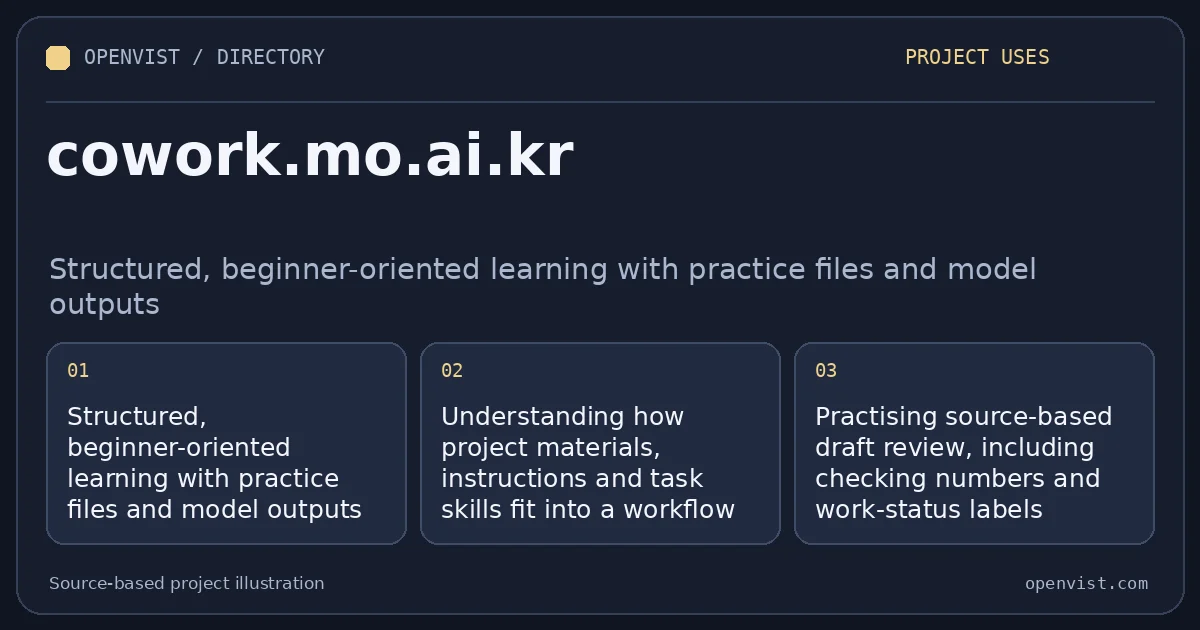
- Learn desktop setup and the basic concepts of projects, skills and plugins.
- Create a first report draft from example notes.
- Give an AI assistant project materials and instructions for later work.
- Review a draft against source information and request a targeted correction.
Requirements & limits
- The material is in Korean and covers ChatGPT Work and Claude Cowork.
- The site offers different paths for beginners, project-specific use and task examples.
- Its first-result workflow emphasizes checking drafts against source material rather than treating fluent wording as proof of accuracy.
- Desktop app setup is part of the preparation sequence; external account connections and terminal tools are not needed for the first practice.
Check current requirements in the official documentation. Source-based guidance does not mean OpenViST has run or independently tested this project.
Prepare for a first AI-assisted work exercise
Follow the site's documented preparation sequence through making a report draft from example material.
Before you start
- A desktop app for ChatGPT Work or Claude Cowork, installed and logged in
- The site's beginner guide and example material
Steps
Install the desktop app, log in, and locate its work input area.
Choose the work environment and review the concepts of projects, skills and plugins.
Use the example material to request a report draft.
Compare the draft with the source and provide a correction with its location and supporting evidence if needed.
Expected outcome
A first report draft produced from example material and a documented way to review it against the source.
Guide limitations
- The guide does not require external account connections or terminal tools for the first exercise.
- Project-specific reuse requires providing relevant materials and instructions.
Sources & review
Source record details
- Source availability
- Active
- Sources checked
- 13 November 2026
- Original website title
- 모두의 코워크 · Official homepage title · retained in its source language