
Practical overview
When it fits
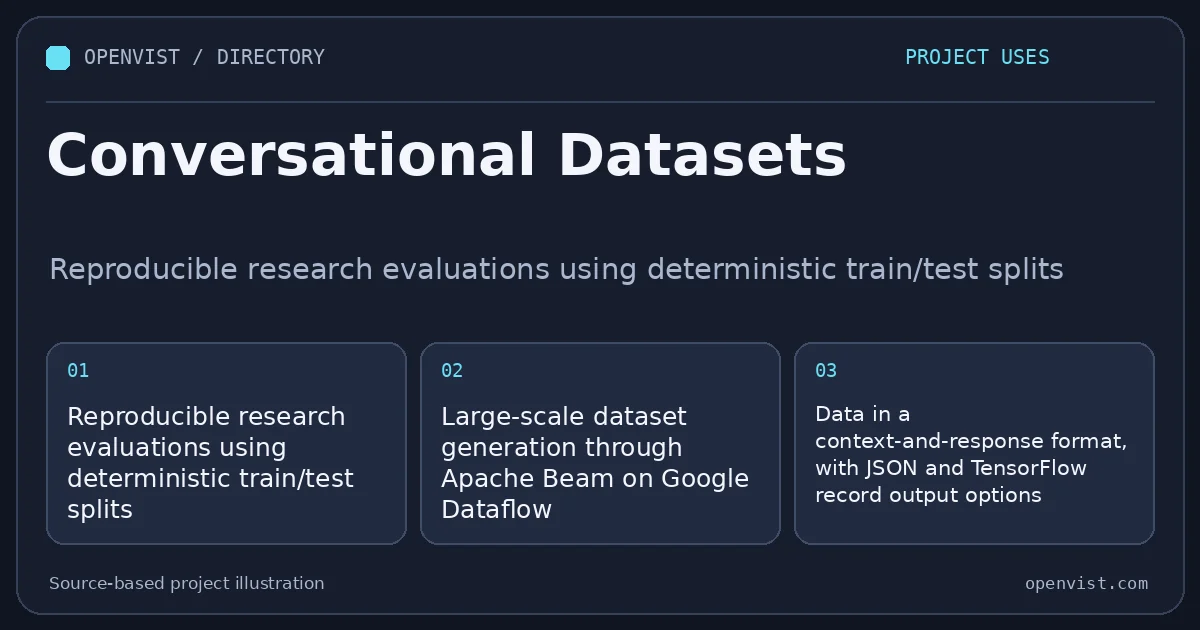
Use it when you need reproducible response-selection data and can configure the documented Python 2.7 and Google Cloud Dataflow/Storage workflow.
Who it is for
- Researchers preparing response-selection training data.
- Teams comparing conversational response models on reproducible train/test splits.
- Developers building data pipelines for conversational model research.
Documented uses
- Generate processed conversational datasets from the repository’s supported sources.
- Inspect or adjust documented preprocessing and filtering.
- Create standard train/test splits for model evaluation.
- Read examples containing conversation context, response and, where available, additional context or source fields.
Requirements & limits
The repository is public and licensed under Apache-2.0. Creating datasets requires Google Cloud Dataflow and Cloud Storage configuration, including a storage bucket, worker quota and service-account authentication.
- The repository supplies scripts and instructions rather than the processed datasets themselves.
- Dataset creation depends on Python 2.7 and Google Cloud services, including Dataflow and Cloud Storage.
- Filtering changes the resulting dataset sizes; the repository describes Reddit data as an example of this processing.
- The standard train/test split is deterministic, while examples may be shuffled among output files.
- JSON supports use outside TensorFlow; TensorFlow record output is also documented.
Check current requirements in the official documentation. Source-based guidance does not mean OpenViST has run or independently tested this project.
Prepare the environment for dataset creation
Set up the documented prerequisites for following an individual dataset’s creation instructions.
Before you start
- Python 2.7 and a Python 2.7 virtual environment
- Project requirements file
- Google Cloud Storage bucket
- Sufficient Google Dataflow quota for n1-standard-1 workers
- Service account access to Dataflow and Cloud Storage
Steps
Create and activate a Python 2.7 virtual environment.
Install dependencies from the repository’s requirements file.
Create a Google Cloud Storage bucket for output.
Configure authentication with a service account and set GOOGLE_APPLICATION_CREDENTIALS to its JSON key file location.
Expected outcome
The documented environment and cloud prerequisites are in place to proceed to an individual dataset’s instructions.
Guide limitations
- This covers setup only; the dataset-specific execution instructions are separate.
- Dataflow runs worker instances, and required quota, worker count and job duration depend on the individual dataset.
Sources & review
Source record details
- Source availability
- Active
- Sources checked
- 3 November 2026
- Original website title
- PolyAI-LDN/conversational-datasets · Official homepage title · retained in its source language