
Practical overview
When it fits
Use Codefetch when you want a structured, filterable Markdown snapshot of a codebase for an LLM prompt, or want to estimate the token size before using that context.
Who it is for
- Developers preparing a project or repository as context for an AI model.
- Users who need to filter source files or estimate the token size of code context before sharing it.
Documented uses
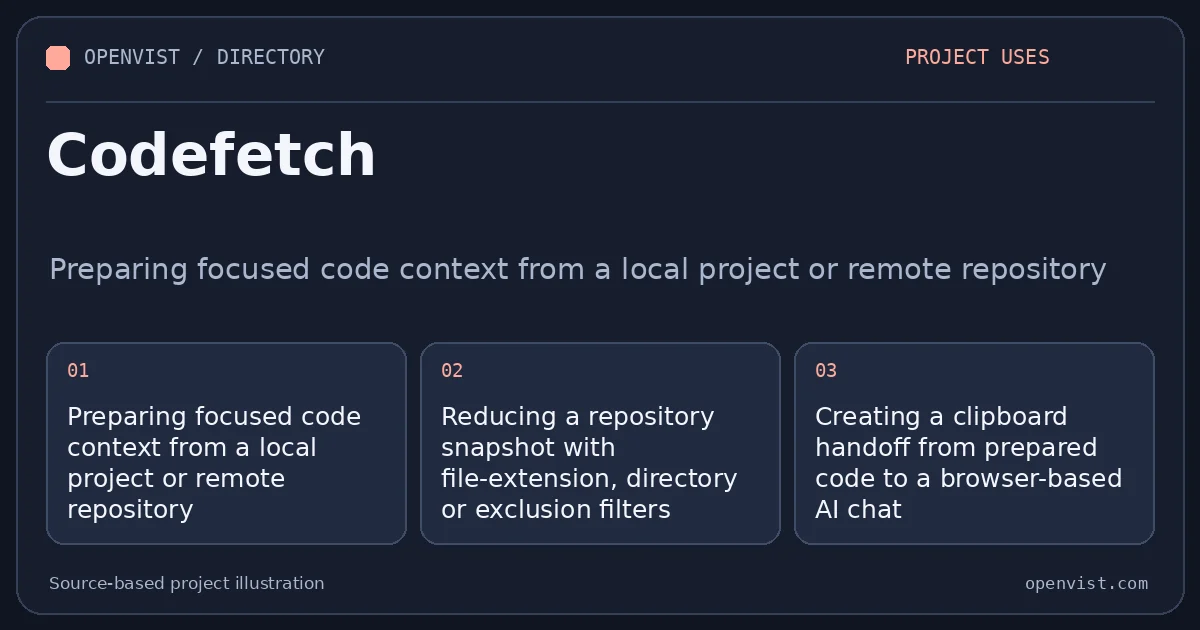
- Convert local code into structured Markdown.
- Fetch and prepare GitHub, GitLab or Bitbucket repositories for LLM context.
- Filter files and directories to focus a code snapshot.
- Count tokens or limit generated context size.
- Copy prepared code context to a clipboard and open an external AI chat.
Requirements & limits
The project documents npx and global npm installation. Its public repository lists an MIT license. Private GitHub repository examples use a GitHub token.
- The documented primary interface is a CLI, with local-project and remote-repository workflows.
- GitHub fetching uses the API by default according to the README; git clone can be forced with
--no-api. - Filtering, ignore-pattern handling and token limits help tailor the size and contents of a snapshot.
- The
openworkflow prepares and hands off context to an external chat; Codefetch is not the chat model. - The GitHub private-repository example requires a token.
Check current requirements in the official documentation. Source-based guidance does not mean OpenViST has run or independently tested this project.
Create a Markdown snapshot of a local codebase
Generate a filtered Markdown file from a local project for use as LLM context.
Before you start
- Node.js/npm environment for running npx
- A local codebase accessible from the terminal
Steps
From the project directory, run the command below to generate the default codebase Markdown output.
npx codefetchTo limit the snapshot to TypeScript files, run the command below.
npx codefetch -e ts,tsx -o typescript-only.mdUse
--exclude-diror--exclude-filesto omit irrelevant paths, or--max-tokensto limit output size.
Expected outcome
A structured Markdown representation of the selected code, with output location or file name controlled by the command options.
Guide limitations
- The documented default output is
codefetch/codebase.mdwhen no output file is specified. - The guide describes generating the context file, not submitting it to a model.
Prepare a GitHub repository snapshot
Fetch a GitHub repository and produce Markdown context with selected file types.
Before you start
- A terminal with npx available
- A GitHub repository address; private repository examples require a GitHub token
Steps
Run the command below with the target repository address.
npx codefetch --url github.com/owner/repoOptionally specify a branch and extensions, as in
--branch main -e js,ts.For a private repository, provide the documented
--github-tokenoption; use--no-apito force git-clone fetching.
Expected outcome
A structured Markdown snapshot of the repository, with file selection and fetch method configurable through options.
Guide limitations
- The documented GitHub API route is the default; git clone is described as a fallback or an explicitly forced option.
- The guide does not cover access permissions or token creation.
Sources & review
Source record details
- Source availability
- Active
- Sources checked
- 14 November 2026
- Original website title
- regenrek/codefetch · Official homepage title · retained in its source language