
Practical overview
When it fits
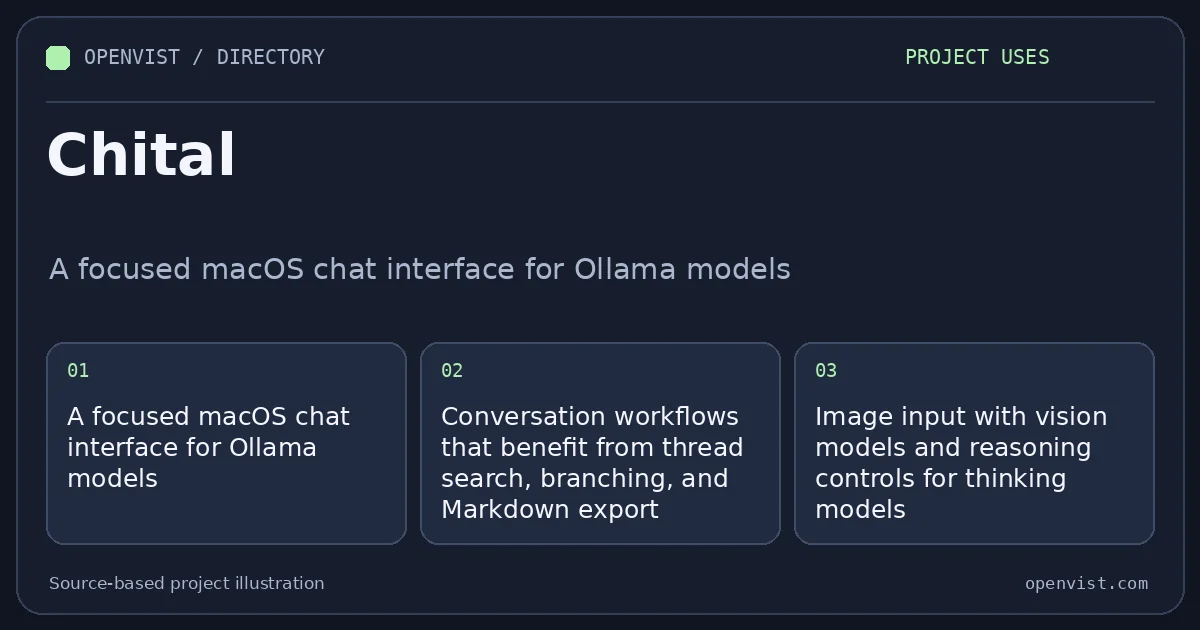
Use Chital when Ollama and at least one model are already installed and you want to manage local-model conversations in a native Mac app.
Who it is for
- Mac users who already use Ollama and want a desktop interface for local-model chats.
- People who need to organize multiple conversations or export chat threads as Markdown.
- Users working with vision or thinking models who want the app's documented image and reasoning controls.
Documented uses
- Chat with a model served by Ollama.
- Maintain, search, rename, and branch multiple conversation threads.
- Switch models during a conversation and edit, resend, or retry messages.
- Attach images for vision models and export a thread as Markdown.
Requirements & limits
Requires macOS 14 Sonoma or later, Ollama, and at least one downloaded model. The project repository is available for forking and modification under an MIT license.
- Chital is a client for Ollama-served models; Ollama and a downloaded model are prerequisites.
- The app's image attachment support is for vision models, and reasoning display and thinking-level selection are for thinking models.
- Settings include the Ollama base URL, default model, context length, and system prompt.
Check current requirements in the official documentation. Source-based guidance does not mean OpenViST has run or independently tested this project.
Install Chital on macOS
Place the downloaded Chital app in Applications and open it through the documented macOS security prompt.
Before you start
- macOS 14 Sonoma or later
- Download access to the Chital GitHub releases
Steps
Download Chital from the GitHub releases page.
Move Chital.app from Downloads into Applications.
Open System Settings, go to Privacy & Security, and click Open Anyway.
Expected outcome
Chital.app is installed in Applications and opened using the documented security setting.
Guide limitations
- This installation procedure does not configure Ollama or download a model; both are required to chat.
Sources & review
Source record details
- Source availability
- Active
- Sources checked
- 15 November 2026
- Original website title
- sheshbabu/Chital · Official homepage title · retained in its source language