
Practical overview
When it fits
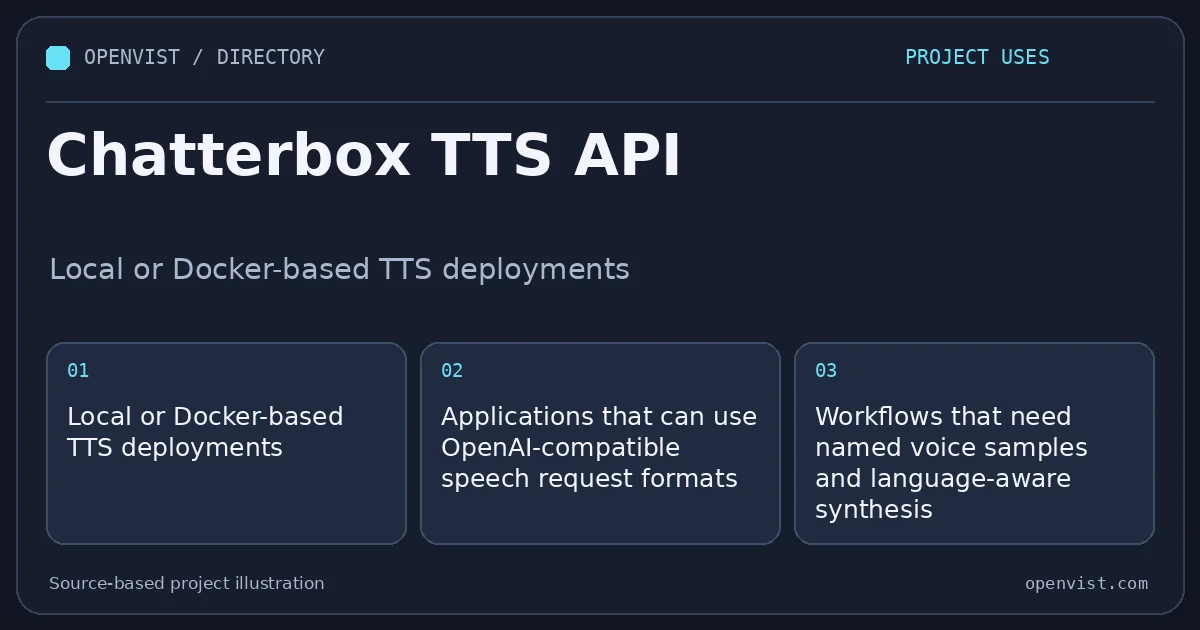
Use it when you want to run Chatterbox as a self-hosted speech API, connect an application through OpenAI-compatible TTS requests, or manage custom voices for repeated generation.
Who it is for
- Developers integrating generated speech into applications through REST TTS requests.
- Teams or individual builders who want to upload voice samples and reuse them by name.
- Self-hosters seeking a local speech-generation service with Docker deployment options.
Documented uses
- Generate audio from text through an OpenAI-compatible TTS endpoint.
- Create personalized speech using an uploaded voice sample.
- Store, name, list, and select reusable voices.
- Generate speech using language metadata associated with a saved voice.
- Stream audio and optionally use the web interface for interaction.
Requirements & limits
- The service is self-hosted: the documented quick start and Docker setup run the API locally.
- The optional React web interface is separate from the API-only deployment choice.
- Multilingual mode is enabled by default in the docs, but supported languages depend on configuration; Chinese is currently disabled.
- Docker Compose provides CPU and GPU variants, while the documentation flags a non-CUDA limitation in the underlying package.
- The documented streaming endpoint and voice-library functions are useful distinctions from basic text-to-audio requests.
Check current requirements in the official documentation. Source-based guidance does not mean OpenViST has run or independently tested this project.
Set up the API with Docker Compose
Start the documented API-only Docker deployment.
Before you start
- A checkout of the project repository.
- Docker Compose and a deployment variant appropriate to the machine.
Steps
Clone the repository and change into its directory.
Copy the Docker environment template to .env; the docs recommend .env.example.docker for Docker paths.
Choose a documented Compose file and start the API-only service with Docker Compose.
Follow the container logs during initialization; the first TTS use takes the longest, according to the documentation.
Expected outcome
The API is configured for local access at http://localhost:4123 in the documented API-only setup.
Guide limitations
- The documentation lists separate CPU, GPU and other hardware-oriented Compose variants; select according to the deployment environment.
- The docs warn that the underlying Chatterbox package is broken for non-CUDA setups and point to a stable branch for non-multilingual use.
Add a named multilingual voice
Upload a voice sample with a language assignment and use its name in a speech request.
Before you start
- A running API instance.
- A voice sample in a supported audio format.
- Multilingual mode enabled; it is enabled by default in the documented configuration.
Steps
Upload the sample to the voice library with a voice name and ISO 639-1 language code.
Send a text-to-speech request with the text and saved voice name.
Use the voices endpoint to list saved voices and their language metadata if needed.
Expected outcome
The library stores the sample with language metadata, and speech generation uses the language assigned to the selected voice.
Guide limitations
- The guide lists 22 supported languages; Chinese is described as present in the model but currently disabled.
- If multilingual mode is disabled, the documentation says only English is supported.
Sources & review
Source record details
- Source availability
- Active
- Sources checked
- 5 November 2026