
Practical overview
When it fits
Use ChatAFL when you need an AFLNet-based workflow for protocol fuzzing that combines grammar-guided mutation, seed enrichment and LLM-generated messages for state exploration.
Who it is for
- Developers testing network-protocol implementations.
- Researchers running stateful protocol-fuzzing experiments and examining coverage.
Documented uses
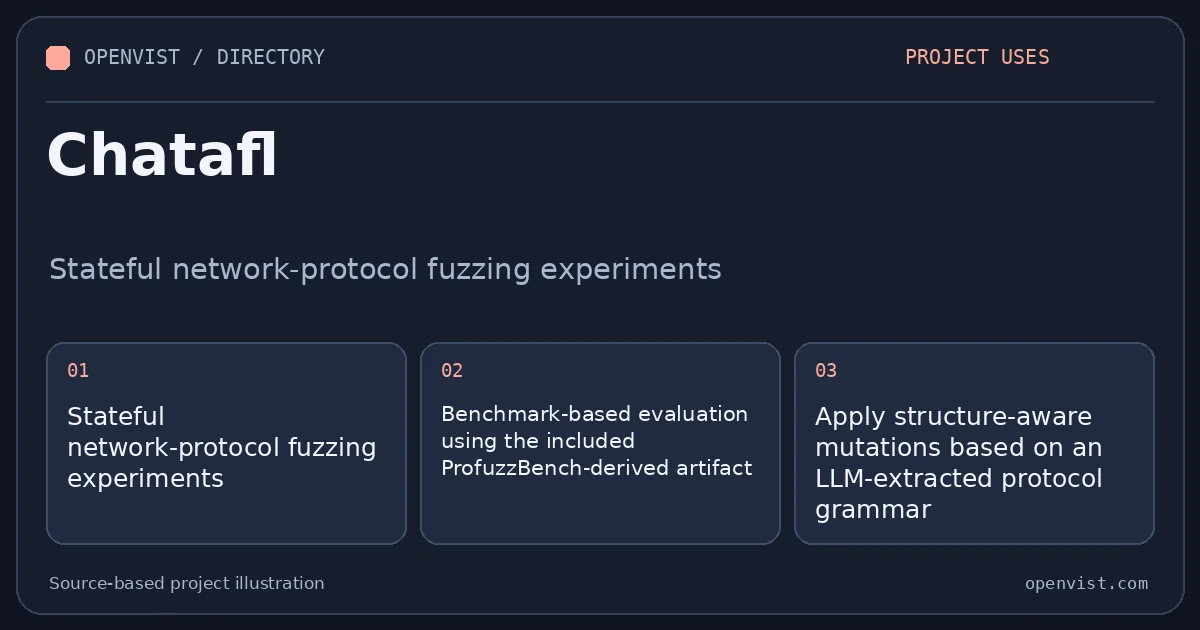
- Apply structure-aware mutations based on an LLM-extracted protocol grammar.
- Diversify recorded message sequences used as initial fuzzing seeds.
- Generate messages when fuzzing reaches a coverage plateau, aiming to reach new states.
- Collect and analyze code, state and state-transition coverage over time.
Requirements & limits
The repository is public and lists an Apache-2.0 license. The documented setup requires an OpenAI API key.
- The artifact uses Docker, Bash and Python 3 with pandas and matplotlib.
- The README describes an image-preparation step estimated at about 40 minutes.
- The included benchmark covers text-based protocols and adds Lighttpd 1.4.
- The run script accepts container count, fuzzing duration, subjects and fuzzers; the analysis script produces coverage data and plots.
Check current requirements in the official documentation. Source-based guidance does not mean OpenViST has run or independently tested this project.
Prepare the ChatAFL experiment environment
Install the listed prerequisites and prepare the artifact’s Docker images.
Before you start
- Docker
- Bash
- Python 3 with pandas and matplotlib
- An OpenAI API key
Steps
From the artifact directory, run ./deps.sh to install the required dependencies.
Run KEY= ./setup.sh to prepare Docker images, including the subjects and fuzzers.
Expected outcome
The artifact’s Docker images are prepared for the experiment stage.
Guide limitations
- The README estimates image preparation at about 40 minutes.
- This guide covers setup only; it does not claim that experiments have been run.
Run and analyze a documented fuzzing experiment
Launch a fuzzing run for a selected subject and analyze its coverage results.
Before you start
- The artifact environment and Docker images prepared as described in the README
- A subject and fuzzing duration in minutes
Steps
Run ./run.sh , replacing the placeholders with the desired values.
Use the resulting benchmark/result- run data with ./analyze.sh .
Review the generated CSV files and plots for code, state and state-transition coverage.
Expected outcome
The workflow collects fuzzing run data and produces coverage data and plots in a subject-specific results folder.
Guide limitations
- The README’s example uses pure-ftpd, ChatAFL and a five-minute run; subjects and duration are experiment choices.
- The analysis duration argument is optional and defaults to 1440 minutes when omitted.
Sources & review
Source record details
- Source availability
- Active
- Sources checked
- 15 November 2026
- Original website title
- ChatAFLndss/ChatAFL · Official homepage title · retained in its source language