
Practical overview
When it fits
Use Bugbug when a software-engineering workflow can benefit from model-based bug triage, issue classification, patch risk signals or test selection, and you can work with its Python project and classifier scripts.
Who it is for
- Software teams working with bug trackers who want classifiers to help categorize or prioritize issues.
- Developers evaluating machine-learning support for patch test selection or defect-risk review.
- Researchers and engineers who want to train software-engineering models or use Bugbug-generated training data independently.
Documented uses
- Suggest an assignee or product component for a bug.
- Classify issues by type, distinguish defects from enhancements and tasks, and flag issues that may need QA or developer documentation.
- Identify patches that may be more likely to cause test failures, backouts or regressions.
- Select relevant tests for a patch and classify a Bugzilla issue using a named model.
Requirements & limits
The project is publicly available on GitHub under the MPL-2.0 license.
- Python 3.14 or later is required, and the documented dependency setup uses uv.
- Bugbug offers many task-specific classifiers rather than a single general-purpose software assistant.
- Training can take 30 minutes or more; classification can instead download an already trained model when one has not been trained first.
- Taskcluster training is requested through a GitHub pull request and currently extracts only the model name.
Check current requirements in the official documentation. Source-based guidance does not mean OpenViST has run or independently tested this project.
Classify a Bugzilla issue with a Bugbug model
Run a classifier against a Bugzilla bug ID, using an existing trained model or allowing the script to download one.
Before you start
- Python 3.14 or later
- Bugbug's Python dependencies installed with uv
- A model name and a Bugzilla issue ID
Steps
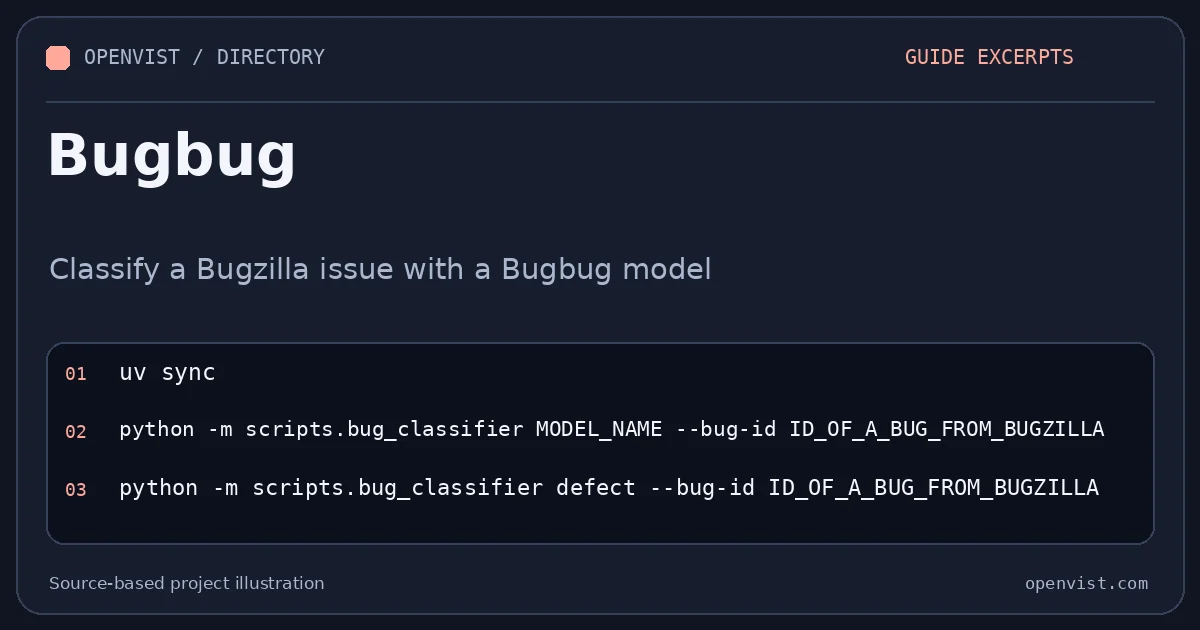
Install the project dependencies with the command below.
uv syncRun the command below.
python -m scripts.bug_classifier MODEL_NAME --bug-id ID_OF_A_BUG_FROM_BUGZILLAFor the defect classifier, use the command below.
python -m scripts.bug_classifier defect --bug-id ID_OF_A_BUG_FROM_BUGZILLA
Expected outcome
The selected model classifies the specified Bugzilla issue. If no model has been trained locally first, the script automatically downloads an already trained model.
Guide limitations
- The README does not specify the classifier's output format.
- A local libgit2 installation might be required; the README says to skip that step if it cannot be installed.
Sources & review
Source record details
- Source availability
- Active
- Sources checked
- 8 November 2026
- Original website title
- mozilla/bugbug · Official homepage title · retained in its source language