
Practical overview
When it fits
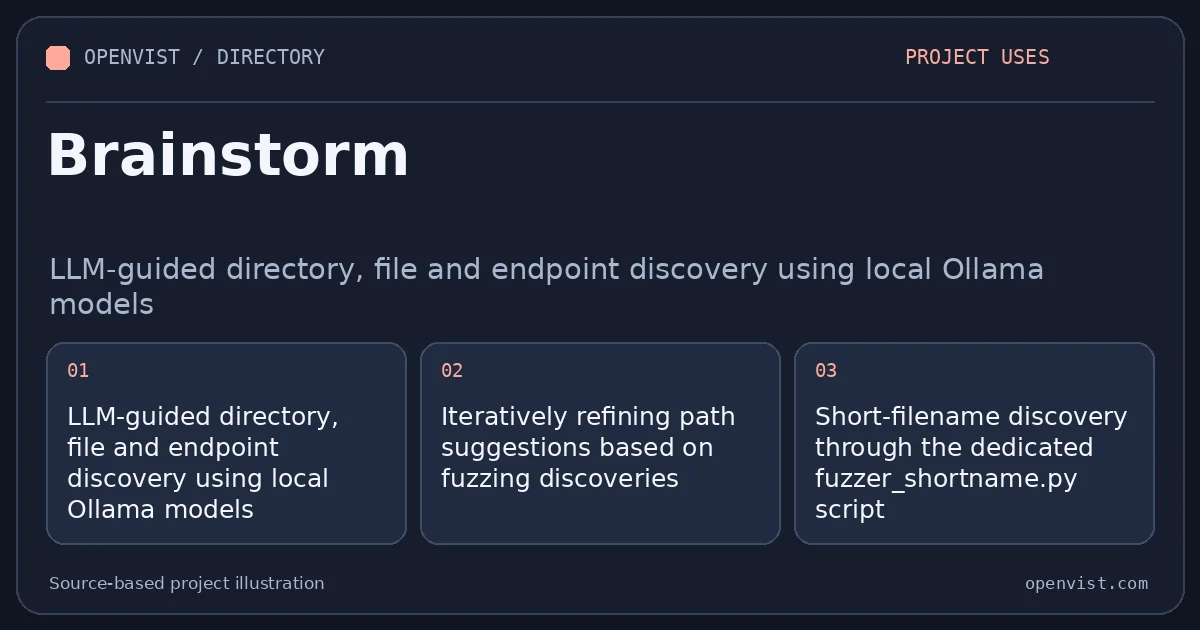
Use Brainstorm when a local, iterative path-discovery workflow can complement ffuf, or when a separate short-filename pass is useful.
Who it is for
- Security practitioners exploring web application paths, files and endpoints through fuzzing.
- Developers or researchers who want locally run Ollama models to suggest candidates for an ffuf workflow.
- Users investigating short filenames, including legacy 8.3-style names.
Documented uses
- Use links extracted from a target application to prompt suggestions for additional paths.
- Fuzz model-suggested candidates with ffuf and use discoveries to guide further suggestions.
- Run a specialized short-filename discovery workflow.
- Select among Ollama models for path-generation experiments.
Requirements & limits
The repository documents a local command-line setup using Python, ffuf and Ollama.
- Ollama must run locally on port 11434, and the model used must first be downloaded.
- The general and short-filename workflows use separate scripts and save results to different files.
- The short-filename script requires a target short filename as an additional argument.
- The general fuzzer documents cycle-count and status-code options; model choice is configurable with --model.
Check current requirements in the official documentation. Source-based guidance does not mean OpenViST has run or independently tested this project.
Set up Brainstorm for general path discovery
Prepare the documented local prerequisites and invoke the general fuzzer with an ffuf command.
Before you start
- Python 3.6 or later
- ffuf installed and available in PATH
- Ollama running locally on port 11434
- A downloaded Ollama model, such as the default qwen2.5-coder:latest
- Python packages listed in requirements.txt
Steps
Clone the Brainstorm repository and change into its directory.
Install the listed Python dependencies with pip install -r requirements.txt.
Ensure ffuf is in PATH, Ollama is running locally, and the selected model is downloaded.
Invoke fuzzer.py with an ffuf command that includes a FUZZ position, for example: python fuzzer.py "ffuf -w ./fuzz.txt -u http://example.com/FUZZ".
Expected outcome
The general fuzzer runs its iterative path-discovery workflow; discovered paths are saved to all_links.txt and progress appears in the console.
Guide limitations
- The target, ffuf command and wordlist must be supplied by the operator.
- The repository documents prerequisites and invocation but does not establish the suitability of every model or target-specific results.
Invoke the short-filename discovery script
Use the documented specialized script with an ffuf command and a target short filename.
Before you start
- The Brainstorm setup prerequisites: Python, ffuf, Ollama, required Python packages, and a downloaded model
- An ffuf command containing a FUZZ position
- A target short filename to provide as the final argument
Steps
Prepare the local prerequisites described in the repository.
Invoke fuzzer_shortname.py with the ffuf command followed by the target short filename, for example: python fuzzer_shortname.py "ffuf -w ./fuzz.txt -u http://example.com/FUZZ" "BENCHM~1.PY".
Expected outcome
The specialized short-filename workflow runs and saves discovered filenames to all_filenames.txt.
Guide limitations
- The target short filename is required as an additional argument.
- The documented example illustrates invocation; it does not establish results for a particular target.
Sources & review
Source record details
- Source availability
- Active
- Sources checked
- 15 November 2026
- Original website title
- Invicti-Security/brainstorm · Official homepage title · retained in its source language