
Practical overview
When it fits
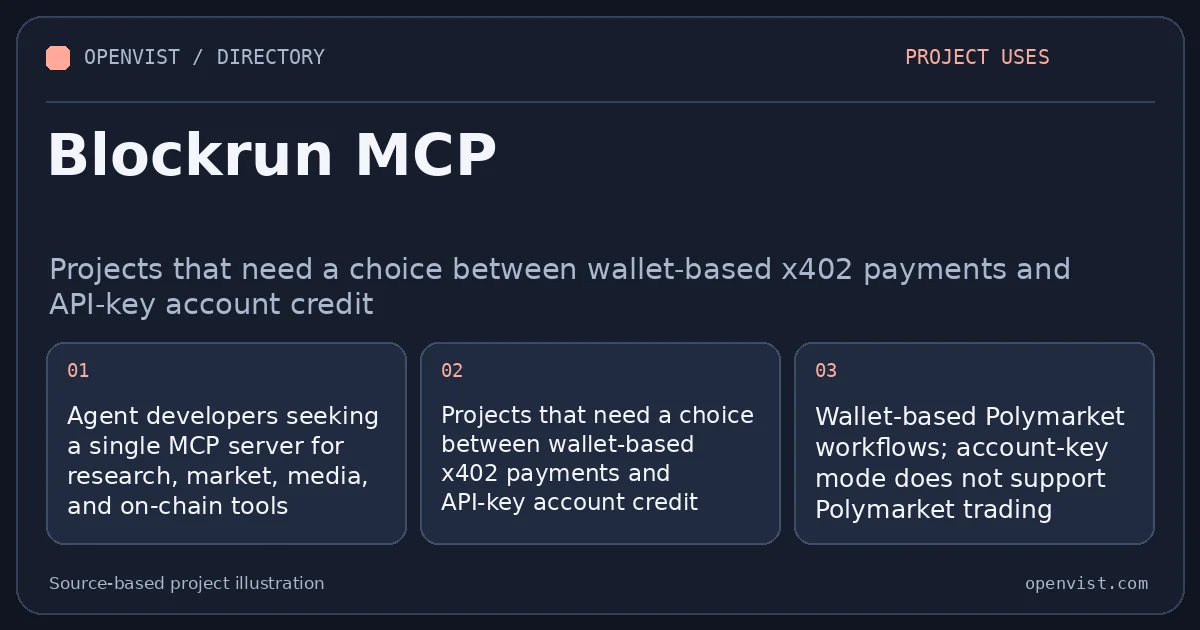
Use it when an MCP-compatible agent needs one connection to BlockRun's documented live-data tools, or when building a wallet-based workflow that reads Polymarket odds and can place trades.
Who it is for
- Developers connecting Claude or another MCP-compatible agent to live data and agent tools.
- Teams choosing API-key billing with account credit funded by card or wire.
- Builders using wallet-signed, per-call USDC payments or prototyping wallet-based Polymarket trading.
Documented uses
- Give an agent access to live web search and research tools.
- Retrieve market, crypto, and on-chain information through MCP.
- Expose image and video tools to an MCP-compatible agent.
- Read Polymarket odds and place trades using a wallet keypair.
Requirements & limits
The repository documents wallet mode with per-call USDC payments and no account, or account mode with a BlockRun API key and credit funded by card or wire. Claude Code setup uses the published npm package and requires Node.js 20.19 or newer.
- Wallet mode pays each call in USDC through x402 on Solana, Base, or Arc; account mode routes service calls through api.blockrun.ai and uses account credit.
- Both payment modes expose the same 19 tools, but Polymarket trading requires a wallet keypair and is unavailable with an API key.
- The documented Claude Code install command relies on npx and Node.js 20.19 or newer.
- The repository lists an MIT license and identifies the implementation as TypeScript.
Check current requirements in the official documentation. Source-based guidance does not mean OpenViST has run or independently tested this project.
Connect BlockRun MCP to Claude Code
Add the BlockRun MCP server to Claude Code so the client can access its agent tools.
Before you start
- Claude Code
- Node.js 20.19 or newer
- The npx command available to Claude Code
Steps
Run
claude mcp add blockrun -s user -- npx -y @blockrun/mcp@latest.If Claude Code cannot find Node or npx, pass your shell PATH with
claude mcp add blockrun -s user -e PATH="$PATH" -- npx -y @blockrun/mcp@latest.
Expected outcome
The BlockRun MCP server is added to Claude Code; the README describes the `-s user` setup as available across projects.
Guide limitations
- The documented install command does not configure account credit or wallet funding.
- The PATH adjustment is a documented troubleshooting option, not a compatibility guarantee.
Sources & review
Source record details
- Source availability
- Active
- Sources checked
- 16 November 2026
- Original website title
- BlockRunAI/blockrun-mcp · Official homepage title · retained in its source language