
Practical overview
When it fits
Use Blockagi when you want a locally run research workflow that produces narrative reports and exposes its progress in a web interface, especially for cryptocurrency or a domain you can configure.
Who it is for
- People who want to run a research agent locally and monitor its progress.
- Researchers focused on cryptocurrency topics.
- Developers who want to adapt an agent for domain-specific research.
Documented uses
- Provide a research topic and have the agent search, gather, refine and evaluate information.
- Follow the agent’s progress through its web interface.
- Produce a narrative report from an iterative research process.
- Adjust the research domain or modify the code for another use case.
Requirements & limits
Blockagi is open-source software under the Apache-2.0 license. Running it requires an OpenAI API key.
- The project uses Python, LangChain and OpenAI, with a Next.js and Tailwind web interface.
- The documented setup uses Poetry and Playwright dependencies.
- The README says the project does not require Docker, sandboxing or an external vector datastore.
- The README describes access to internet data or a user’s own database.
Check current requirements in the official documentation. Source-based guidance does not mean OpenViST has run or independently tested this project.
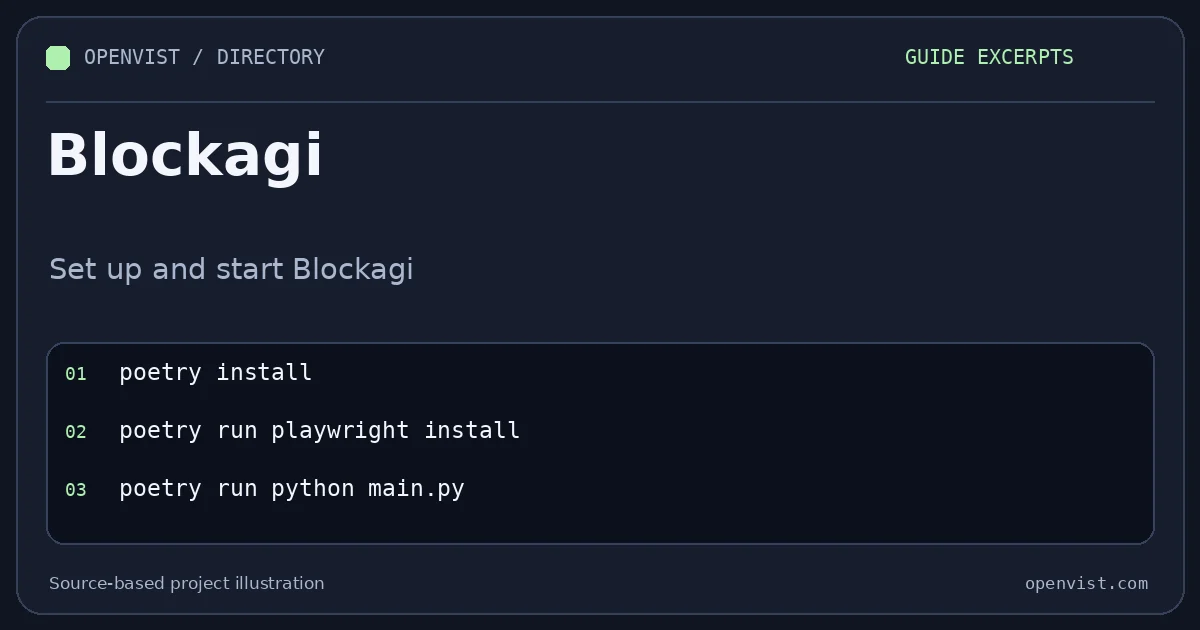
Set up and start Blockagi
Install the project and launch its research interface.
Before you start
- Poetry
- A local clone of the Blockagi repository
- An OpenAI API key
Steps
Install Poetry and clone the Blockagi repository.
From the project directory, run
poetry install.Install Playwright dependencies with
poetry run playwright install.Copy
.env.exampleto.envand add your OpenAI API key; adjust the research domain or other settings if needed.Run
poetry run python main.pyand monitor the agent in the web interface.
Expected outcome
The agent starts with a web application for monitoring and interacting with its research process.
Guide limitations
- This setup requires an OpenAI API key.
- The repository documents a local setup and launch, not a hosted service.
Sources & review
Source record details
- Source availability
- Active
- Sources checked
- 20 November 2026
- Original website title
- orgexyz/BlockAGI · Official homepage title · retained in its source language