
Practical overview
When it fits
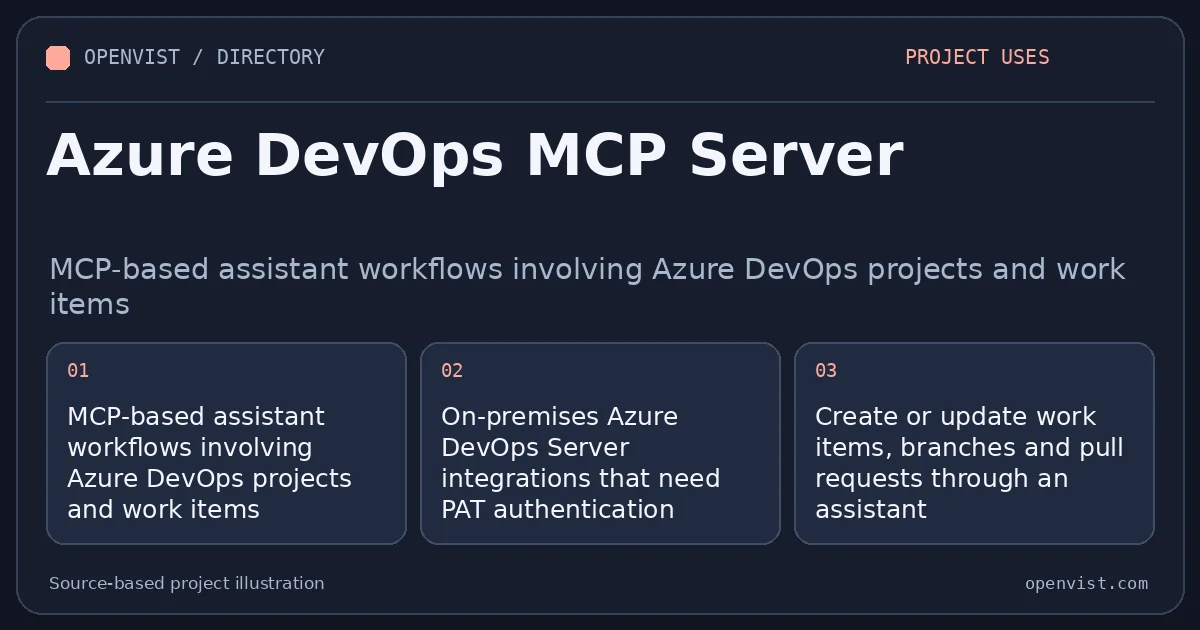
Use it when connecting an AI assistant to Azure DevOps through MCP, especially for an on-premises Azure DevOps Server installation. For Azure DevOps Services in the cloud, the README recommends starting with Microsoft’s product-supported server.
Who it is for
- Teams that want an MCP-compatible AI assistant to work with Azure DevOps resources.
- Organizations using on-premises Azure DevOps Server, particularly older versions.
Documented uses
- Create or update work items, branches and pull requests through an assistant.
- Access project, repository and pipeline resources through MCP tools.
- Expose repository content through standardized resource URIs.
Requirements & limits
The project is available as a public, MIT-licensed GitHub repository. The README documents launching the published package with npx or building and running from source.
- On-premises Azure DevOps Server requires PAT authentication; Azure Identity and Azure CLI are listed for Azure DevOps Services.
- The README points Azure DevOps Services users toward Microsoft’s product-supported MCP server.
- Local development requires Node.js 16 or later, npm or yarn, Azure DevOps access and authentication credentials.
Check current requirements in the official documentation. Source-based guidance does not mean OpenViST has run or independently tested this project.
Configure the server in Claude Desktop or Cursor AI
Add the server to an AI assistant’s MCP configuration using a supported authentication method.
Before you start
- Node.js 16 or later and npm or yarn.
- An Azure DevOps account with appropriate access.
- An organization URL and default project.
- For Azure DevOps Services: a PAT, Azure Identity credentials, or Azure CLI login. For on-premises Azure DevOps Server: a PAT.
Steps
Choose PAT or Azure Identity authentication for Azure DevOps Services, or PAT for an on-premises server.
Add an MCP server entry to the assistant configuration using the documented npx command and package name.
Set the organization URL, authentication method and default project in the entry’s environment values; include the PAT when using PAT authentication.
Expected outcome
The assistant configuration contains an entry for this MCP server with Azure DevOps connection settings.
Guide limitations
- The README provides examples for Claude Desktop and Cursor AI; it does not document configuration for every MCP-compatible assistant.
- Azure Identity and Azure CLI authentication are listed for Azure DevOps Services only; on-premises Azure DevOps Server requires PAT authentication.
Sources & review
Source record details
- Source availability
- Active
- Sources checked
- 15 November 2026
- Original website title
- Tiberriver256/mcp-server-azure-devops · Official homepage title · retained in its source language
Related options
Microsoft Azure DevOps MCP — The README identifies Microsoft’s product-supported server as the starting point for Azure DevOps Services users.