
Practical overview
When it fits
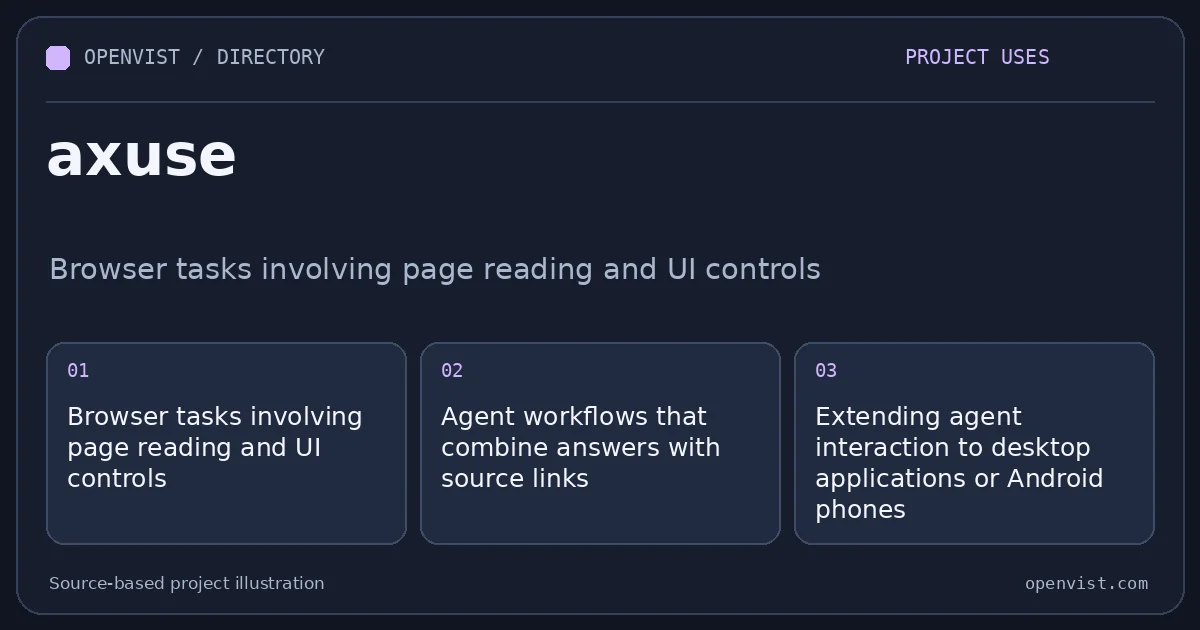
Use axuse when an AI agent needs to read a page or interact with browser, desktop or Android interface elements.
Who it is for
- People using compatible AI agent applications that need to interact with websites or computer interfaces.
- Developers building agent workflows for page reading, form interaction or Android device control.
Documented uses
- Navigate websites, click controls and fill forms through an AI agent.
- Read web pages and build answer flows that include source links.
- Have an AI agent interact with desktop applications or an Android phone.
Requirements & limits
- The documented role is an MCP connection between agent applications and computer interfaces, not a standalone answer service.
- The site describes reading page structure rather than relying on screenshots alone.
- Official update guidance distinguishes a Claude desktop extension installation from source installations for local MCP hosts.
- For source installations, the update document states a current Node.js 22+ engine requirement.
- Browser-extension maintenance can involve native-host registration, extension reload and selecting the intended browser profile.
Check current requirements in the official documentation. Source-based guidance does not mean OpenViST has run or independently tested this project.
Remove axuse while retaining user data
Disconnect and remove an identified axuse installation, its browser bridge and host registration while keeping user data by default.
Before you start
- Access to the installed axuse files and the relevant agent/MCP host and browser profiles.
- The axuse installation, host dependencies, native-host registrations and browser extension instances can be identified.
Steps
Identify the installed components and their paths, and determine whether other hosts depend on shared files. Confirm what will be retained; preserve profiles, sessions, vaults, plugins and licenses.
While the CLI is still available, remove each in-scope native-host registration using the matching browser identifier. In each profile where the bridge is installed, remove the positively identified axuse bridge extension through the browser’s extensions page.
Remove the axuse MCP entry using the host’s supported controls, backing up configuration and changing only the axuse entry. Remove axuse-specific saved instructions, and save a handoff if a host restart will interrupt the cleanup.
Stop the identified axuse processes and remove only confirmed axuse application files that no other host depends on. Preserve user data and shared software; leave ambiguous directories in place.
Restart the affected agent app or CLI session, then verify that the host no longer registers or launches axuse, the targeted bridge registrations are absent, and no process remains for the removed installation.
Expected outcome
The identified axuse components are removed and checked after restart, with user data retained unless separately approved for deletion.
Guide limitations
- The Claude desktop extension and browser extension are separate components and may need separate removal.
- Do not delete the whole axuse data directory or shared files when their ownership or dependencies are uncertain.
- Do not claim full removal if a host entry, browser extension, registration or process could not be checked.
- Do not use administrator privileges without permission.
Sources & review
Source record details
- Source availability
- Active
- Sources checked
- 16 November 2026
- Original website title
- axuse — Let AI use your computer and your phone · Official homepage title · retained in its source language