
Practical overview
When it fits
Use it when an MCP client needs to carry out AppleScript-backed actions or retrieve information from a Mac, and when the client requires a documented Node.js, Python or Docker-to-Mac setup route.
Who it is for
- Developers configuring an MCP client to access Mac applications and data.
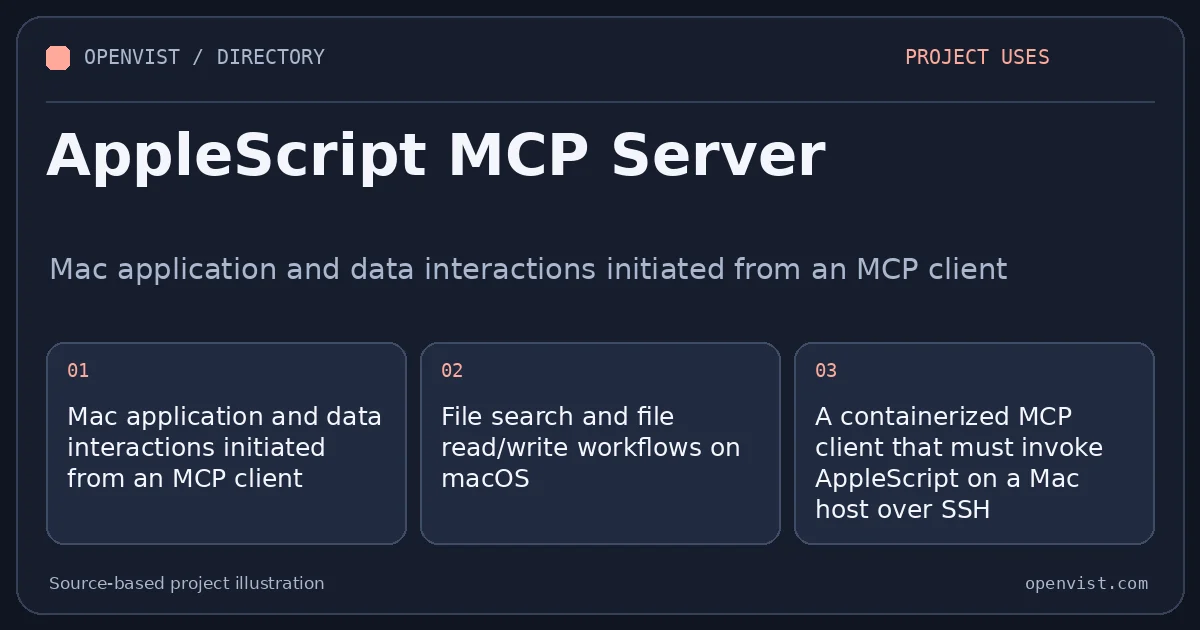
- People building assistant workflows for Mac tasks such as calendar updates, file search or system-status queries.
- Developers running an MCP client in Docker while directing AppleScript execution to a Mac host over SSH.
Documented uses
- Create reminders, calendar events and notes through an MCP-connected client.
- Search for files with Spotlight or Finder and read or write file contents.
- Ask for Mac system information such as battery percentage, free disk space or running applications.
- Connect a Docker-hosted client to a Mac for remote AppleScript execution over SSH.
Requirements & limits
The repository is public and identifies the project as MIT-licensed. The README documents Claude Desktop configuration examples for Node.js and Python, and SSH-based execution from Docker to a Mac host.
- The server requires a Mac environment for AppleScript interactions; Docker remote execution still depends on a Mac host.
- The README provides client-launch examples for Node.js and Python, including a Python development setup using uv.
- The Docker route requires SSH Remote Login on the Mac, valid credentials and appropriate user permissions.
- The documented task examples span applications, files and system information, so suitability depends on the Mac actions and permissions needed.
Check current requirements in the official documentation. Source-based guidance does not mean OpenViST has run or independently tested this project.
Configure Claude Desktop to launch the server
Add the documented Node.js or Python server launch configuration to Claude Desktop.
Before you start
- Claude Desktop
- Node.js and npx, or Python with uvx
- For the local Python development route: Homebrew, uv and a cloned repository
Steps
Choose the Node.js example using npx, or the Python uvx example in the README.
Add the corresponding mcpServers configuration to Claude Desktop.
For local Python development instead, install uv, clone the repository and use the documented uv command with the repository directory.
Expected outcome
Claude Desktop is configured to launch the AppleScript MCP Server using the selected documented route.
Guide limitations
- The README provides configuration examples, not a guarantee that any particular AppleScript action will work.
- Mac permissions and setup are required for the relevant interactions.
Configure a Docker client to reach a Mac over SSH
Set the documented remote host and SSH details so a Docker-hosted MCP client can invoke AppleScript on a Mac host.
Before you start
- A Docker-hosted MCP client
- A Mac host with SSH Remote Login enabled
- The remote username and credentials
- Appropriate permissions for the Mac user
Steps
Use the README's Docker configuration example with the remote host set to host.docker.internal.
Provide the remote username and credentials in the configuration.
Enable Remote Login (SSH) on the Mac and confirm the user has appropriate permissions.
Expected outcome
The Docker client configuration is set to route AppleScript execution to the Mac host over SSH.
Guide limitations
- This arrangement requires an accessible Mac host, enabled SSH and valid credentials; the README does not establish compatibility with other remote-host arrangements.
Sources & review
Source record details
- Source availability
- Active
- Sources checked
- 13 November 2026
- Original website title
- peakmojo/applescript-mcp · Official homepage title · retained in its source language