
Practical overview
When it fits
Use APM Studio when you want a visual local workspace for managing APM package components and selectively syncing them to coding-assistant environments.
Who it is for
- Developers organizing reusable agents, skills, prompts, hooks, and MCP configurations.
- Teams maintaining local APM packages and syncing selected components to coding-assistant tools.
Documented uses
- Import packages from GitHub and preview their detected primitives.
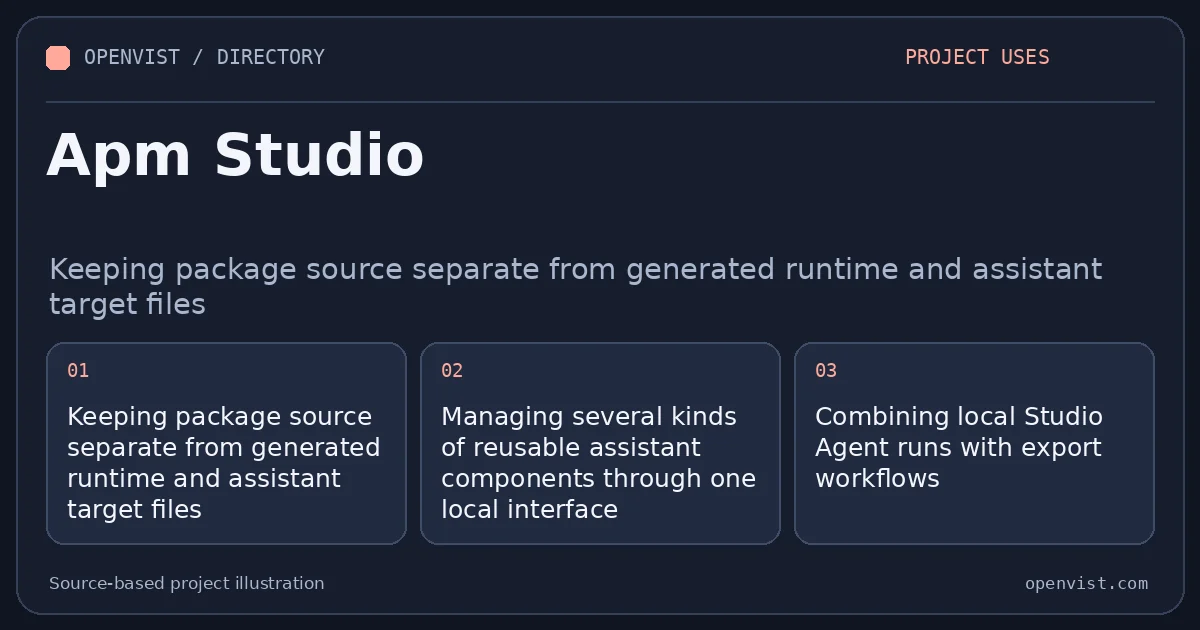
- Maintain local package metadata and compose Studio Agents.
- Run Studio Agents locally with Studio-only model settings.
- Export selected APM components into supported assistant target files.
Requirements & limits
The repository identifies the project as open source under the MIT license. The documented setup supports macOS, Linux, Windows, and WSL and requires Node.js 20.19.0 or later.
- OpenCode is required for the local Studio Agent runtime.
- The Microsoft APM CLI is required for full target-sync coverage.
- Assistant target files are only written through the explicit Export stage.
- The documented target ecosystems include Codex, Claude, Cursor, Gemini, and OpenCode.
Check current requirements in the official documentation. Source-based guidance does not mean OpenViST has run or independently tested this project.
Install and launch APM Studio
Install the APM Studio command-line package and launch its local graphical workspace.
Before you start
- Node.js 20.19.0 or later
- macOS, Linux, Windows, or WSL
Steps
On Unix-like systems, run the documented install script with the
--startoption to install and launch Studio.On Windows, run the documented PowerShell installer with its
-Startoption.Alternatively, install globally with the command below and start it with
apm-studio.npm install -g apm-studio
Expected outcome
The APM Studio local workspace is launched.
Guide limitations
- OpenCode is required for local Studio Agent runtime.
- The Microsoft APM CLI is required for full target-sync coverage.
Import and export an APM package
Import a package from GitHub into the local workspace and sync selected components to a supported assistant target.
Before you start
- A running APM Studio workspace
- Microsoft APM CLI for full target-sync coverage
Steps
Search source references or paste a GitHub repository.
Preview the detected package primitives and install selected packages locally.
Manage package metadata or Studio Agent composition in the workspace.
Choose Export to sync selected APM components into supported assistant target files.
Expected outcome
Selected package components are exported to supported assistant targets.
Guide limitations
- Assistant target files are written only through Export.
- Without a CLI runner, Studio-native fallback is limited to supported agent and skill sync.
Sources & review
Source record details
- Source availability
- Active
- Sources checked
- 14 November 2026
- Original website title
- apm-studio/apm-studio · Official homepage title · retained in its source language