
Practical overview
When it fits
Use AI Goat when you can provide its Docker-based local environment and want practical exercises in LLM application security, either for individual learning or a group CTF.
Who it is for
- Security learners and researchers seeking hands-on LLM vulnerability exercises.
- Educators or organizers who want to run a local CTF for a group.
Documented uses
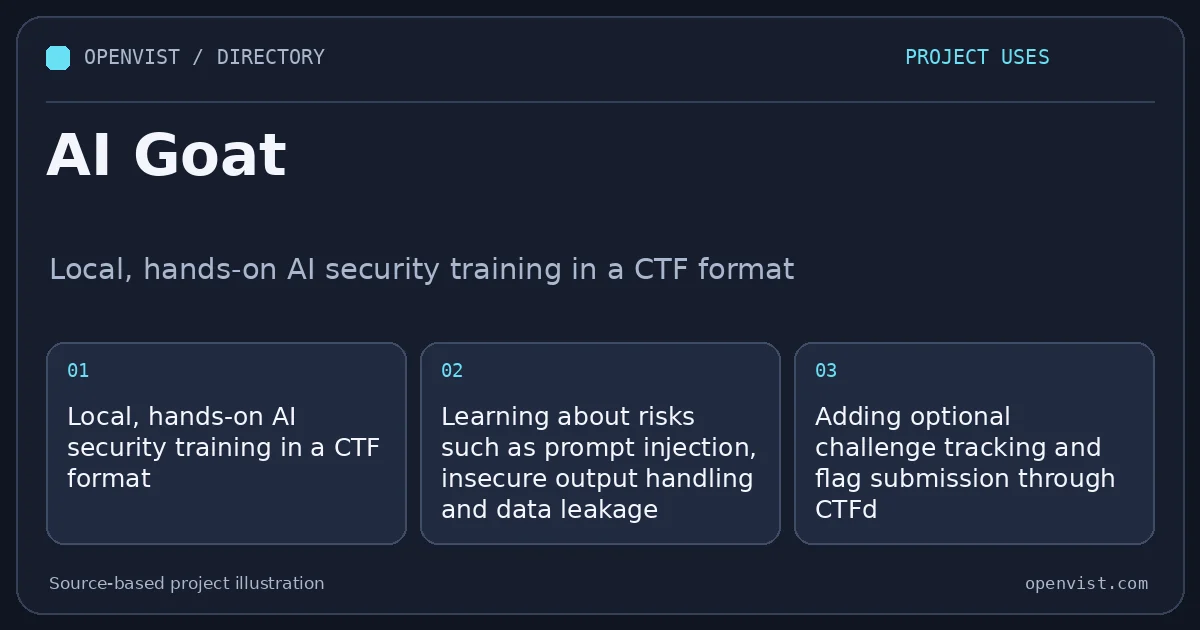
- Practice identifying and exploiting vulnerabilities in LLM-integrated applications.
- Use challenge prompts, hints and flag submission to work through security exercises.
- Host a CTF using the optional CTFd container.
Requirements & limits
The project describes the challenges as running locally without sign-ups or cloud fees. The optional CTFd interface requires creating a local account, and its README says a real email address is not required.
- The installation uses Docker and Docker Compose and downloads an approximately 8GB LLM binary.
- The README specifies 8GB of disk space and at least 16GB of system memory, with 8GB dedicated to the challenge.
- The CTFd tracker is an optional container distinct from the LLM challenge environments.
- The project is open source under GPL-2.0.
Check current requirements in the official documentation. Source-based guidance does not mean OpenViST has run or independently tested this project.
Install the local AI Goat lab
Prepare the repository and install its local challenge environment.
Before you start
- Git, Python 3 and pip3
- Docker and Docker Compose
- A user in the Docker group
- 8GB of disk space
- At least 16GB of system memory, with at least 8GB dedicated to the challenge
Steps
Clone https://github.com/dhammon/ai-goat and change into the ai-goat directory.
Install the Python requirements with the command below.
pip3 install -r requirements.txtMake the launcher executable with
chmod +x ai-goat.py.Run
./ai-goat.py --install.
Expected outcome
The installation process downloads the local LLM binary and Docker image used by the challenges.
Guide limitations
- The README warns that LLM responses take too long with less than the specified memory.
Start the optional local CTFd challenge tracker
Launch the optional container that lists challenges and provides hints, flag submission and completion tracking.
Before you start
- The AI Goat installation has already been completed.
Steps
Run
./ai-goat.py --run ctfd.Access the CTFd container in a browser on port 8000.
Create a user account in the container; the README says a real email address is not required.
Expected outcome
The local CTFd interface provides a challenge listing, hints, flag submission and a way to track completed challenges.
Guide limitations
- CTFd is optional and separate from the challenge environment.
- The README describes account creation as necessary for using the launched CTFd interface.
Sources & review
Source record details
- Source availability
- Active
- Sources checked
- 16 November 2026
- Original website title
- dhammon/ai-goat · Official homepage title · retained in its source language