
Practical overview
When it fits
Use it in a local TypeScript agent development workflow when execution trees and deterministic trajectory checks are more useful than flat logs or a hosted production dashboard.
Who it is for
- TypeScript developers debugging nested or tool-heavy AI agent runs.
- Teams adding deterministic agent trajectory checks to CI.
- Developers preparing trace evidence for review or sharing.
Documented uses
- Inspect nested steps, tool calls and model metadata to investigate an agent failure.
- Check agent trajectories for regressions, stalled runs or wrong paths.
- Compare local runs after a prompt, tool or model change.
- Redact and verify trace evidence before packaging it for sharing.
Requirements & limits
The project states that no account is needed. It is MIT-licensed and documents Node.js 20 or later. Traces are not uploaded by default.
- The workflow is centered on local trace files rather than a maintainer-hosted dashboard.
- The documented trajectory checks are deterministic and do not require an LLM judge.
- TraceContract and suites are identified as Beta; the MCP server is identified as Preview.
- MCP access is read-only and works with local evidence.
- Customer-owned Studio Beta is optional and is not hosted by AgentInspect.
Check current requirements in the official documentation. Source-based guidance does not mean OpenViST has run or independently tested this project.
Inspect and package the documented demo trace
Follow the published CLI path from creating a demo trace to producing a share-profile evidence bundle.
Before you start
- Node.js 20 or later.
- A shell environment with npm and npx.
Steps
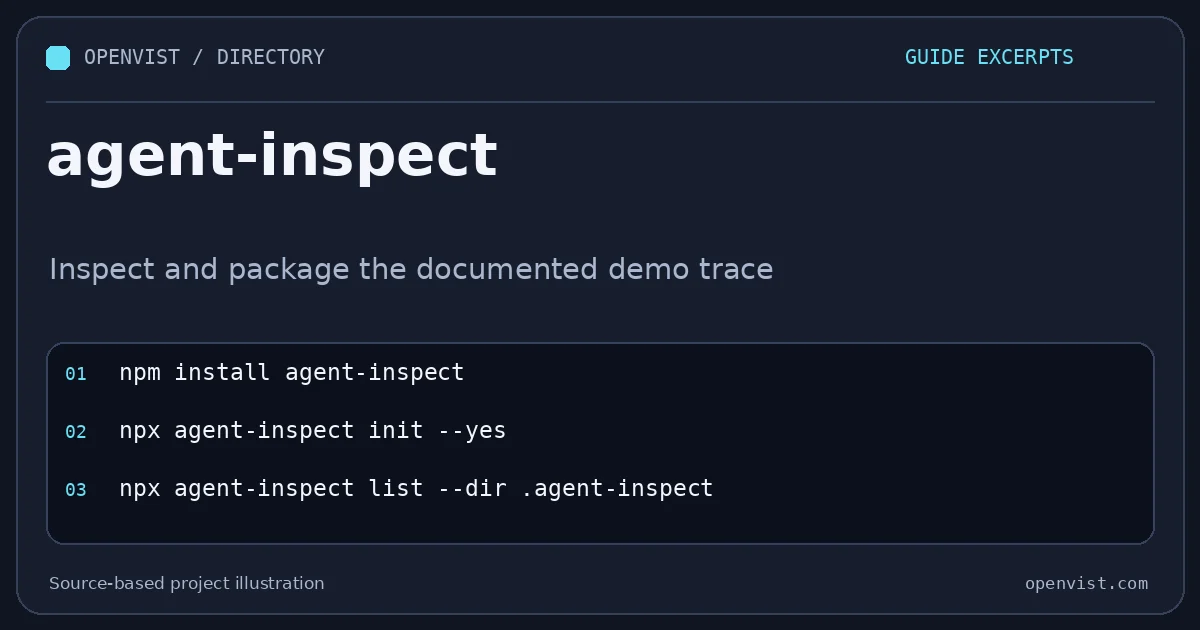
Install agent-inspect with the command below.
npm install agent-inspectRun the command below and the command below to scaffold files and write the demo trace.
npx agent-inspect init --yesnode examples/agent-inspect-demo.mjsList runs with the command below, then inspect the selected run with the command below.
npx agent-inspect list --dir .agent-inspectnpx agent-inspect view --dir .agent-inspect --summaryCheck the trajectory and sharing safety with the command below and the command below.
npx agent-inspect check --dir .agent-inspect --preset trajectorynpx agent-inspect verify-safe --dir .agent-inspectCreate and verify the share-profile bundle with the command below and the command below.
npx agent-inspect bundle --dir .agent-inspect --profile share --out ./evidencenpx agent-inspect bundle verify ./evidence
Expected outcome
A locally inspected demo run and a share-profile Evidence v2 bundle that can be integrity-verified.
Guide limitations
- The published demo path uses a demo trace; it does not document an integration with the reader’s own agent.
- The commands describe the documented workflow and are not an independent execution test.
Sources & review
Source record details
- Source availability
- Active
- Sources checked
- 21 November 2026
- Original website title
- agent-inspect — Local-first evidence for TypeScript AI agents · Official homepage title · retained in its source language