
Practical overview
When it fits
Use it when an agent's full workflow—including the tools it called and how it handled risk—needs evaluation, or when you want to replay existing traces against a deterministic policy layer.
Who it is for
- Developers testing LLM-agent workflows and tool-use policies.
- Researchers or evaluators comparing safety outcomes across repeatable mock runs.
- Teams reviewing stored agent traces for policy decisions and risk.
Documented uses
- Run repeatable mock evaluations of agent cases.
- Inspect traces for tool-policy violations and safety risks.
- Replay stored JSON traces and produce per-tool decisions and verdicts.
- Analyze trace-level risk, denied-tool counts, latency totals, pass rate and review queues.
Requirements & limits
The repository is public and MIT-licensed.
- The default evaluation path is mock mode; provider adapters are described as additions that can preserve the evaluation schema.
- Integration inputs are normalized AgentTrace records; the README names OpenAI Agents SDK, LangGraph, local-model and replayed JSONL traces as possible sources.
- The documented replay command evaluates stored JSON traces against a deterministic policy layer.
- The project includes public/mock evaluation cases, policies, reports and trace-analysis examples.
Check current requirements in the official documentation. Source-based guidance does not mean OpenViST has run or independently tested this project.
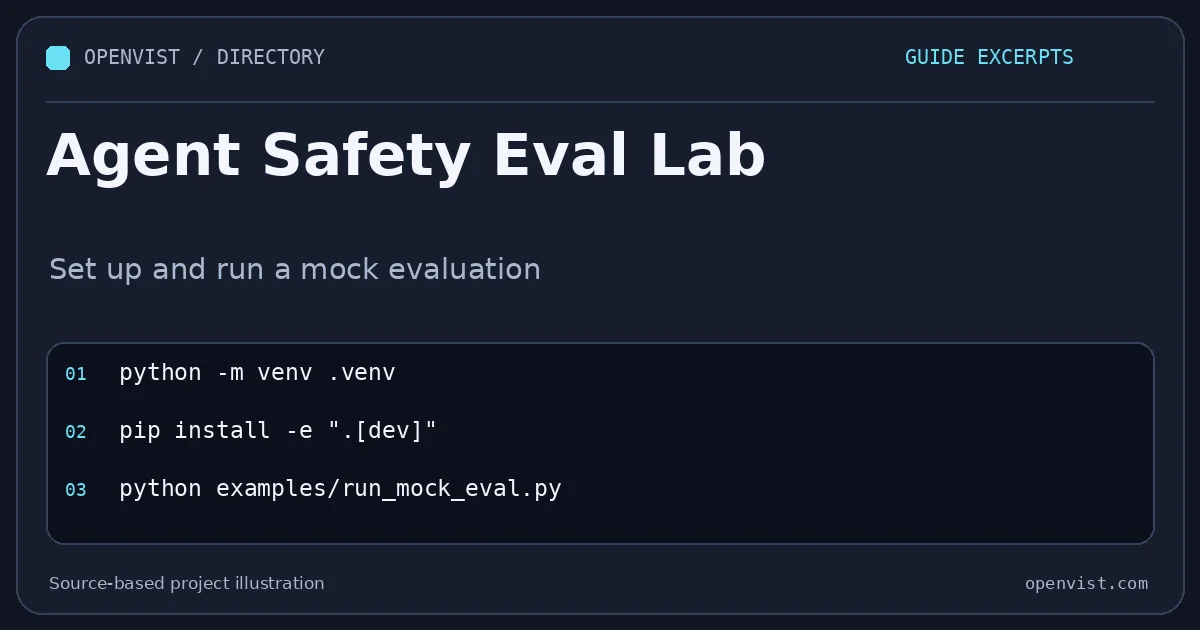
Set up and run a mock evaluation
Install the project with development extras, run its documented mock evaluation, and invoke its test suite.
Before you start
- Python
- A local shell
Steps
Create a virtual environment with the command below.
python -m venv .venvActivate it with
. .venv/Scripts/activate.Install the project and development extras using the command below.
pip install -e ".[dev]"Run the command below, then run
pytest.python examples/run_mock_eval.py
Expected outcome
The mock evaluation prints case totals and verdicts, including policy-violation details in the documented example; the test suite can then be invoked.
Guide limitations
- The README describes mock mode as the default; this recipe does not connect a real model provider.
- The documented activation command uses a Windows-style Scripts path.
Replay stored agent traces
Evaluate stored JSON traces against the lab's deterministic policy layer.
Before you start
- The project installed in a Python environment.
- Stored JSON traces in a directory, such as the documented
examples/tracespath.
Steps
Run the command below.
python -m agent_safety_eval_lab.cli replay examples/traces --out reports/replay_results.jsonReview the generated replay results for risk scores, per-tool decisions, and pass, review or fail verdicts.
Expected outcome
The replay command evaluates the stored traces and writes results to the specified output path.
Guide limitations
- The README describes replay against a deterministic policy layer; it does not describe this command as a live agent run.
Sources & review
Source record details
- Source availability
- Active
- Sources checked
- 20 November 2026
- Original website title
- YutoTerashima/agent-safety-eval-lab · Official homepage title · retained in its source language