
OpenViSTAI · Agents · Blockchain · Crypto
Menu
OPENVIST RECIPES

Find conflicting values assigned to record IDs with Python

Python

Identify IDs associated with more than one distinct text value in supplied records.

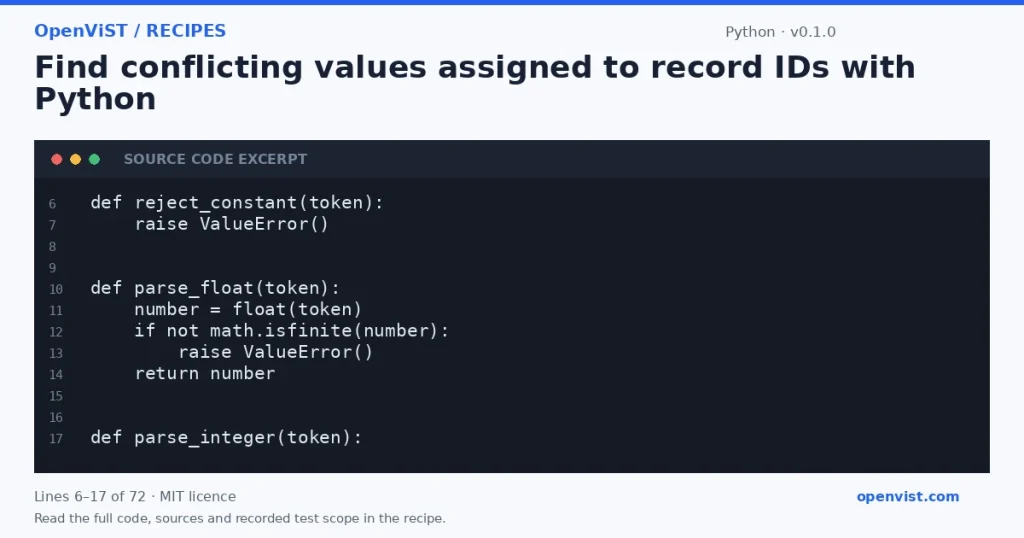
Python code excerpt: Find conflicting values assigned to record IDs with Python. Version 0.1.0. Read the full recipe for code, sources and recorded test scope.

Identify IDs associated with more than one distinct text value in supplied records. This is a local data check under the documented conventions; it does not execute tools or contact a service.

Before you start

  • Save the code as recipe.py and run python3.12 recipe.py. Supply the JSON document through stdin, then signal EOF. No arguments, including a help option, are accepted.
  • Uses only json, sys and math. Reads stdin only; does not open input paths, write files, execute external commands or access a network.
  • Input must be a JSON array of objects with nonempty string fields id and value. Additional fields are ignored after parsing. There are no integer fields; numeric and boolean IDs or values are rejected.
  • Strings are compared exactly without trimming, case folding or Unicode normalization. Conflicts and distinct values are sorted by Python string ordering. Identical repeated pairs do not create conflicts.
  • Duplicate JSON object keys follow json's last-key-wins convention. Integer tokens are parsed as a null sentinel because no integer fields are supported, avoiding integer-conversion digit limits in ignored fields. Nonfinite constants and floating-point overflow are rejected anywhere in the document.
  • An empty array produces {"conflicts":[]}; empty stdin is invalid JSON.
  • Success exits 0 and writes exactly one JSON object followed by a newline, with no stderr. Invalid arguments, invalid input and stdin read failures exit 2 with no stdout and the generic diagnostic error: invalid input on stderr. Output strings use JSON Unicode escapes where needed.

Build and check

  1. Use Python 3.12. Save the code as recipe.py.
  2. Save the supplied JSON example as input.json, encoded as UTF-8 without a BOM.
  3. Run: python3 recipe.py < input.json
  4. Compare the output with the expected result; handle exit code 2 as invalid input.

Limits to understand

  • Reads at most 65537 bytes and rejects input exceeding 65536 bytes. Requires strict UTF-8 and rejects a leading UTF-8 BOM.
  • Accepts at most 100 records. Each id and value must contain 1–80 Python string characters, not bytes.
  • The parsed document, grouped values and serialized output are held in memory. Additional fields still consume parsing memory. Python JSON parsing depth and available memory can limit acceptance.
  • Stdin can block while waiting for EOF.
  • Successful output includes selected IDs and values, which may be sensitive. Error diagnostics do not disclose input values.
  • Output-write failures are outside the stated exit-code and diagnostic guarantee.

Run it

python3 recipe.py < input.json

Example input

[{"id": "a", "value": "x"}, {"id": "a", "value": "y"}]

Expected output

{"conflicts": [{"id": "a", "values": ["x", "y"]}]}
INSPECT THE SCRIPT

Inspect, copy and run the documented checks.

This browser preview builds code locally. It does not contact an API or run the code.

Default example ready.

Python example
import json
import sys
import math


def reject_constant(token):
    raise ValueError()


def parse_float(token):
    number = float(token)
    if not math.isfinite(number):
        raise ValueError()
    return number


def parse_integer(token):
    # No integer fields are supported. A sentinel avoids integer digit limits
    # for ignored fields while ensuring numeric IDs and values are rejected.
    return None


def main():
    try:
        if len(sys.argv) != 1:
            raise ValueError()

        raw = sys.stdin.buffer.read(65537)
        if len(raw) > 65536 or raw.startswith(b'\xef\xbb\xbf'):
            raise ValueError()
        text = raw.decode('utf-8', errors='strict')
        records = json.loads(
            text,
            parse_constant=reject_constant,
            parse_float=parse_float,
            parse_int=parse_integer,
        )

        if not isinstance(records, list) or len(records) > 100:
            raise ValueError()

        grouped = {}
        for record in records:
            if not isinstance(record, dict):
                raise ValueError()
            record_id = record.get('id')
            value = record.get('value')
            if not isinstance(record_id, str) or not 1 <= len(record_id) <= 80:
                raise ValueError()
            if not isinstance(value, str) or not 1 <= len(value) <= 80:
                raise ValueError()
            grouped.setdefault(record_id, set()).add(value)

        result = {
            'conflicts': [
                {'id': record_id, 'values': sorted(grouped[record_id])}
                for record_id in sorted(grouped)
                if len(grouped[record_id]) >= 2
            ]
        }
        output = json.dumps(result, ensure_ascii=True, separators=(',', ':'))
    except Exception:
        sys.stderr.write('error: invalid input\n')
        return 2

    # Output-write failures are deliberately outside the input-error guarantee.
    sys.stdout.write(output + '\n')
    return 0


if __name__ == '__main__':
    sys.exit(main())
What to verify after running
  • The supplied example must match the documented JSON output.
  • Error cases must exit 2 with no stdout. Review sensitive successful output before sharing it.

Request or format preview

Illustrative preview. No provider response, price or balance is fetched.

Change a setting to inspect the preview.

Official sources and related profiles

    Code license: MIT. Keep the license notice with your copy.

    Example version 0.1.0 · Documentation reviewed 2026-10-14.

    Six independent CLI fixtures and 30 curated supplementary checks passed in the pinned offline Python 3.12 container. This does not establish exhaustive correctness, production performance or compatibility with an external provider.

    Related browser tools

    Inspect related data locally in your browser. These tools have their own input rules and limits; they do not execute this recipe.