
Practical overview
When it fits
Use it when competitive ad research needs details from public Ad Library pages inside an MCP client, especially ad creative and destination-page information rather than spend metrics.
Who it is for
- Researchers comparing competitors’ public advertising.
- MCP client users who want structured details from Facebook Ad Library searches.
- Teams examining advertiser activity, creative copy, calls to action or destination pages.
Documented uses
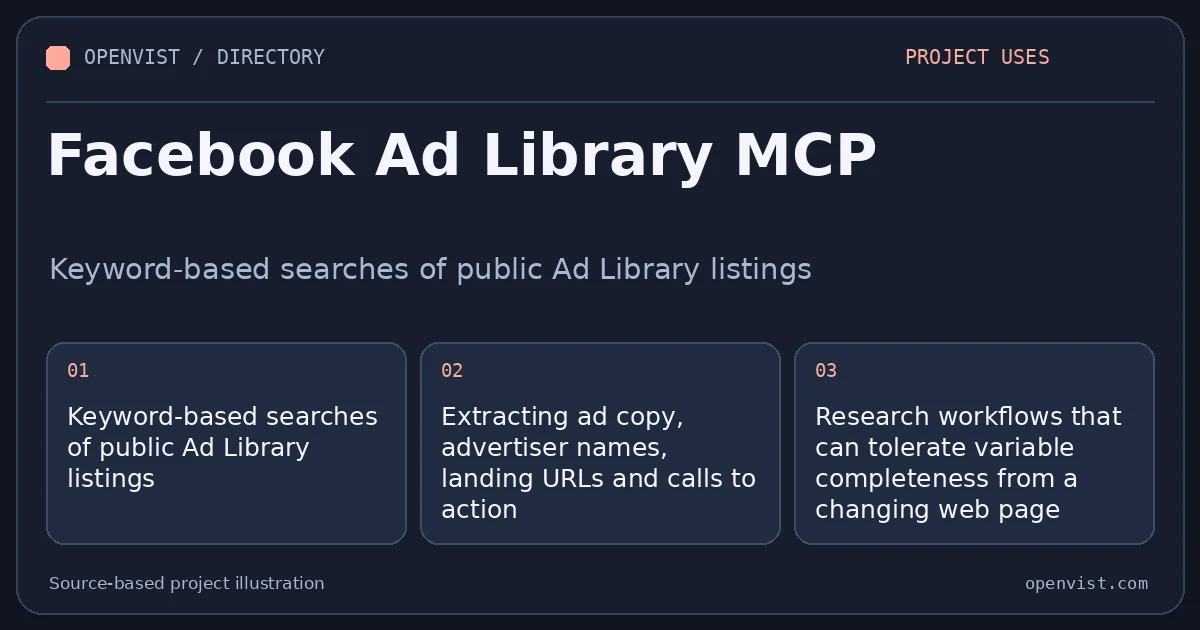
- Search the Ad Library by keyword and inspect results grouped by advertiser.
- Scrape an existing Ad Library URL and review structured ad records.
- Compare ad copy, landing domains and calls to action across advertisers.
- Use raw page markdown when parsed fields omit information.
Requirements & limits
The README says searches use public Ad Library pages without a Facebook account or API token. The server is self-hosted and licensed under MIT.
- More scroll rounds can retrieve more results but increase crawl time.
- The default wait is eight seconds; the README suggests raising it if results are empty.
- Advertiser-page views may not hydrate reliably in a headless browser; keyword search by advertiser name is described as more reliable.
- There is no caching or rate-limit handling, and repeated requests can lead to temporary empty results.
- The parser depends on Facebook’s page markup; raw markdown is returned as a fallback.
Check current requirements in the official documentation. Source-based guidance does not mean OpenViST has run or independently tested this project.
Install and register the MCP server
Prepare the server locally and add it to an MCP client.
Before you start
- Python 3.10 or later
- Git
- An MCP client such as Claude Code or Claude Desktop
Steps
Clone the repository and change into its directory.
Create and activate a Python virtual environment.
Install dependencies with the command below.
pip install -r requirements.txtInstall Chromium with the command below.
python -m playwright install chromiumRegister the server using the documented Claude Code command or Claude Desktop configuration, then restart the client.
Expected outcome
The MCP server is registered with the selected client for Ad Library searches and URL scraping.
Guide limitations
- Use absolute paths in the client registration configuration.
- This setup guide does not demonstrate a completed search.
Sources & review
Source record details
- Source availability
- Active
- Sources checked
- 21 November 2026
- Original website title
- RamsesAguirre777/facebook-ads-library-mcp · Official homepage title · retained in its source language