
Practical overview
When it fits
Use it when you have an Apple Silicon Mac and want to experiment with local Phi language or vision inference through MLX.
Who it is for
- Mac users with Apple Silicon who want to run Phi models locally.
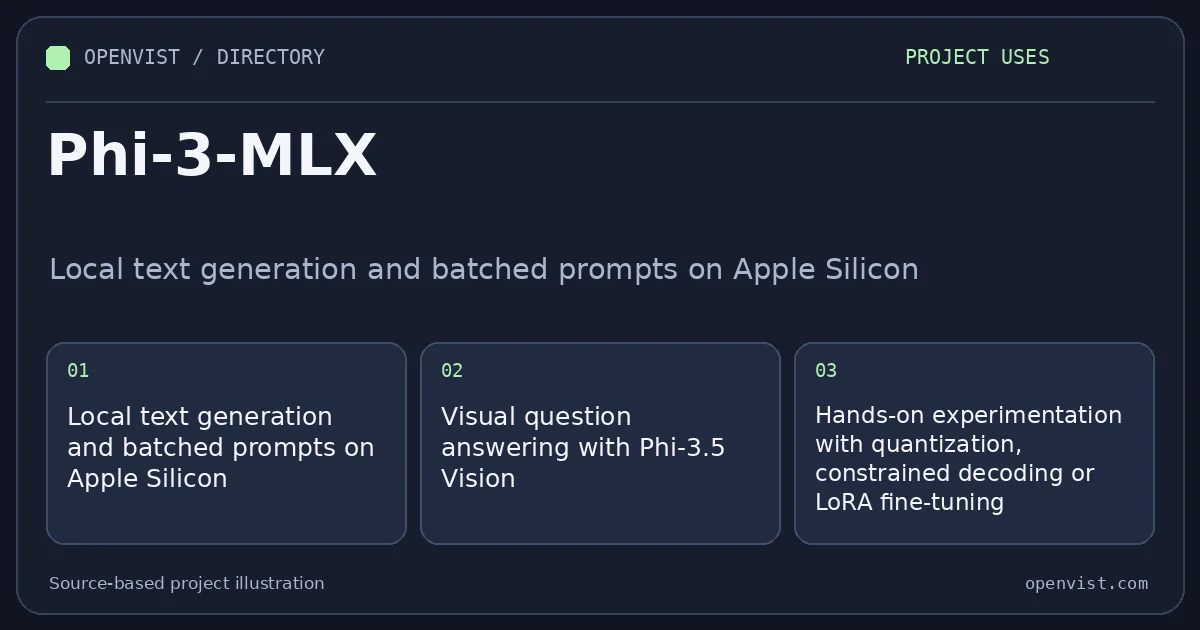
- Developers experimenting with text generation, visual question answering, structured decoding or model fine-tuning.
Documented uses
- Generate text from one prompt or a batch of prompts.
- Ask questions about an image using a vision model.
- Use constrained decoding for structured generation, including code or multiple-choice outputs.
- Fine-tune a LoRA adapter and generate text using that adapter.
Requirements & limits
The repository is public and identifies its license as MIT. The documented setup uses a command-line package installation or repository installation.
- The project is designed for Apple Silicon Macs rather than a general cross-platform setup.
- The README lists 8GB RAM with model quantization enabled as a minimum and recommends 16GB or more for larger models or datasets.
- The README warns that its PyPI package may not always be up to date and also documents repository installation.
Check current requirements in the official documentation. Source-based guidance does not mean OpenViST has run or independently tested this project.
Install Phi-3-MLX on an Apple Silicon Mac
Prepare the documented command-line installation and launch path.
Before you start
- Apple Silicon Mac (M1, M2 or later)
- 8GB RAM with model quantization enabled; 16GB or more is recommended for larger models or datasets
Steps
Install the package with the command below.
pip install phi-3-vision-mlxLaunch it with
phi3v.
Expected outcome
The documented package installation and command-line launch sequence is ready to use.
Guide limitations
- The README says the PyPI version may not always be up to date.
- The README describes hardware requirements but does not specify further environment setup.
Generate text or ask a question about an image
Use the documented Python generation interface for text prompts or visual question answering.
Before you start
- An Apple Silicon Mac meeting the stated memory guidance
- The Phi-3-MLX package installed
- A text prompt; for visual question answering, an image URL
Steps
Import
generatefromphi_3_vision_mlxin a Python script.Pass a text prompt to
generateto request text generation.For visual question answering, pass a question and an image URL to
generate.
Expected outcome
The documented interface accepts text-generation prompts and image-question pairs.
Guide limitations
- The README provides example calls but does not specify image input formats beyond an image URL.
- The README does not give performance guarantees.
Sources & review
Source record details
- Source availability
- Active
- Sources checked
- 21 November 2026
- Original website title
- JosefAlbers/phi · Official homepage title · retained in its source language