
Practical overview
When it fits
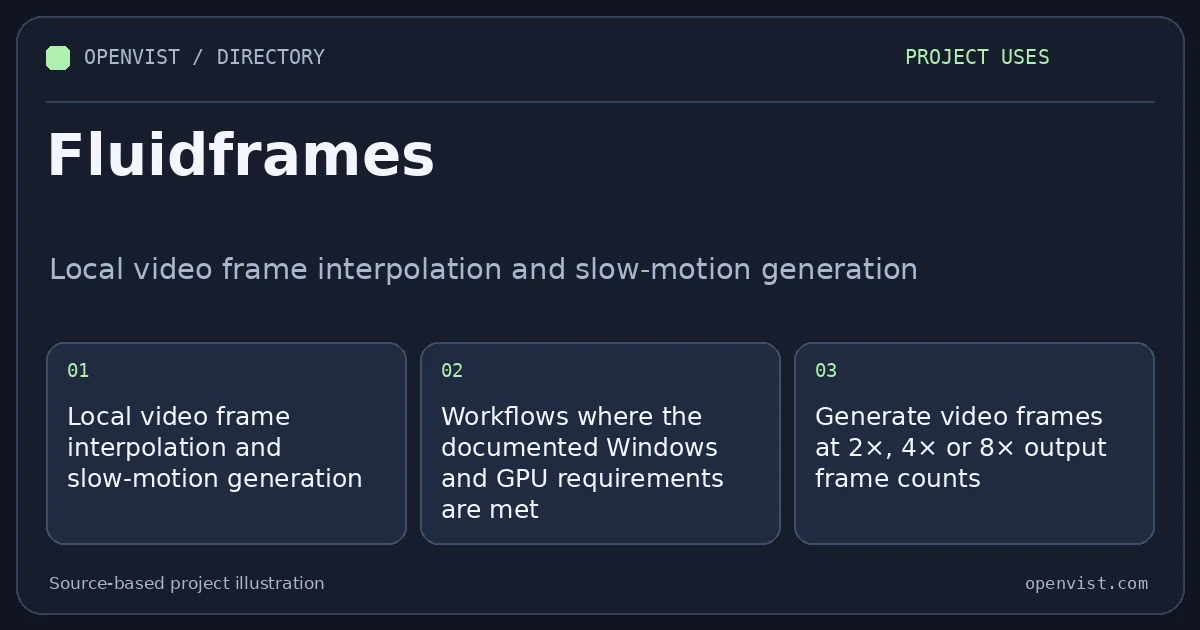
Use it when you want to increase a video’s frame count or create slow motion through RIFE-based frame generation on a Windows PC.
Who it is for
- Windows users who want to interpolate video frames or produce slow-motion footage.
- Developers interested in setting up the Python project from its public repository.
Documented uses
- Generate video frames at 2×, 4× or 8× output frame counts.
- Create slow-motion video at the documented 2×, 4× or 8× settings.
- Resize video before interpolation, process multiple videos and save generated frames as files.
Requirements & limits
The project is publicly available under the MIT license.
- The listed requirements are Windows 10 or 11, at least 8 GB RAM and a DirectX 12-compatible GPU with at least 2 GB VRAM.
- The README lists MP4, WebM, GIF, MKV, FLV, AVI, MOV and QT formats.
- The project says it needs no internet connection for processing and keeps work on the PC.
- The repository describes a Python application and lists PyTorch, ONNX Runtime DirectML, OpenCV, MoviePy and CustomTkinter among its components.
Check current requirements in the official documentation. Source-based guidance does not mean OpenViST has run or independently tested this project.
Prepare the Fluidframes source project
Set up the repository and its documented development prerequisites in VS Code.
Before you start
- Windows PC
- Python installed
- VS Code installed
- FFmpeg executable downloaded
Steps
Download the project as a ZIP from the repository and extract it.
Extract FFmpeg.exe into the project’s /Assets folder.
Open the project directory in VS Code and select FluidFrames.py.
In VS Code’s Terminal panel, run pip install -r requirements.txt.
Close and reopen VS Code to refresh dependencies.
Expected outcome
The repository and listed dependencies are prepared for the documented next stage of launching the project from VS Code.
Guide limitations
- The setup instructions do not establish that the application has been run successfully.
Sources & review
Source record details
- Source availability
- Active
- Sources checked
- 21 November 2026
- Original website title
- Djdefrag/FluidFrames · Official homepage title · retained in its source language