
Practical overview
When it fits
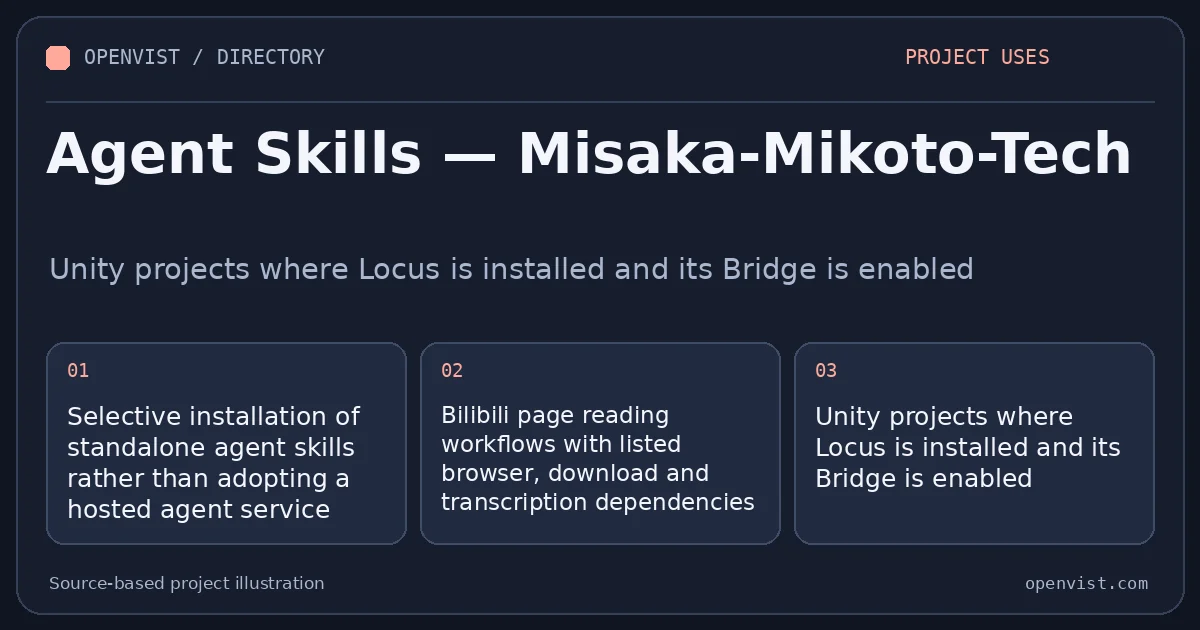
Use the repository when you want to select and copy a documented skill into a compatible agent workflow, especially for Bilibili reading, Windows PowerShell invocation or Unity Editor interaction.
Who it is for
- People using agents that can load skills from a shared .agents/skills directory.
- Windows agent builders who want guidance for invoking PowerShell commands.
- Agent users setting up Bilibili video-page reading or Unity Editor workflows.
Documented uses
- Add Bilibili page content reading, with audio transcription as a fallback when creator-provided subtitles are unavailable.
- Diagnose and interact with a Unity Editor through the Locus bridge.
- Apply safer practices for PowerShell command arguments, paths, quoting, encoding and process startup.
Requirements & limits
The repository is public and lists an MIT license. The README describes copying selected skill folders into an agent's skills directory.
- Skills are installed by copying their directories; the target agent must support the chosen skills directory.
- Bilibili reading lists Kimi WebBridge, Bilibili Evolved, Node.js, ffmpeg/ffprobe, and Python with FunASR as dependencies.
- Unity Editor interaction requires Windows, PowerShell 7, Locus installed in the target project and the Bridge enabled.
- The README recommends PowerShell 7 or later for the PowerShell invocation skill.
Check current requirements in the official documentation. Source-based guidance does not mean OpenViST has run or independently tested this project.
Copy selected skills into a shared agent directory
Install chosen skill folders in the shared .agents/skills directory described by the README.
Before you start
- A local copy of the repository.
- PowerShell 7 or later is recommended.
- An agent that supports the shared .agents/skills directory.
Steps
Open PowerShell in the local repository directory.
Set the target to $env:USERPROFILE\.agents\skills.
Create the target directory if needed.
Copy the selected skill folders from skills\ into the target directory; the README's example copies bilibili-page-reader, powershell-safe-invocation and locus-unity-bridge.
Expected outcome
Selected skill folders are placed in the shared skills directory for agents that support it.
Guide limitations
- The README says to change the target path for agents that use a different skills directory.
- Copying the Locus bridge skill does not install Locus in a Unity project or enable its Bridge.
Sources & review
Source record details
- Source availability
- Active
- Sources checked
- 21 November 2026
- Original website title
- Misaka-Mikoto-Tech/agent-skills · Official homepage title · retained in its source language