
Practical overview
When it fits
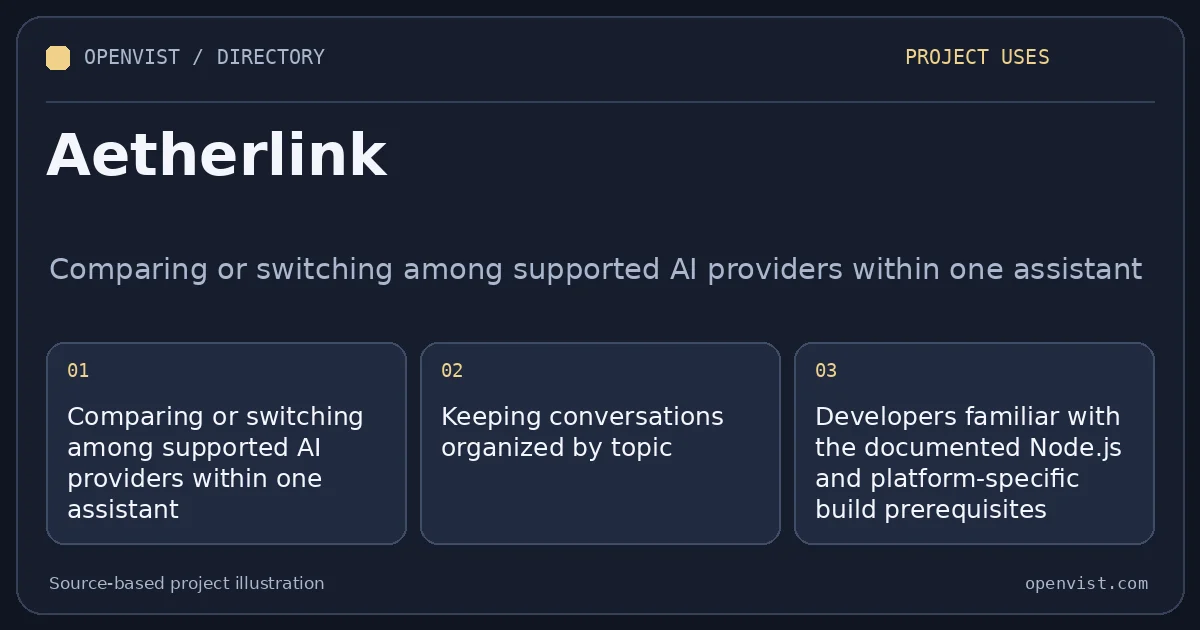
Use AetherLink when you want a configurable, multi-provider chat application or a repository starting point for a cross-platform assistant.
Who it is for
- People who want to use multiple AI providers from one conversational interface.
- Developers who want to build or adapt a React and TypeScript AI assistant for mobile or desktop.
Documented uses
- Configure credentials for supported model providers or custom API endpoints.
- Hold conversations with different models and organize chats by topic.
- View model reasoning information and thinking time.
- Use the documented voice interaction and document-based knowledge-base features.
Requirements & limits
The README says API credentials are added in Settings > Model Providers. It describes AGPL v3 licensing for individuals and teams of up to eight, and requires a commercial license for organizations with more than eight people.
- The README lists OpenAI, Gemini, Claude, Grok, SiliconFlow, Volcengine and custom API endpoints.
- The app uses React and TypeScript, with Capacitor for Android and iOS and Tauri for desktop builds.
- Native builds require additional tools: Android Studio, Xcode on macOS, or Rust for Tauri desktop builds.
Check current requirements in the official documentation. Source-based guidance does not mean OpenViST has run or independently tested this project.
Set up AetherLink for local development
Install the repository dependencies and start the documented development server.
Before you start
- Node.js 22.0.0 or later
- npm 10.0.0 or later, or Yarn 1.22 or later
Steps
Clone the AetherLink repository and change into its directory.
Install dependencies with npm install or yarn install.
Start the development server with npm run dev.
Expected outcome
The README directs contributors to a running development server.
Guide limitations
- This setup sequence does not cover native Android, iOS or desktop builds, which require additional platform tools.
Sources & review
Source record details
- Source availability
- Active
- Sources checked
- 21 November 2026
- Original website title
- 1600822305/AetherLink · Official homepage title · retained in its source language