
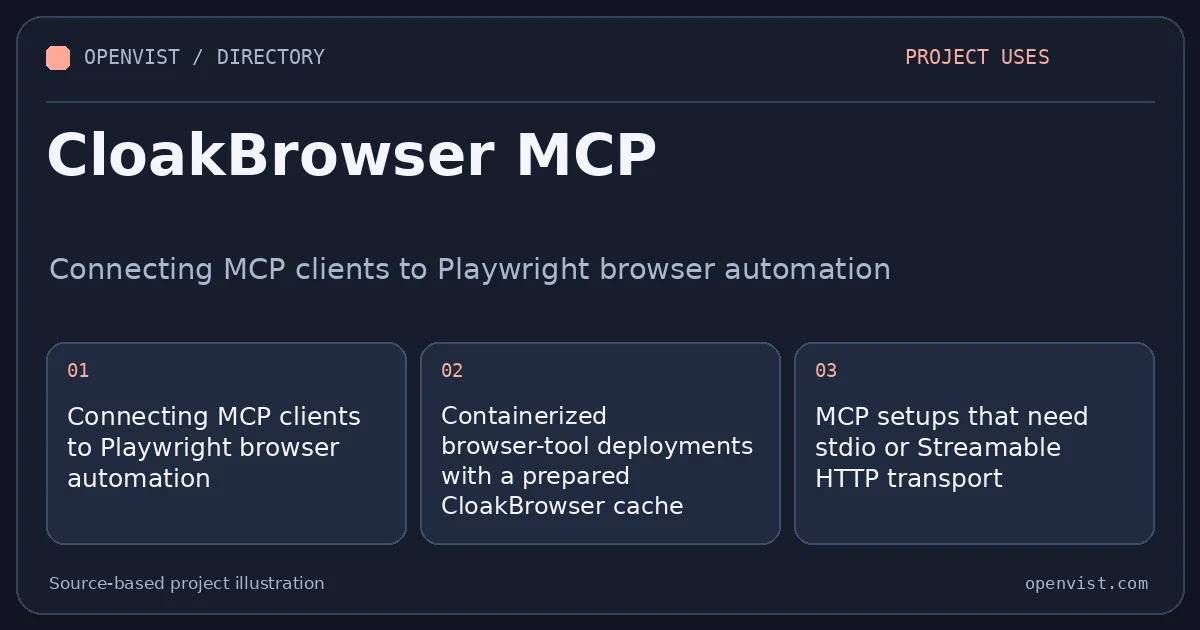
Practical overview
When it fits
Use it when an MCP client needs Playwright-compatible browser tools and you want CloakBrowser's documented browser-session features. Choose npm for a local Node.js-based setup or Docker for the documented container runtime.
Who it is for
- Developers connecting MCP-compatible AI clients to browser automation tools.
- Teams setting up browser-based research, testing or automation through an MCP client.
- Operators who need a local stdio server or a separately running Streamable HTTP server.
Documented uses
- Give an MCP client browser tools for web research.
- Set up browser-based testing and automation with persistent profiles.
- Run browser sessions with extensions loaded.
- Configure regional QA using GeoIP-aware proxy matching.
Requirements & limits
The npm package requires Node.js ^22.13.0 or >=24.0.0. Docker images are documented for linux/amd64 and linux/arm64.
- The client must support MCP and be configured for stdio or Streamable HTTP.
- The npm route requires a supported Node.js version; the Docker route offers a prepared browser cache.
- The default HTTP endpoint is bound to 127.0.0.1:3000, and direct HTTPS termination can be configured.
- The doctor command checks local metadata but does not start the bridge or download Chromium.
Check current requirements in the official documentation. Source-based guidance does not mean OpenViST has run or independently tested this project.
Connect an MCP client with npm over stdio
Register CloakBrowser MCP as a local stdio server in an MCP client.
Before you start
- Node.js ^22.13.0 or >=24.0.0
- An MCP client that supports stdio server configuration
Steps
Run the command below to inspect the local runtime and package metadata.
npx -y cloakbrowser-mcp@latest doctorAdd a server entry to the MCP client's configuration using command
npxand arguments-yandcloakbrowser-mcp@latest.Restart the client if its configuration instructions require it, then ask it to list tools.
Expected outcome
The client should list upstream Playwright MCP browser tools and the `cloakbrowser_binary_info` and `cloakbrowser_bridge_info` tools.
Guide limitations
- The doctor command does not start the bridge or download a browser.
- CloakBrowser downloads its Chromium binary on first use unless it is already cached.
Start a Docker server for a local Streamable HTTP client
Run the server on loopback and configure a client to use its MCP endpoint.
Before you start
- Docker
- An MCP client that supports Streamable HTTP
Steps
Pull
swimmwatch/cloakbrowser-mcp:latest.Start the container with port 3000 published on
127.0.0.1, the server bound inside the container to0.0.0.0, and--transport streamable-http --http-port 3000.Configure the MCP client to connect to
http://127.0.0.1:3000/mcp.Use the documented health and readiness URLs at
/healthzand/readyzon the same host and port.
Expected outcome
A Docker-hosted Streamable HTTP MCP endpoint is available at the configured local URL for the client to connect to.
Guide limitations
- The documented recipe binds the published port to loopback; it does not describe public exposure.
- If HTTP authentication is configured, the same Bearer token must be sent to
/mcp,/healthzand/readyz.
Sources & review
Source record details
- Source availability
- Active
- Sources checked
- 21 November 2026