
Practical overview
When it fits
Use it when working in a compatible DeepSeek Harness Web profile and you want persistent multi-agent workflows with per-member configuration and a Run Center for run inspection.
Who it is for
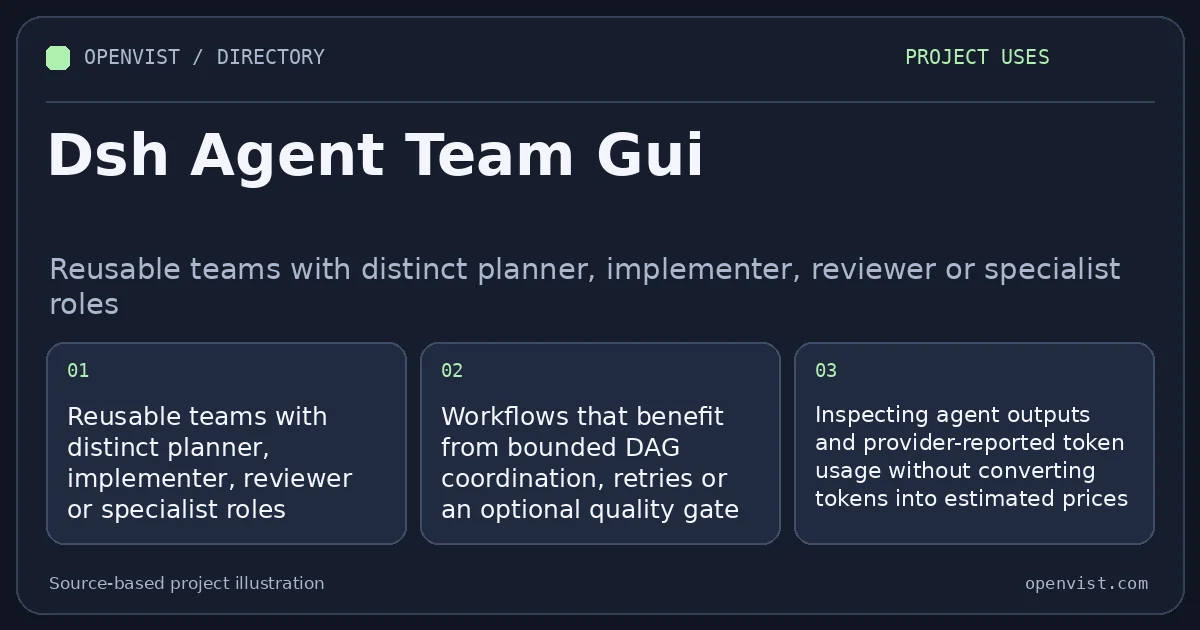
- Developers using DeepSeek Harness Web who want to reuse multi-agent teams across projects or conversations.
- Users who need to assign models and tool policies to individual agent team members.
- Harness users who want to inspect workflow progress, member outputs, retries and token usage.
Documented uses
- Save and reuse a team with separate model and tool settings for each member.
- Let a lead agent plan work and dependencies for bounded multi-agent workflows.
- Choose team, project-inherited or one-message execution modes.
- Review run state, outputs and token-usage coverage; stop, retry or export a run.
Requirements & limits
The plugin requires a working DeepSeek Harness Web profile, a configured provider/model, Node.js in a documented supported range and pnpm. Version 1.3.0 declares DeepSeek Harness compatibility as >=0.1.5-rc.1
- This is a Harness plugin, not a standalone agent service.
- Version 1.3.0 recommends installing the compiled release package; Git source installation runs the repository's build.
- The Run Center reports token buckets and coverage, not prices.
- The optional quality gate is constrained to one reviewer, one repair owner and 0–2 repair rounds.
Check current requirements in the official documentation. Source-based guidance does not mean OpenViST has run or independently tested this project.
Install the compiled plugin in a Harness Web profile
Add the v1.3.0 release package to a compatible DeepSeek Harness Web profile and open the team settings.
Before you start
- A working DeepSeek Harness Web profile with at least one provider/model configured.
- Node.js >=22.19.0 =24.0.0, and pnpm.
- DeepSeek Harness version in the declared range >=0.1.5-rc.1 <0.1.6-0.
Steps
Run
dsh plugin --profile web add https://github.com/toolclub/dsh-agent-team-gui/releases/download/v1.3.0/dsh-agent-team-gui-1.3.0.tgz.Restart the DeepSeek Harness Web process if it was already running.
Open Settings → Teams.
Expected outcome
The plugin is installed in the Web profile, where its team settings can be opened.
Guide limitations
- Version 1.3.0 is outside its declared host range on DeepSeek Harness 0.1.7-rc.2; changing the installation source does not add runtime support.
- The documented command uses the
dshlauncher; the project README describes alternatives if it is not on PATH.
Compare options for Agent orchestration
These projects document a common task and share a project role. This is a source-based comparison, not an execution benchmark or a guarantee of interchangeability.
| Project | Documented purpose | Platform | Access and requirements |
|---|---|---|---|
| Dsh Agent Team Gui | Save and reuse a team with separate model and tool settings for each member. | Web | The plugin requires a working DeepSeek Harness Web profile, a configured provider/model, Node.js in a documented supported range and pnpm. Version 1.3.0 declares DeepSeek Harness compatibility as >=0.1.5-rc.1 |
| Clawswarm | Bring multiple specialized OpenClaw agents into a shared group chat. | Docker, Web, Server, Self-hosted | The README documents Docker startup, a web interface on port 18080 and default administrator credentials. It directs users to separate OpenClaw plugin installation guides for integration. |
| Autogluon Assistant | Provide raw multimodal data as input to an automated ML workflow. | Linux, macOS, Windows |
Sources & review
Source record details
- Source availability
- Active
- Sources checked
- 21 November 2026
- Original website title
- toolclub/dsh-agent-team-gui · Official homepage title · retained in its source language