
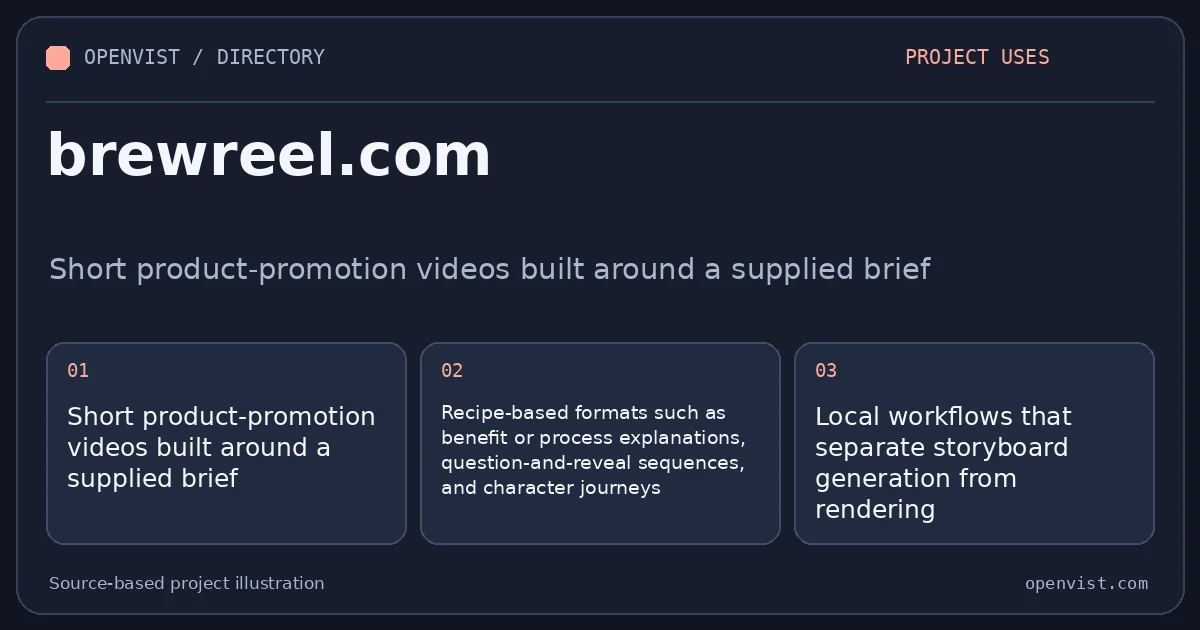
Practical overview
When it fits
Use BrewReel when a video can be planned from a written brief or voiceover and you want to render locally, then inspect the output before publication.
Who it is for
- People preparing product-promotion videos from a brief and supplied media.
- Creators who want to add visuals to an existing voiceover.
- Users making 16:9 lecture videos with animated slides and a presenter.
Documented uses
- Turn a product brief into a recipe-based storyboard and rendered promotional video.
- Add explanatory visuals to an existing voiceover video.
- Create lecture videos with animated slides and a presenter.
- Prepare a brief with traceable claims and media notes before generating a storyboard.
Requirements & limits
The official site describes BrewReel as open source and Apache-2.0 licensed. The documented workflow requires a local Node.js and Python environment; the guide notes a separate Remotion Company License requirement for for-profit organizations with four or more people.
- Storyboard generation and video rendering are separate stages: a model drafts the storyboard, while local scripts render it.
- The documented promotional recipes have different default aspect ratios; cards and quiz use 1080 × 1920, while journey uses 1080 × 1350.
- The product-brief guide stresses sourcing claims, stating conditions for figures, and identifying media origins and permitted use.
- Local rendering requires project dependencies, and voiceover work needs full FFmpeg.
Check current requirements in the official documentation. Source-based guidance does not mean OpenViST has run or independently tested this project.
Set up BrewReel and render the repository sample
Install the documented local rendering dependencies, then validate and render an example video.
Before you start
- Node.js 18 or later and Python 3.10 or later
- Git, npm and space to download dependencies
- A Windows system, if used, should follow the project’s x64 instructions
Steps
Clone the repository, enter its template directory and install npm dependencies.
Run the documented Remotion browser setup and install the Python audio dependencies.
Return to the repository root and validate the example storyboard with the documented validation command.
Render the example to an output directory outside the repository, then review the complete video and accompanying report and manifest.
Expected outcome
A locally rendered example video and associated review files, including a contact sheet, checks, report and manifest.
Guide limitations
- Static validation does not confirm that rendering succeeds; render and inspect the output separately.
- Voiceover workflows require full FFmpeg; Remotion’s bundled version is minimal.
- The guide’s setup commands have not been independently re-run for this profile.
Sources & review
Source record details
- Source availability
- Active
- Sources checked
- 20 November 2026
- Original website title
- 精酿 BrewReel — 开源的宣传片与口播配画面工具 · Official homepage title · retained in its source language