
Practical overview
When it fits
Use it when you need research code for face-specific image super-resolution and can supply the documented Python, PyTorch, CUDA, data and model prerequisites.
Who it is for
- Computer-vision researchers studying face image restoration and super-resolution.
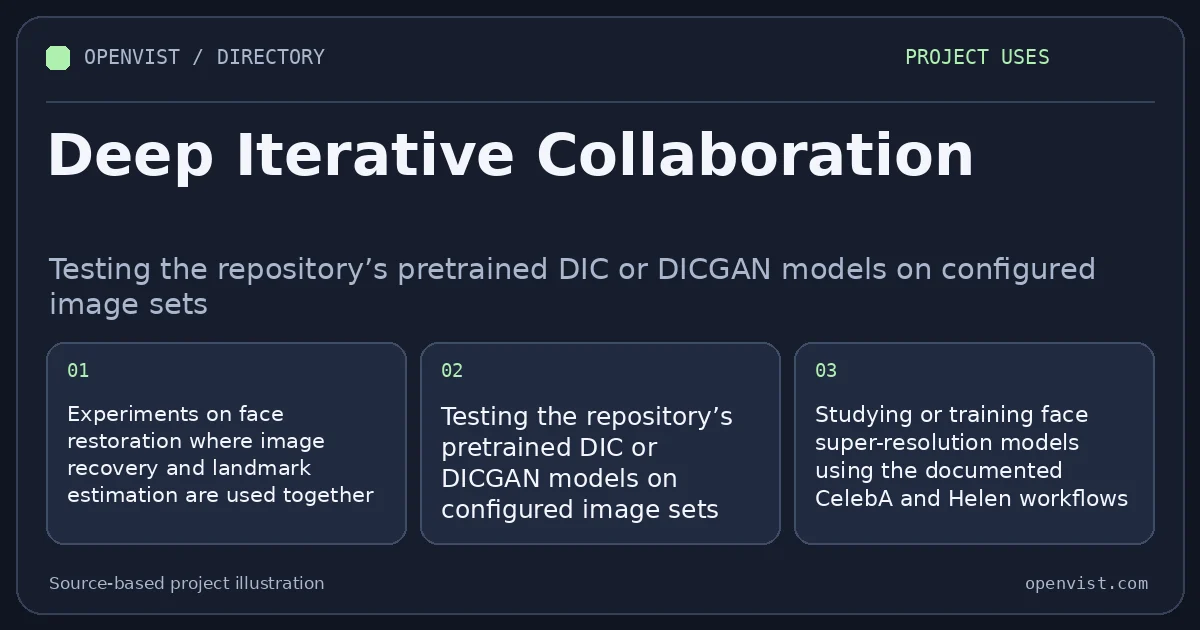
- Developers seeking research code to test pretrained face super-resolution models or configure training experiments.
Documented uses
- Generate super-resolution face images from configured low-resolution PNG inputs using pretrained models.
- Train a DIC or DICGAN model with configured CelebA or Helen data and landmark annotations.
- Evaluate restored images using PSNR, SSIM, or the provided landmark-evaluation workflow.
Requirements & limits
- This is a code repository rather than a hosted image-enhancement application.
- The documented stack requires an NVIDIA GPU and CUDA as well as Python 3 and PyTorch 1.1.0 or later.
- Testing requires PNG inputs; model files and datasets are downloaded separately.
- Training requires editing option files for data, annotations, model paths and other experiment settings.
- The repository reports PSNR and SSIM for testing and includes a separate landmark-based evaluation script.
Check current requirements in the official documentation. Source-based guidance does not mean OpenViST has run or independently tested this project.
Prepare the repository for testing pretrained face super-resolution models
Set up the documented inputs and model files needed for the repository’s testing workflow.
Before you start
- Python 3, PyTorch 1.1.0 or later, an NVIDIA GPU with CUDA, and the listed Python packages.
- PNG low-resolution input images and the repository’s test configuration files.
- A pretrained DIC or DICGAN model downloaded separately.
Steps
Download a pretrained model from the README-linked models folder and place it in ./models.
Edit the appropriate options/test configuration for the pretrained-model directory and low-resolution image set.
From the code directory, run the documented test.py command with the selected test JSON configuration.
Review the generated images under results/{test_name}/{dataset_name}; PSNR and SSIM are recorded in result.json, with averages in average_result.txt.
Expected outcome
Generated super-resolution images and reported PSNR and SSIM results for the configured test set.
Guide limitations
- The README specifies PNG input images.
- The configuration must be adapted to local model and image paths.
- Datasets, annotations and pretrained models are downloaded separately.
Sources & review
Source record details
- Source availability
- Active
- Sources checked
- 20 November 2026
- Original website title
- Maclory/Deep-Iterative-Collaboration · Official homepage title · retained in its source language