
Practical overview
When it fits
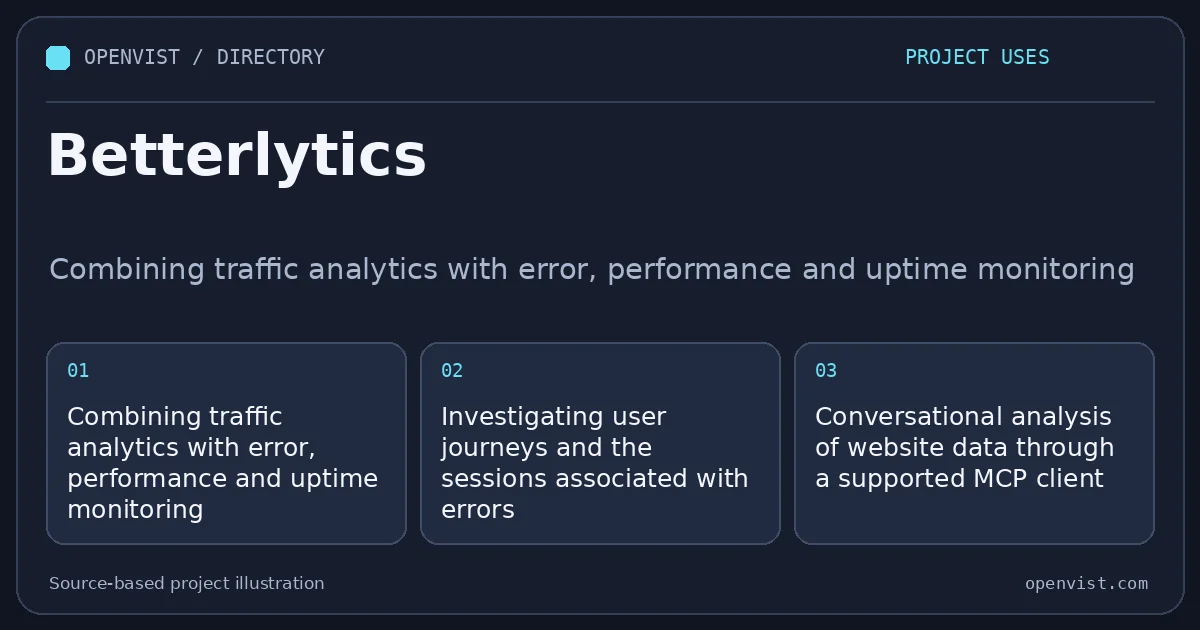
Use Betterlytics when you want website analytics and operational signals in a shared dashboard, or when you want supported AI clients to query that data through MCP.
Who it is for
- Website owners who need traffic, campaign and visitor-journey reporting.
- Product and engineering teams investigating client-side errors or site performance.
- Developers who want an AI client to query website analytics and monitoring data.
Documented uses
- Review visitors, pageviews, referrers, UTM campaigns, geography and devices.
- Trace navigation paths, analyze funnels and inspect session replays.
- Group client-side JavaScript errors, inspect stack traces and follow the session trail behind an issue.
- Monitor Core Web Vitals, availability, response times and SSL certificates.
- Ask a supported AI client questions about dashboard data through MCP.
Requirements & limits
The service offers managed cloud and self-hosted use. MCP access requires a dashboard token; the documented token setup supports an expiration period or no expiry.
- Select managed cloud or self-hosting according to where you want the service to run.
- The core tracking script is described as about 3.5KB gzipped and loads asynchronously; optional features load only when enabled.
- Session replay is disabled by default and masks text and inputs by default when enabled.
- MCP setup requires a client supported by Betterlytics and a token created in dashboard settings.
Check current requirements in the official documentation. Source-based guidance does not mean OpenViST has run or independently tested this project.
Connect Betterlytics analytics to an MCP client
Enable a supported AI client to query analytics data from a Betterlytics dashboard.
Before you start
- A Betterlytics dashboard.
- A supported client: Claude Desktop, Claude Code, Cursor, VS Code, Windsurf, Antigravity or Codex.
- For self-hosting, the instance's MCP Server URL.
Steps
In the dashboard, open Settings > MCP and create a token with an expiration period or no expiry.
Copy the token when it is created; it is shown only once.
Follow the setup instructions for the chosen client, using the Betterlytics Cloud endpoint or, for self-hosting, the Server URL shown in the dashboard.
Expected outcome
The connected AI client can query the dashboard's analytics and related monitoring data conversationally.
Guide limitations
- A token is scoped to one dashboard and requests are rate-limited to 60 per minute per site.
- The documented setup is client-specific; use the instructions for the chosen client.
Sources & review
Source record details
- Source availability
- Active
- Sources checked
- 20 November 2026
- Original website title
- Betterlytics: Web analytics, session replay, errors & uptime · Official homepage title · retained in its source language