
Practical overview
When it fits
Use it when a paper or research question needs a faster first-pass summary, passage-grounded questions, cross-paper comparison, or ongoing literature monitoring.
Who it is for
- Researchers who need concise or audience-adapted summaries of papers.
- Readers comparing claims or methods across several papers.
- Research groups organizing shared paper collections and notes.
- Researchers monitoring new papers, citations or emerging topics.
Documented uses
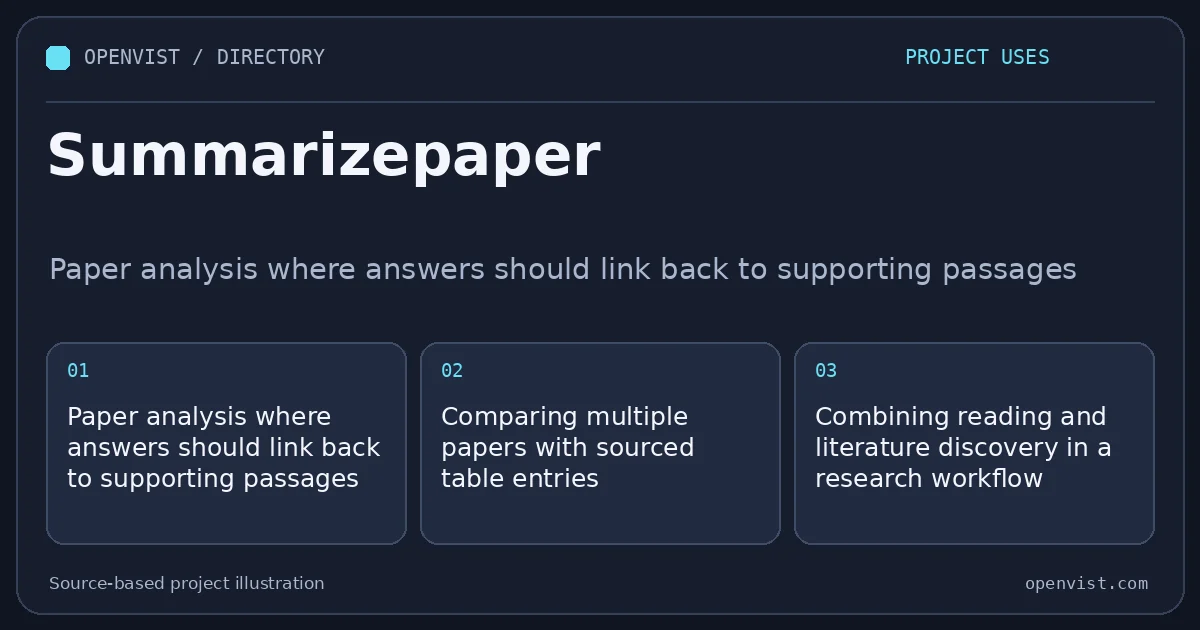
- Generate key-point, detailed, lay or blog-style summaries from a paper identifier or supported paper link.
- Ask questions about one or more papers and inspect linked passages behind answers.
- Compare papers in tables that include a source for each cell.
- Keep papers in tagged collections, add notes and collaborate on reading lists.
- Follow fields with digests, saved searches, weekly letters and rising-topic tracking.
Requirements & limits
The repository README marks tools as free, Premium or Premium+. It identifies summaries, chat and collections among the tools, while citation alerts and scoop watch are marked Premium and literature reviews and journal-club slides Premium+.
- Full-text reading depends on the paper's license; the service uses the abstract otherwise.
- The README lists supported inputs including arXiv IDs and links from bioRxiv, medRxiv, HAL, OSF, PubMed and Europe PMC.
- The public repository identifies Python as its primary language and carries an MIT license.
Check current requirements in the official documentation. Source-based guidance does not mean OpenViST has run or independently tested this project.
Prepare a local development environment
Install the documented dependencies and configure the application for local development.
Before you start
- Python 3.12
- Redis available at 127.0.0.1:6379
- An OpenAI API key
Steps
Create a virtual environment with Python 3.12.
Install dependencies from requirements.txt.
Set SECRET_KEY and OPENAI_KEY in the environment.
Run database migrations.
Expected outcome
The application dependencies are installed, its environment variables are set, and database migrations have been applied.
Guide limitations
- The documented setup does not by itself describe or verify every configuration needed for a production deployment.
Sources & review
Source record details
- Source availability
- Active
- Sources checked
- 20 November 2026
- Original website title
- summarizepaper/summarizepaper · Official homepage title · retained in its source language