
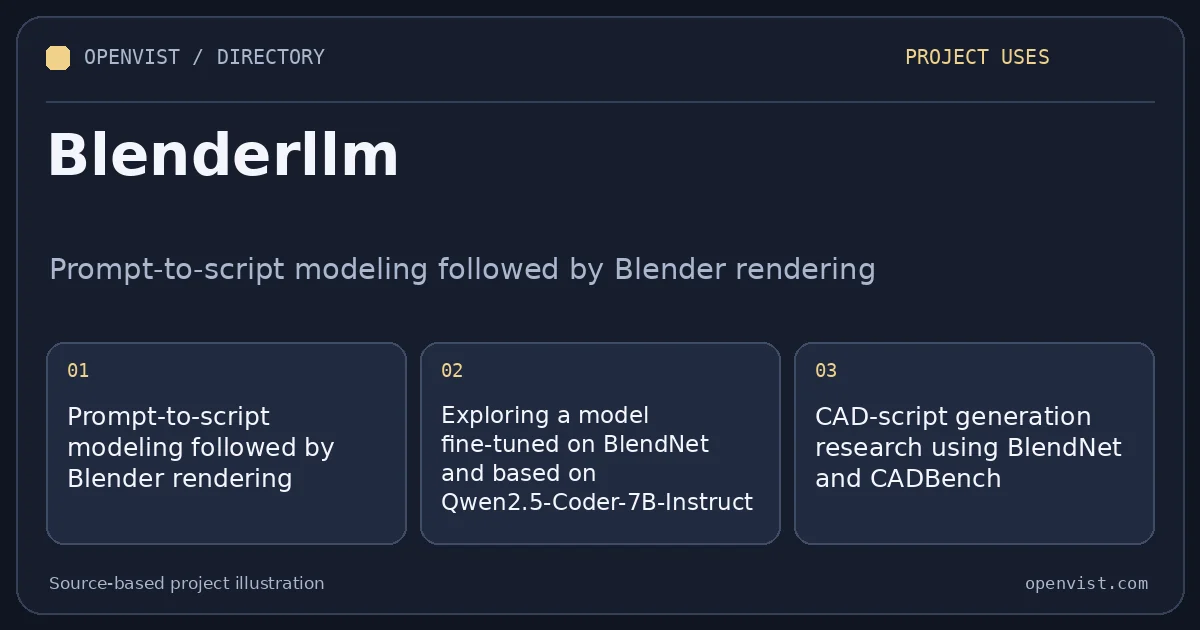
Practical overview
When it fits
Use BlenderLLM when a text instruction is the starting point for a Blender CAD model, or when working with the project's released CAD-script dataset and benchmark.
Who it is for
- People who want to turn written instructions into Blender-rendered 3D models.
- Researchers and developers studying CAD-oriented language models, their training data or their evaluation.
Documented uses
- Generate a CAD script from a natural-language instruction.
- Execute the generated script in Blender to render a 3D model.
- Explore instruction-to-script training examples or evaluate CAD-script generation with the released dataset and benchmark.
Requirements & limits
The public repository lists an Apache-2.0 license. Its documented modeling workflow requires downloaded model weights and a Blender installation with an accessible executable path.
- The repository documents a chat-only command as well as a modeling command that executes scripts and renders images.
- Blender is necessary for rendering, but not for the README's chat-only workflow.
- BlendNet contains 12,000 instruction–CAD-script pairs; CADBench contains 500 simulated samples and 200 samples collected from online forums.
Check current requirements in the official documentation. Source-based guidance does not mean OpenViST has run or independently tested this project.
Run BlenderLLM to render a model from an instruction
Use the documented modeling workflow to generate CAD script output and render it in Blender.
Before you start
- Python packages listed in the repository's requirements file
- Downloaded BlenderLLM model weights
- Blender installed, with its executable path available
Steps
Install the required packages with the command below.
pip install -r requirements.txtDownload the BlenderLLM model weights.
Install Blender and identify the path to its executable.
Run
modeling.pywith the model name, prompt, object name, output folder, Blender executable path and brightness arguments.
Expected outcome
The documented workflow generates CAD scripts from the prompt, executes them in Blender and renders images.
Guide limitations
- Blender is required for script execution and rendering.
- The repository provides an example command with placeholders; values and paths must be supplied for the user's setup.
Sources & review
Source record details
- Source availability
- Active
- Sources checked
- 20 November 2026
- Original website title
- FreedomIntelligence/BlenderLLM · Official homepage title · retained in its source language