
Practical overview
When it fits
Use Data Maskit when a development tool can be configured with a custom Base URL and you want a local masking layer between that tool and an AI model service.
Who it is for
- Developers using AI coding tools who want to mask credentials, personal information or internal details before requests reach model services.
- Teams seeking a self-hosted gateway with a web management console.
- Users submitting image or document attachments who need sensitive regions physically obscured before upload.
Documented uses
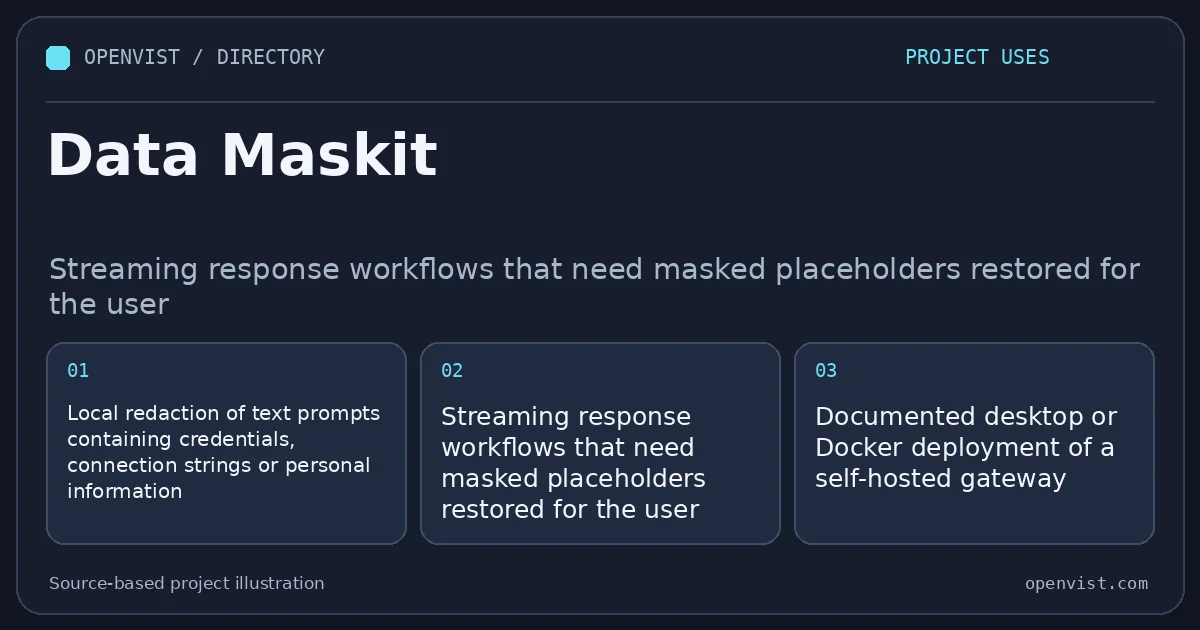
- Replace recognized secrets, personal data and custom sensitive terms with placeholders in outgoing text.
- Keep placeholder references consistent across multiple turns in a conversation.
- Restore placeholders as model responses stream back.
- Obscure sensitive characters in images and document pages before sending them to a model.
- Route compatible development tools through a local endpoint.
Requirements & limits
The README describes desktop installers for Windows, macOS and Linux, plus Docker deployment. The project is licensed under AGPL-3.0.
- Compatible clients need to accept a custom Base URL to use the documented proxy setup.
- The README provides distinct local endpoints for OpenAI-compatible and Anthropic protocols.
- Image masking is physical and irreversible; covered source content cannot be recovered for model responses.
- Anthropic signed thinking blocks are excluded from masking according to the README.
- The documented passthrough behavior can forward plain requests when the proxy is disabled or the application exits.
Check current requirements in the official documentation. Source-based guidance does not mean OpenViST has run or independently tested this project.
Point a CLI client at the local OpenAI-compatible gateway
Configure a command-line client to send requests through Maskit's local OpenAI-compatible endpoint.
Before you start
- A running Data Maskit instance.
- An upstream API key.
- A CLI client that accepts OpenAI environment variables.
Steps
Set OPENAI_BASE_URL to http://127.0.0.1:18701/v1.
Set OPENAI_API_KEY to the upstream API key.
Start the CLI client from the configured environment.
Expected outcome
The client is configured to send its OpenAI-compatible requests to the local Maskit gateway.
Guide limitations
- The README documents the configuration, not a verified run with a particular client.
- The project describes passthrough behavior when the proxy is disabled or exits, which can forward unmasked requests.
Sources & review
Source record details
- Source availability
- Active
- Sources checked
- 20 November 2026
- Original website title
- xiaYuTian11/maskit · Official homepage title · retained in its source language