
Practical overview
When it fits
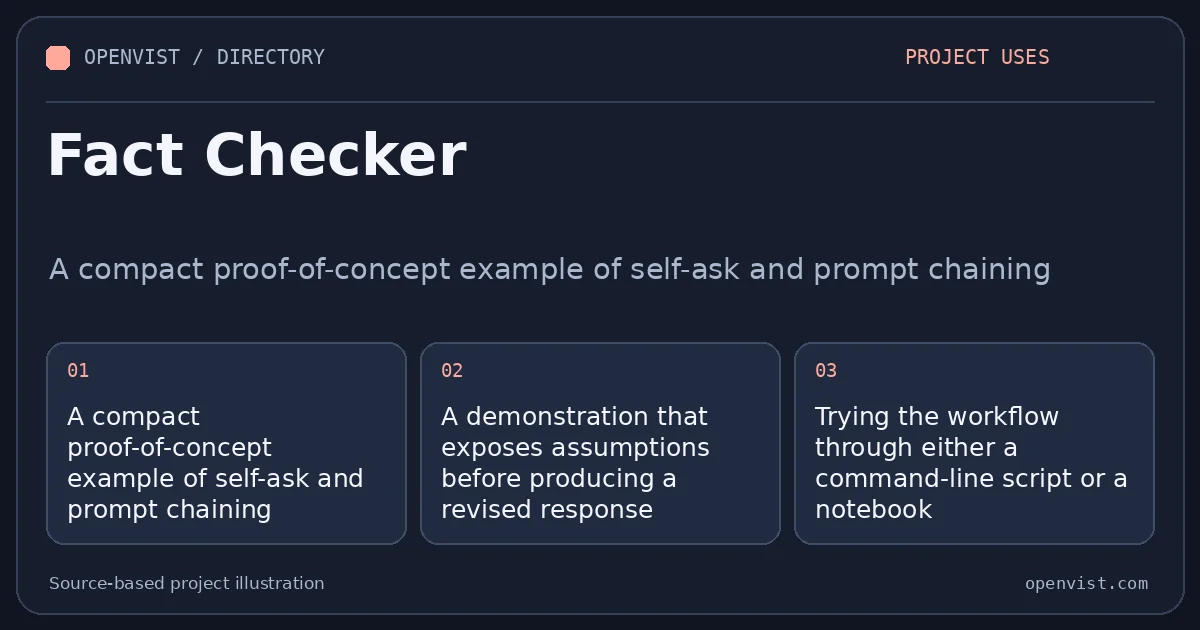
Use it to explore a small self-ask fact-checking workflow through its Python script or notebook, especially when studying how assumption checks can change an answer.
Who it is for
- Developers exploring a command-line example of LLM prompt chaining.
- Learners using a notebook to examine self-questioning and assumption checks.
Documented uses
- Try a prompt chain that surfaces assumptions behind an LLM response.
- Explore how sequential assumption checks can inform a revised answer.
- Compare an initial response with one that incorporates the chain’s checks.
Requirements & limits
- The README documents a Python 3 command-line invocation and a notebook alternative.
- The example shows the workflow can reject an answer built on a false premise.
- The README does not name a specific LLM or provide setup instructions.
- The checks are performed as part of the LLM prompt chain; the demonstration does not establish independent verification.
Check current requirements in the official documentation. Source-based guidance does not mean OpenViST has run or independently tested this project.
Run the command-line demonstration with a question
Pass a question to the repository’s Python script to explore its self-ask fact-checking chain.
Before you start
- Python 3 command invocation, as shown in the README.
- The repository’s fact_checker.py script.
- A question to pass as a command-line argument.
Steps
Run the command below, replacing the placeholder with a question.
python3 fact_checker.py 'insert question here'Keep the question wrapped in quotes when passing it as a command-line argument.
Expected outcome
The documented workflow invokes the script with a question; the README describes the chain as producing an initial answer, checking its assumptions sequentially and generating a new answer that incorporates the checks.
Guide limitations
- The README does not identify a specific LLM or provide setup instructions.
- This proof of concept demonstrates prompt chaining; its described checks are not independent verification.
Explore the prompt chain in the notebook
Use the provided notebook as an alternative interface for exploring the fact-checking demonstration.
Before you start
- The repository’s fact_checker.ipynb notebook.
Steps
Open the provided
fact_checker.ipynbnotebook.Use the notebook to explore the demonstration; the README identifies it as an alternative to the command-line script.
Expected outcome
A notebook-based way to explore the project’s prompt-chaining demonstration.
Guide limitations
- The project is presented as a proof of concept, not independent verification.
Sources & review
Source record details
- Source availability
- Active
- Sources checked
- 20 November 2026
- Original website title
- jagilley/fact-checker · Official homepage title · retained in its source language