
Practical overview
When it fits
Use the repository when you want implementation examples for applying SigLIP or SigLIP 2 to image search, retrieval or classification, rather than a hosted model API.
Who it is for
- Developers building or exploring multimodal image-search workflows
- Researchers and learners working with pretrained image-text models
- Users who want notebook examples for embedding indexes, retrieval or zero-shot classification
Documented uses
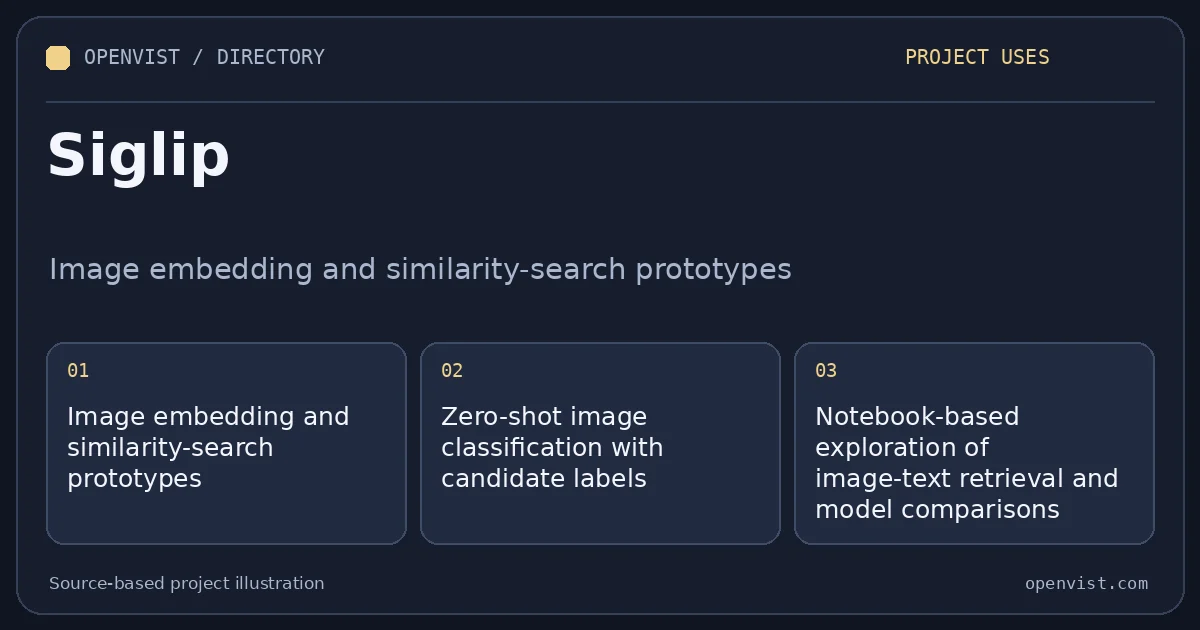
- Create an image embedding index with Transformers and FAISS.
- Search indexed images by similarity.
- Index text embeddings using the datasets-FAISS integration.
- Classify images against candidate text labels.
- Explore image-text retrieval or compare SigLIP with CLIP.
Requirements & limits
The GitHub repository is public and specifies an Apache-2.0 license.
- The repository provides notebooks and demos; it is not presented as an API service.
- Image search examples use Hugging Face Transformers and FAISS.
- The README supports SigLIP 2 checkpoints and specifies special padding settings for the Naflex variant.
- The zero-shot classification example can use the Transformers pipeline abstraction.
Check current requirements in the official documentation. Source-based guidance does not mean OpenViST has run or independently tested this project.
Run zero-shot image classification with Transformers
Classify an image against a set of candidate text labels using the documented Transformers pipeline.
Before you start
- Python environment with Transformers and Pillow available
- A compatible SigLIP checkpoint and its associated processor
- An image and candidate labels
Steps
Create a Transformers pipeline with the zero-shot-image-classification task and a compatible SigLIP checkpoint.
Load an image.
Call the pipeline with the image and candidate_labels.
Read the returned scores and labels.
Expected outcome
A list of candidate labels with classification scores for the image.
Guide limitations
- The example requires a compatible SigLIP checkpoint and its associated processor.
- For the Naflex variant, the README specifies padding="max_length" and max_length=64.
Sources & review
Source record details
- Source availability
- Active
- Sources checked
- 20 November 2026
- Original website title
- merveenoyan/siglip · Official homepage title · retained in its source language